\ Client relationship management

CRM for service businesses that run on appointments

Stop renting your audience from marketplaces. Build a brand that clients come back to – with a complete client database, full visit history, and loyalty tools that turn one-time visitors into regulars

Client card Visit history Who didn’t come back Reminders Prepayment Loyalty
Start your 7-day free trial

Free migration with an expert. No credit card needed

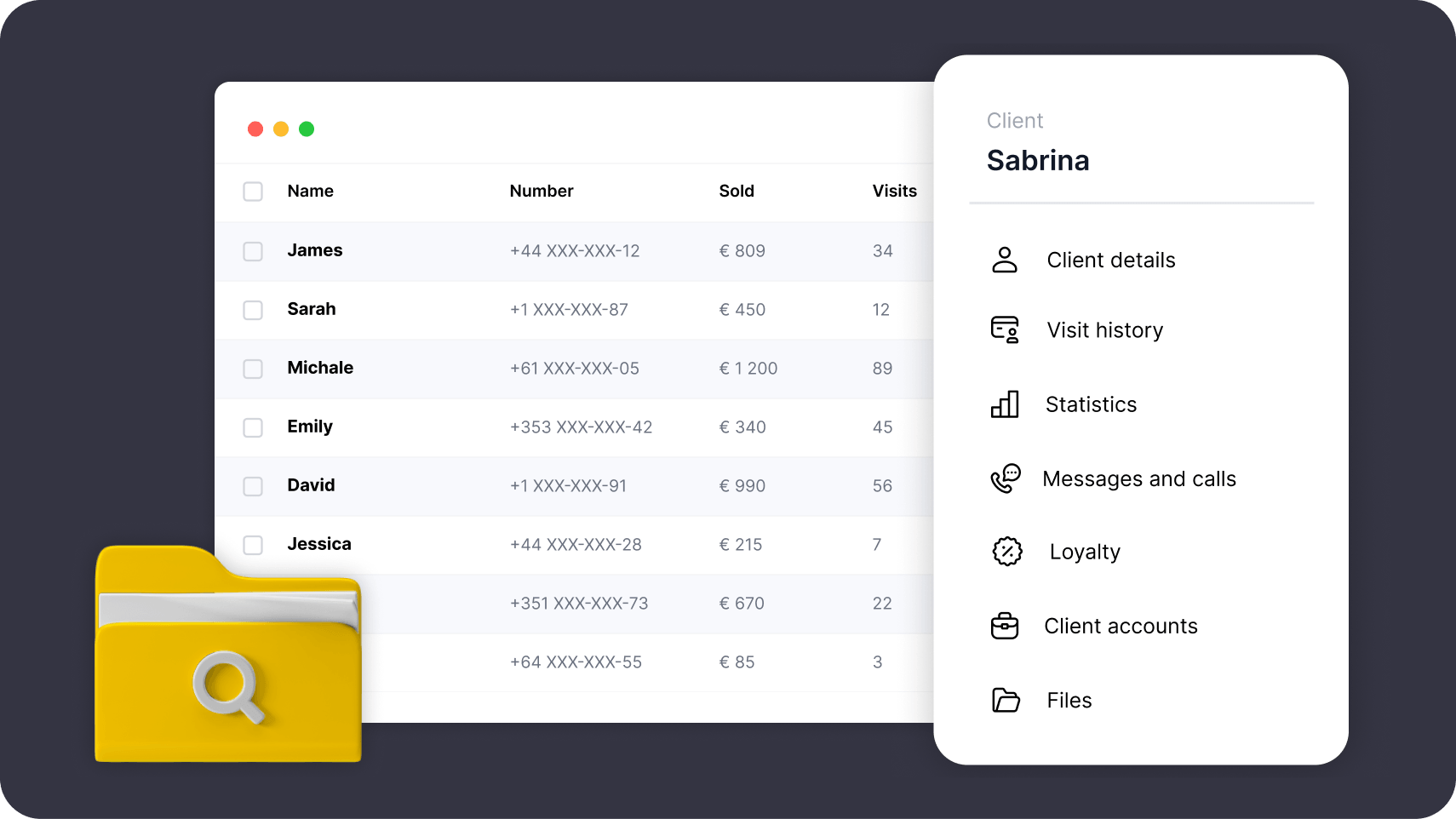
Desktop dashboard showing a client table with names, numbers, and visits; a right-side Sabrina profile panel with menu items and a yellow folder icon bottom left.

14,000+

businesses in 90+ countries

5.5 million

appointments a month

4.8

App Store rating

under 3 min

support reply

\ customer review

We came from a service aggregator, where paid promotion takes 50% of the first appointment and the Facebook Pixel and analytics are switched off, so your marketing goes blind. In our first month on Altegio online bookings went up by 20%, and I could finally see which ads work.

\ the problem
01 / 07

A good platform grows your business. A bad one grows on it

Service marketplaces take up to -50% of every first visit, which Altegio never does. The real question is where your marketing budget goes: into a marketplace storefront, where the clients you paid to attract get lost among your competitors’ offers, or into a client base of your own in the Altegio CRM

Do you face these issues too?

Appointments pile up cancelled, rebooked and moved, with no way to track them by hand

You can’t tell which ads bring clients and pay off, and which just burn money

Your client base lives in a notebook, a spreadsheet or a phone, not one system

You don’t own your client base: the contacts and the visit history aren’t yours

No per-client history builds up: when they came, what they bought, what they like, when to follow up

Lapsed clients vanish, and nothing gathers the ones gone a month or two to win them back

What if one tool helped you manage the clients, all the appointments and the loyalty program, run the payroll, and see which marketing actually pays off?

A service business owner weighing where to spend her marketing budget
\ client card
02 / 07

You see who you are giving the slot to

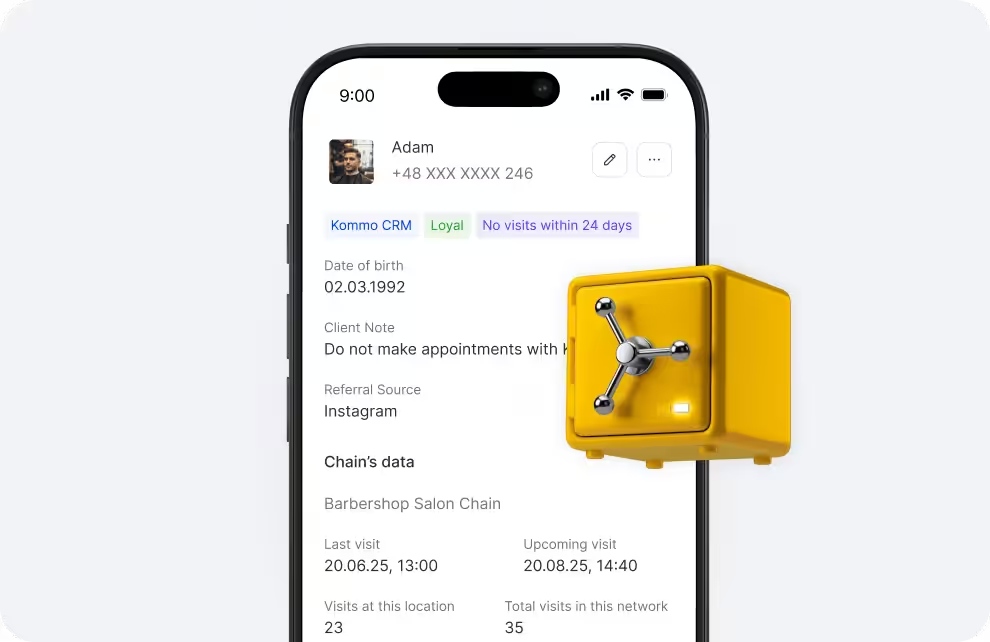
Open the card – the whole relationship is on one screen, straight from the client database: every visit, every payment, every note your team left. And whether this one has cancelled an hour before

Visits, purchases, balances. Total spend, average bill, last visit, what is owed or prepaid – enough to decide on the spot whether to confirm the slot or ask for a prepayment first

No-shows stay on the record. A visit closed as a no-show stays in the history. Before you hand over Friday evening, you can see the pattern – and ask for a prepayment

The record itself lives in the client base. Fields, files, categories, segments and export are on the Client base page – here you read what they add up to: who to expect, who to bring back, and who to ask for a prepayment

Smartphone screen shows Adam’s contact profile with badges, notes, and visit data; a yellow safe sits over the right edge of the screen.

Every message in one timeline. SMS, email, push, WhatsApp and calls, each with channel, status and time. Nobody has to guess what the client was already told

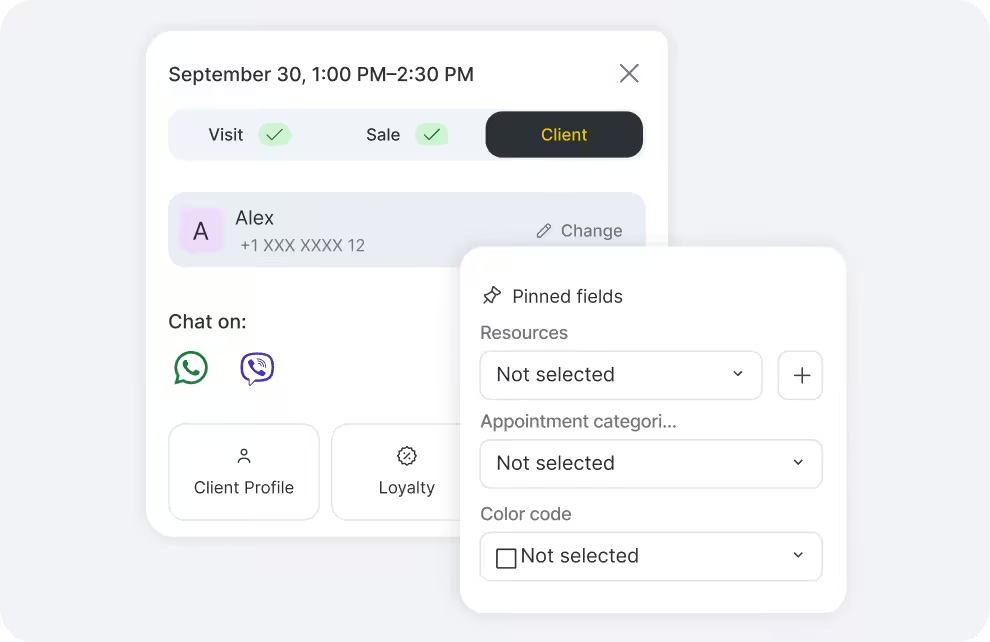
WhatsApp in one click. The green button opens the chat with that client. Your own number keeps working through the WhatsApp Coexistence integration

Do you want to know more about client base management?

See the client base page
Dashboard UI showing a schedule card with date and time, status pills (Visit, Sale, Client), and a client row labeled Alex with avatar and contact options.
\ bringing clients back
03 / 07

Which new clients never came back?

A third of the businesses that start with Altegio come for exactly this: getting clients to come back. Retention starts with knowing who did not return: the base sorts itself into new, returning and lost, and the invitations go out without anyone remembering to send them

01

The Lost tab answers the question

Ready-made tabs sort the base on their own: new, returning, lost, and clients whose membership is running out. You set how long a gap makes a client lost, so the list of new clients who never came back is always one click away

02

Win-back nobody has to remember

When a client has not booked within the period you set and has nothing upcoming, Altegio invites them back on its own. The same engine warns clients before a membership or a discount expires, so they use what they already paid for

03

Birthdays and reviews after the visit

A birthday greeting goes out a week ahead with an optional discount or bonus, and a review request follows the visit by itself. Those reviews then show up in Online Booking while a new client is choosing which team member to book

swipe through the cycle →

\ reminders and notifications
04 / 07

Every message goes out on its own, in your name

Confirmations, reminders, review requests and birthday greetings go out by themselves, in your name and through the channels your clients already use. What each message says, when it leaves and what it costs is set up once, on the Notifications page

Messages app icon

Your Brand Name

Hey Mary! Don’t forget about your appointment on the 14th March

Messages app icon

Your Brand Name

Hi Mary! Your appointment on the 14th March at 11:00 is confirmed.

Messages app icon

Your Brand Name

Hi Mary! How was your visit? Leave a review – it takes a minute.

Messages app icon

Your Brand Name

Happy birthday, Mary! A gift is waiting at your next visit.

\ visit discipline
05 / 07

Cancelled an hour before? Next time, prepayment first

The history in the client card is what makes the rule fair: you can see who keeps dropping out at the last minute, and only they get asked to pay in advance. New clients, everyone, or just the ones with an outstanding balance – you decide. And for the one client you no longer want to see, a checkbox in the card blocks online booking altogether

01

Prepayment before the slot is confirmed

Ask for part of the price or the whole amount on the bookings it hurts to lose. The slot is confirmed only once the payment goes through, so peak hours, premium team members and your most expensive services stop being free to hold

02

A cancellation window that holds

Decide how late a client may move or cancel their own visit – twelve hours, twenty-four, whatever your calendar can absorb. After that the change goes through your reception, not through the booking widget, and the slot is not lost silently

03

A late-cancellation fee that charges itself

When someone cancels too close to the visit, the fee is taken from the deposit or the saved card – no awkward conversation at the desk. Choose who the rule covers: everyone, new clients only, existing clients only, or the ones with an outstanding balance

Start your 7-day free trial

Onboarding with an expert included. No credit card needed

\ loyalty
06 / 07

Loyalty ties the client to your brand, not to one team member or the platform

Discounts, cashback, memberships, gift cards and a referral programme run on the same base and carry your name. In a chain they can work across every location, so a card earned downtown is spent uptown – and when a favourite team member moves on, the reason to come back stays with you

Make every client loyal

Start Altegio CRM on your own base: free migration with an expert, seven days of everything, no credit card. And if it does not fit, you export your clients and walk away with them

\ faq
07 / 07

CRM questions service businesses ask us

The questions that come up in chat long before anyone asks about the price

Is Altegio a sales CRM with deals and funnels?

No, and the difference is worth stating plainly. Altegio is the back office of a business that sells booked time: clients, visits, history, money, team – service CRM software, not a sales pipeline. There are no deal stages and no long B2B pipelines here. If you run those, connect your sales CRM through our REST API and webhooks

How is a CRM for service businesses different from a regular one?

A regular CRM walks one deal through stages until somebody signs. Client management software for a service business works differently – the relationship is a series of visits: the appointment calendar creates the record, the client card collects the history, and the result you measure is not a closed deal but the next visit they book

Which businesses is Altegio CRM for?

By size: from a solo master to a salon, a clinic, a franchise or a chain of dozens of locations on one base. By trade: anyone who sells booked time – beauty and barbering, spa and wellness, medical and dental, aesthetic medicine, auto service, tutoring, sports, pet care, private practice

How does managing client relationships actually work?

Three things running quietly inside one CRM. The client card keeps preferences, notes and the whole visit history. Notifications confirm the booking, remind before the visit and ask for a review after it. Loyalty – discounts, cashback, memberships, gift cards – gives a reason to come back to you

How is the client base protected under local law?

Customer data sits in your own account on EU servers. Access is granular by role and location, consent is collected in the booking form, any client can be excluded from promotions, and records can be exported or deleted on request. National rules on messaging differ, so keep your lawyer in the loop

Can I connect AI tools to Altegio CRM?

Yes. Ready-made AI receptionists from independent vendors sit in Integrations: they answer clients in messengers around the clock and create, move or cancel appointments straight in your calendar, on the vendor’s own subscription. For anything you build yourself, the REST API and webhooks are open