

Booking
Appointment created via
Online Booking
Appointment created by receptionist
Client phone number verification

Clients forget, slots go empty, and you decide something has to change. Altegio helps you regain control and reminds clients by email, push, SMS or WhatsApp. Email and push are free
Onboarding with an expert included. No credit card needed


Messages
Hey Mary! Don’t forget about your appointment on the 14th March
14,000+
businesses in 90+ countries
5.5 million
appointments a month
4.8
App Store rating
under 3 min
support reply
17 notification types for clients, each tied to a real moment in the visit. Nothing is sent at random: every message has its trigger in the appointment itself
Appointment created by receptionist
Client phone number verification
Appointment confirmation
Confirmation request
Appointment reminder
Appointment changes
Appointment cancellation
Review request
Invitation for a follow-up visit
Notification with a payment link
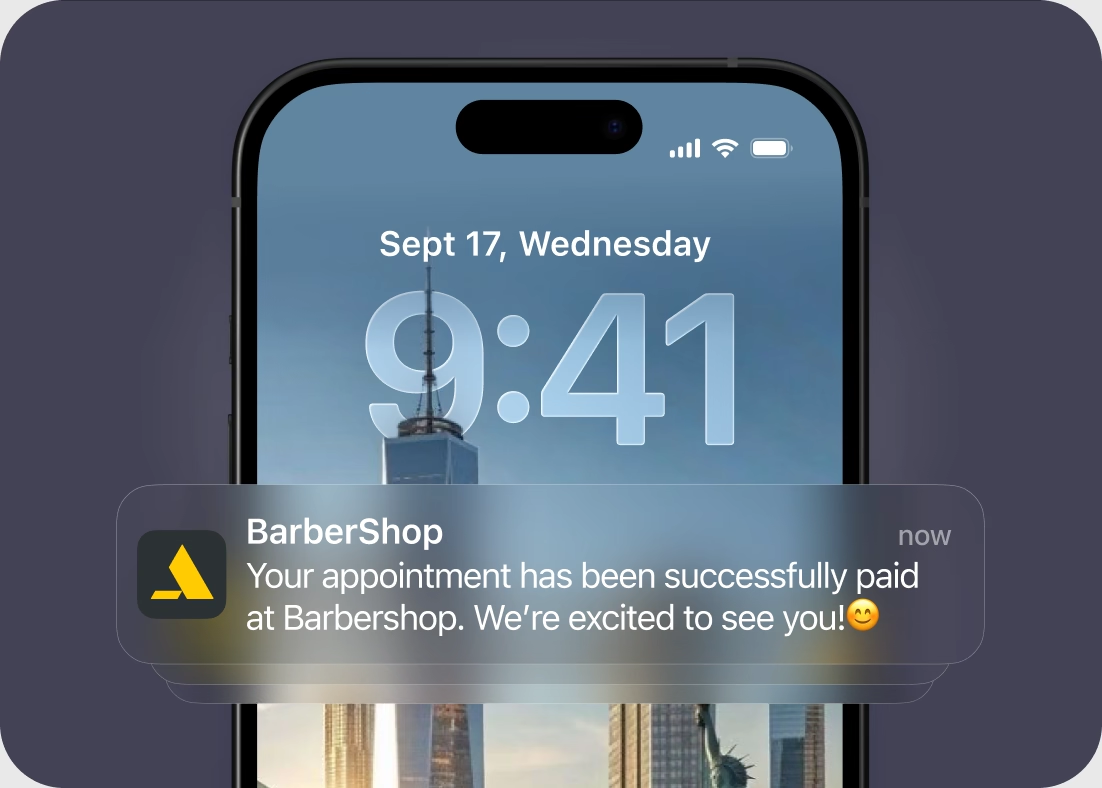
Successful online payment
Cancellation by the “Client didn’t show up” status
Invitation to book again
Birthday greeting
New discount
Discount expiration
swipe through the visit →
Every message reads like yours, carries your name, and arrives when you decided
Send a reminder anywhere from one hour to a full day before the visit: any hour from one to six on the day itself, or in three-hour steps from 9 to 24 hours ahead. Many businesses run two: an email a day ahead and an SMS two hours before
In the booking widget clients pick the reminder time that suits them, or turn reminders off completely. You can also override the time inside a single appointment, or turn off a channel for that one client
Every notification type has its own template, and every channel inside it has its own text: short for SMS, longer for email. Check the result in a preview with test data
Messages go out under your business name, not ours: for SMS the sender name is registered with the mobile operators, and on a branded app the push carries your own icon. 22 variables pull in the client’s name, date and time, services, team member, address, discount and links
The honest answer to “is this included or do I pay extra?”, channel by channel
Channel
What it needs
Cost
nothing, it is built in
free
Push in Altegio.me
the client has the free Altegio.me app
free
Push in your branded app
branded app is charged separately
free
Push for your team
the Altegio Business Management mobile app
free
SMS
an SMS aggregator connected in Integrations
paid at the operator’s rates
WhatsApp from an Altegio number
the Altegio notification sender, with a topped-up balance
paid per message
WhatsApp from your own number
the WhatsApp Coexistence integration
Meta’s WhatsApp Business Platform rates
Viber, voice and other messengers
a chat-bot integration from the Marketplace
depends on the provider
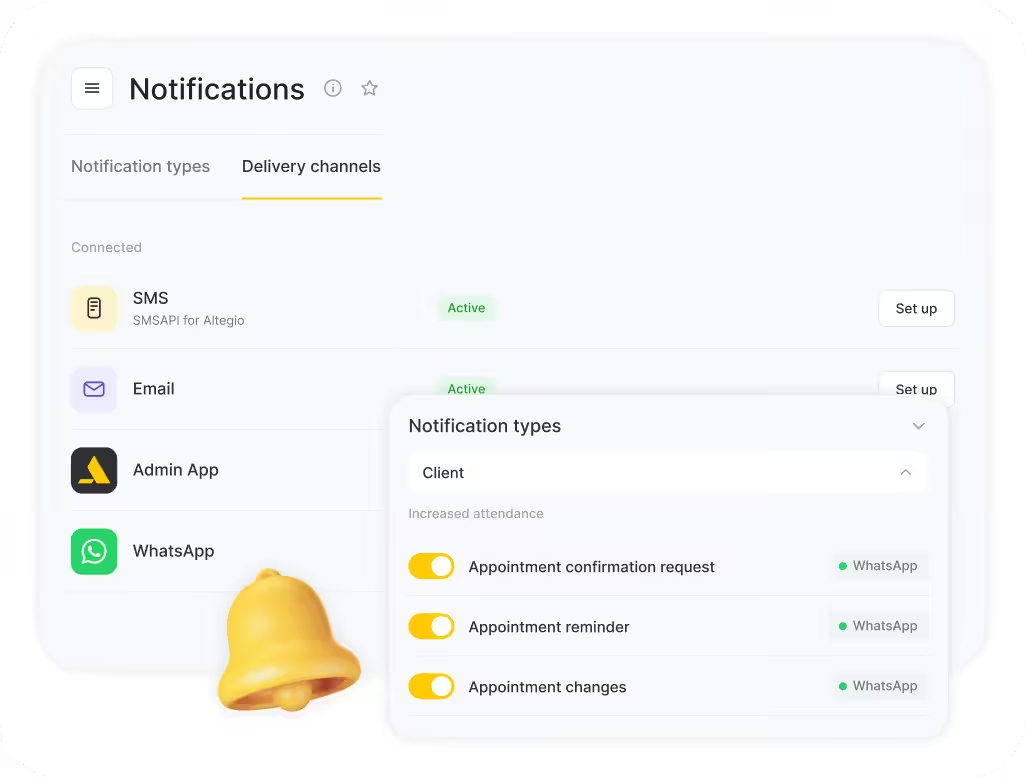
For every notification type you choose your own delivery order across the channels. Email is checked first, then the system follows the order you set for the rest
For SMS and the branded app there is a third scenario besides on and off: send only when delivery on the previous channel failed
Clients without the app still get their reminder, and you are not paying for an SMS to someone who already read the push
A reminder tells the client. A confirmation tells you: your receptionist opens the calendar in the morning already knowing which appointments are confirmed and which slots are still uncertain
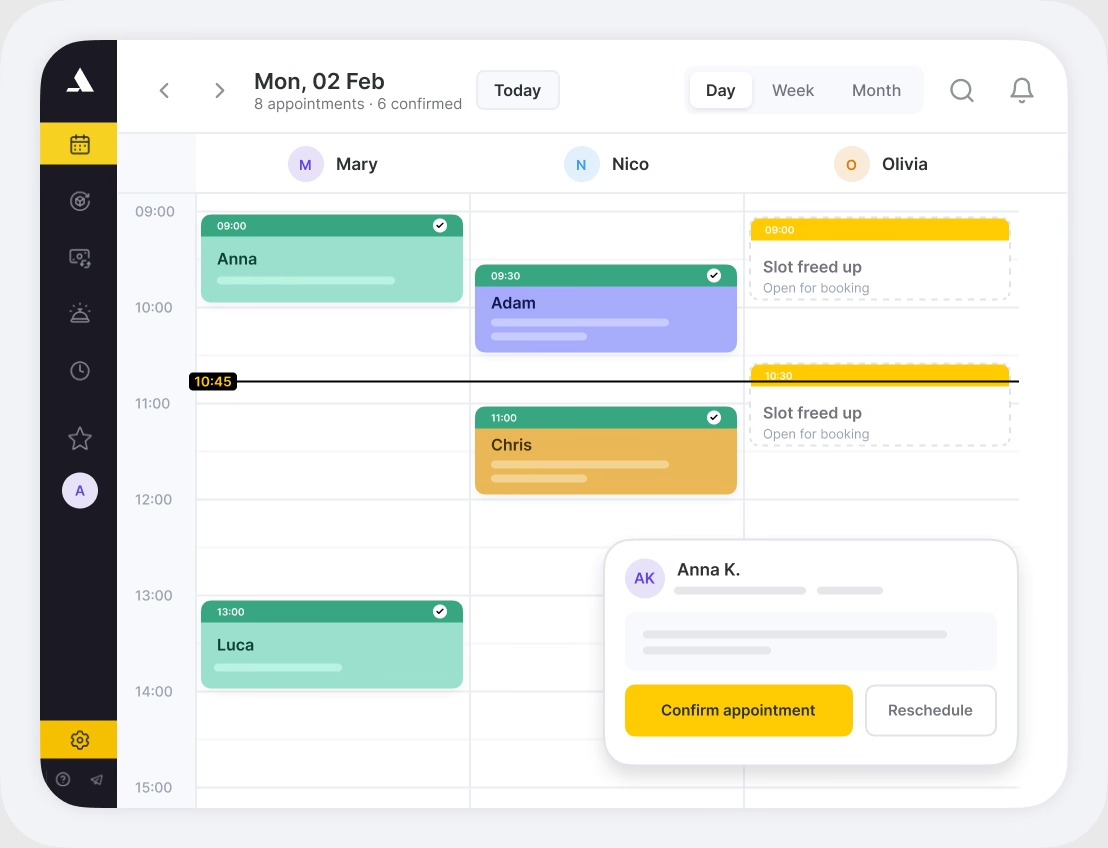
One tap to confirm. The confirmation request carries a Confirm appointment button: no login, nothing to install. The visit status changes to confirmed on its own
Cancel and reschedule without a phone call. A link to the appointment details lets the client move the visit themselves, and the slot frees up in your calendar
A second chance for no-shows. Clients who did not show up get a separate invitation to book again, so a missed visit turns into a second attempt
Reminders and confirmation requests on email and push cost nothing per message
A review request 1 to 30 minutes, or up to 24 hours, after the visit status becomes Arrived
An invitation to book again, with separate wording for clients who simply have not returned and for those who missed their last appointment
A birthday greeting
A new discount, and a warning before a discount expires
Send a one-off message to a group of clients or your whole client list over SMS or messengers
Build the list with filters in Clients > All Clients: visits, total sales, client categories, team member
Or use the ready-made New, Returning and Lost filters, where you decide how long a gap makes a client lost
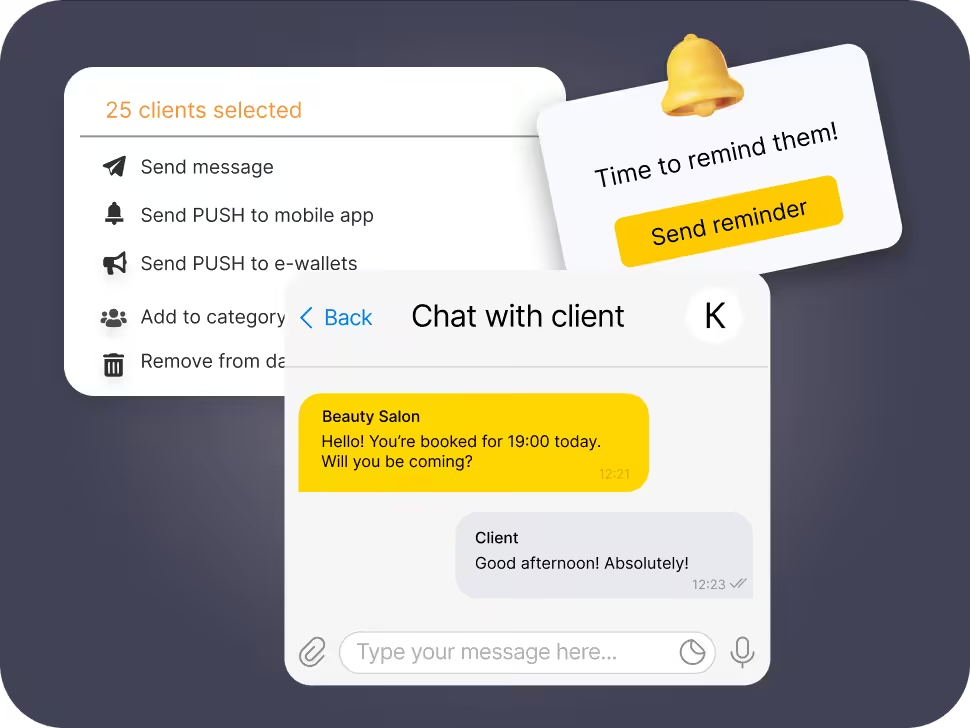
Whichever way you send them, mass mailings go out over SMS or messengers: neither email nor the Altegio Business Management mobile app can deliver them
Client reminders are half the job. The other half is your team knowing what changed: notifications reach them as push in the Altegio Business Management mobile app, by email or right in the browser, and each team member picks their own push in the app
A new appointment made by a client
An appointment deleted through Online Booking
A reschedule
A work schedule that is about to run out
A new appointment
A deleted appointment
A reschedule
A visit closed with the No-show status
You always know what was sent, to whom, and whether it arrived. That log is also how you audit the cost of SMS: you see how many messages a scenario generates before you scale it to every location
Filters and export by period, type, status and channel, with search by phone number and export to Excel
Per-client history in every client card, so before a call your receptionist sees what the client was already told and when
Altegio’s own notifications are one-way by design. If you also want someone to answer, connect a ready-made AI receptionist from an independent vendor: it picks up the conversation your reminder started and works through your calendar
You choose the assistant: several independent vendors are available in Integrations, each with its own supported messengers, its own subscription and its own free trial, billed by the vendor rather than added to your Altegio plan
Replies to clients in WhatsApp and other messengers around the clock, weekends and holidays included, and answers the usual questions about services, prices and opening hours
Detects the language a client writes in and answers in that language
Creates, confirms, reschedules and cancels appointments through the integration, straight in your appointment calendar, based on your real schedule, services and prices
Hands the conversation to a human when a request falls outside what it can settle, so a complicated case still reaches your receptionist
Connecting it needs no developer: you authorize the integration and the assistant starts working from your calendar
The loop then closes without your team: Altegio sends the reminder, the client asks for Friday, and the assistant moves the visit
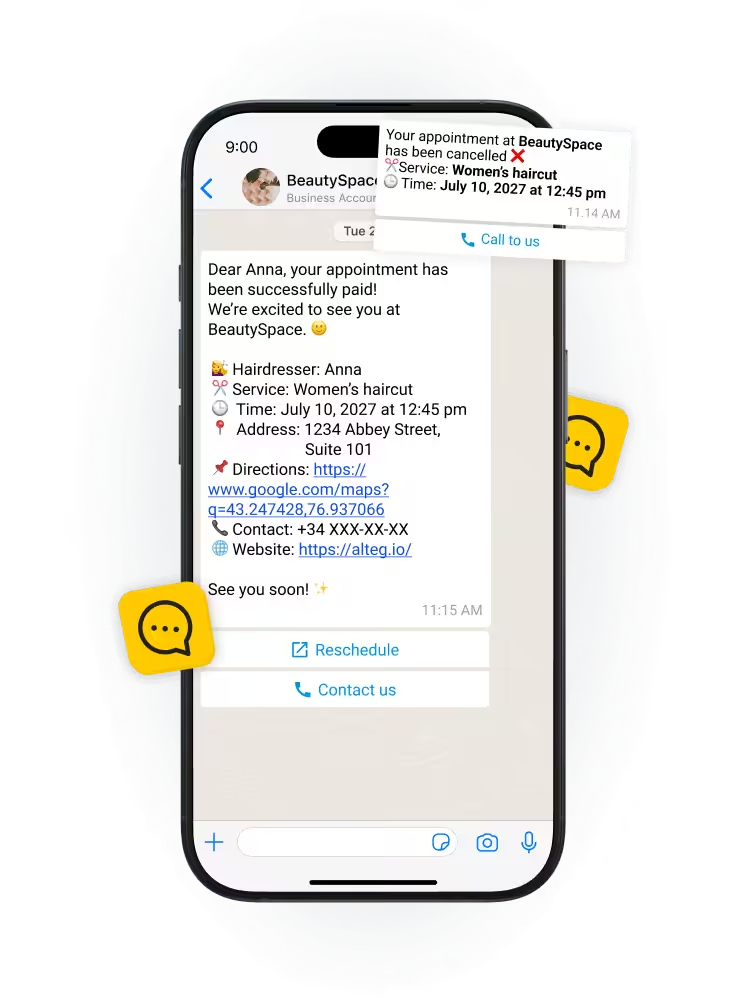
Four steps in Administration mode > Notifications, no developer needed. Most businesses start with email and push on reminders and confirmations, then add SMS for the appointments where a missed visit costs the most
In Administration mode > Notifications, open Notification types and enable the events you want: reminder, confirmation request, review request, birthday greeting
For each type, set the order and the scenario per channel: always send, do not send, or send only if the previous channel failed
Every type arrives with a ready template. Adjust the text per channel, insert variables, check the preview and save
SMS aggregators, WhatsApp and messenger bots are connected in Integrations. Email and push work straight away
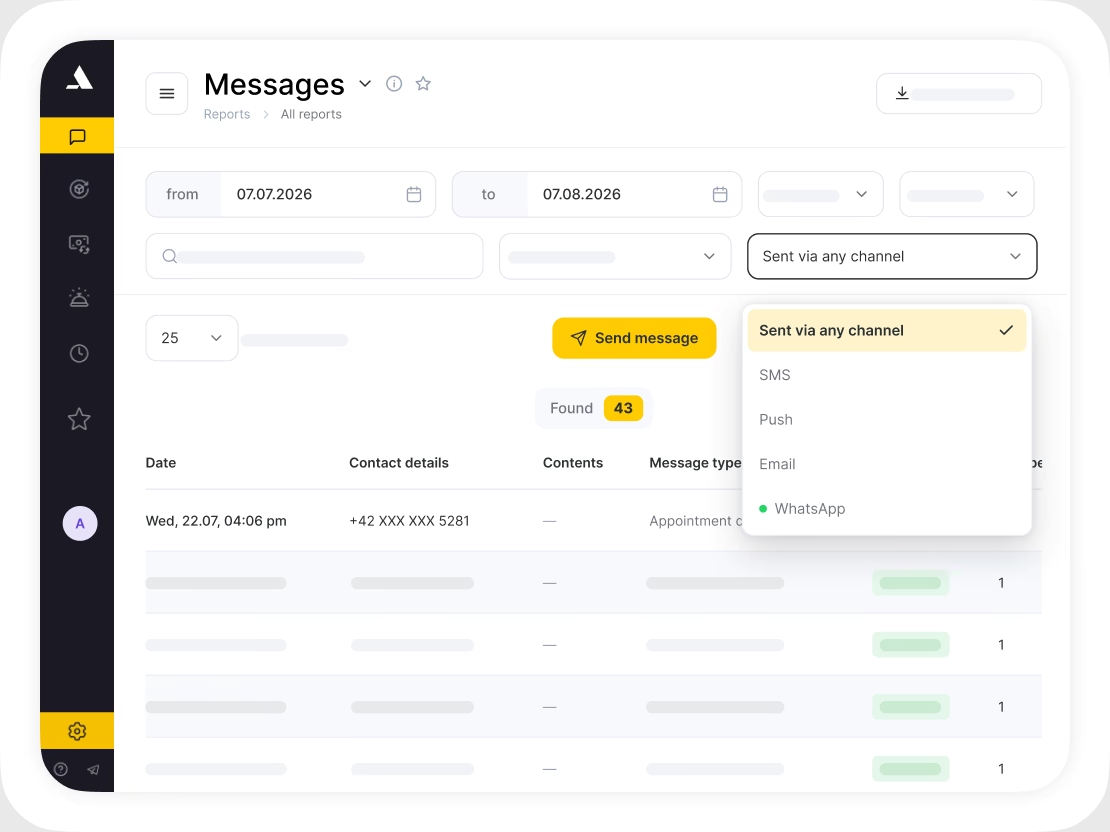
Email and push reminders work from day one, with no messaging budget needed. An Altegio expert sets the rest up with you
The questions business owners ask us most often before switching notifications on
Yes. Across Altegio clients, automated reminders together with prepayments reduce no-shows by an average of 30%. Reminders and confirmation requests remove the two reasons a slot goes empty. A reminder stops the client from forgetting, and a confirmation request tells you a day ahead which appointments are not confirmed, so a receptionist can call or release the slot while there is still time to fill it
The messages do not accept replies themselves, though the confirmation request lets a client confirm or reschedule in one tap. For a real conversation, connect a third-party AI receptionist: it answers in messengers around the clock and moves the visit in your calendar
Yes. The Altegio notification sender delivers reminders, offers, birthday greetings and review requests through WhatsApp Business from an official Altegio number. Those messages are one-way, they run on paid subscriptions and are not included in the free trial, and the balance is topped up per location
Yes, through the WhatsApp Coexistence integration. Your number keeps working in the WhatsApp Business app for manual replies while Altegio sends the automated messages on the same number and chat history, and you pay Meta’s WhatsApp Business Platform rates for those messages
Yes. Any client can be excluded from marketing campaigns in their client card, and reminders and confirmations about their own appointments keep working. An opt-out route is what the rules ask of you as the sender, so it is worth setting up before the first campaign
Notifications work off the same client records, calendar and reports as the rest of the platform
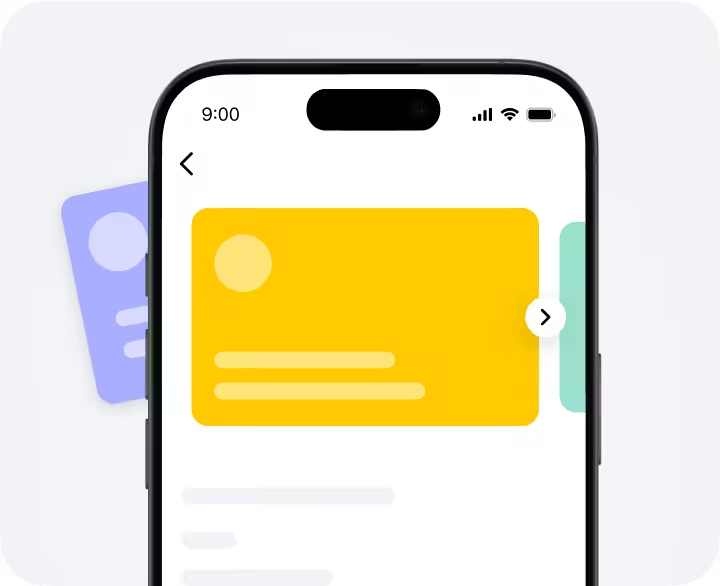
Bonuses, discounts, memberships and gift cards that bring clients back, under your own brand
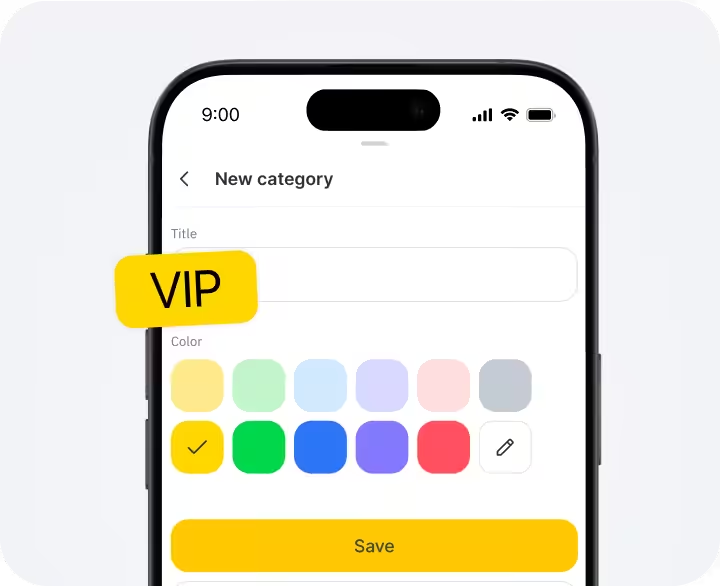
Every visit, payment and message in one client card, with filters that turn the base into segments
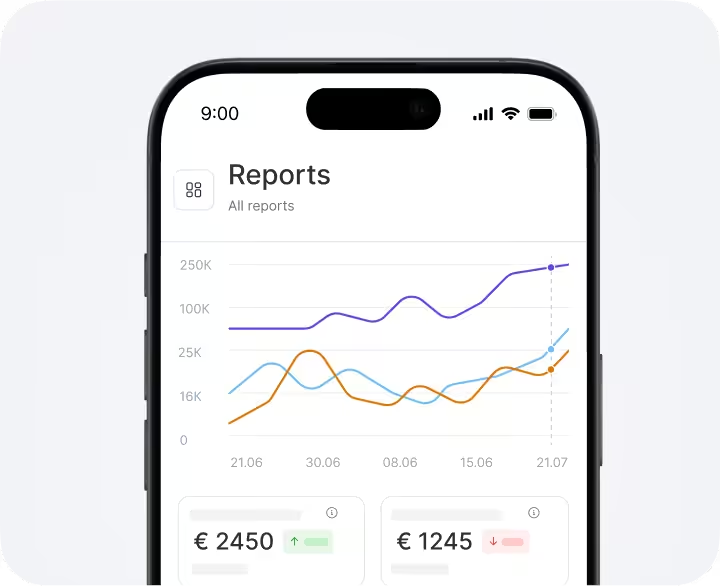
Revenue, occupancy and retention on one screen, so you see what the reminders actually change