

01
Quick search, without leaving the schedule
Type a name or a phone number into the quick search in the Appointment Calendar and the client’s profile opens right there, category next to the name, with no detour through the client list

Altegio runs your whole service business in one system: team schedules, clients, payroll, loyalty program and inventory. Each client has a detailed visit history and the notes your team needs for a better service
7 days free · no credit card · free migration
14,000+
businesses run on Altegio
4.8 out of 5
8,474 reviews
Free migration
we move your base for you
United client base
new vs returning, counted right
Know each client’s preferences for a better service
Visit history. Every appointment the client has had, with the services, the team member and the amount paid – all of it on one client profile
Contacts and dates. Phone, email and birthday – enough to reach them, and to build a birthday list later
Notes your team writes. The color formula, the regrowth, the products used, the name of the dog the client mentions every time
Files and custom fields. A signed intake form on the profile, and custom fields for the client details your industry needs
The message history sits on the same profile, so nobody has to guess whether the reminder went out
A receptionist opens the schedule in the morning and works from it until closing – so that is where everything about the client has to be
01
Type a name or a phone number into the quick search in the Appointment Calendar and the client’s profile opens right there, category next to the name, with no detour through the client list
02
Open the appointment and everything you need is right next to it: add a service, take the payment, leave a note, rebook the next visit – without hopping between tabs
03
From the mobile app you dial the client or open a WhatsApp chat with them in one tap, without leaving the app or copying the number anywhere
The calendar shows who is coming before they arrive – new, regular, VIP or a category you named yourself – so whoever is on the desk can get ready instead of reacting
What the client owes, what they prepaid and what their memberships cover
What they have spent. Total amount spent and total paid, next to the number of visits
What they owe or have prepaid. One figure covers the deposit they paid in advance and the balance they still owe, so the desk knows before it takes the next payment
What their memberships cover. Every membership, gift card and loyalty card issued to them, with the current status
A deposit or card guarantee from first-time clients only. The payment policy can ask clients who are not yet in your base for a deposit or a card guarantee, while regulars keep booking as before. It is set up in Finances
Where those balances come from – cards, memberships, the discount rules behind them – is the Loyalty Program
Being found is free – search, maps, social. The base is what turns that first visit into a second one, which is precisely what a catalog takes away from you

The platform sells you automation and promotes its own brand with it. Your client opens the app to book with you and sees the businesses around you, with a discount badge on top

Clients book through a link that belongs to you, and every booking made through it is yours: no catalog of competitors in the middle, and no commission on a repeat visit
Your own channel is a client app: Altegio.me free out of the box, or a fully branded app under your name on the App Store and Google Play – each client opens it to their own visit history, balance and cards, and every booking made through it lands straight in your base
Two ways in, and neither of them is retyping: the base collects the history as the receptionist works, or on its own if you have an AI assistant connected from the Marketplace
01
A client who books online appears in your client database automatically, and their visit history starts from that first appointment
02
Send us your list and our team migrates it for you, free of charge – how the migration works. Or import the spreadsheet yourself: your columns map onto Altegio fields, and Name and Phone are the only ones required
A new client wrote to you first in a messenger? The contact is saved automatically, so that client is in the base before the first visit even happens
Combine conditions and save the filter – any slice of the base is one saved segment away, ready to export or message. Client categories turn a slice into a permanent label your team sees before the visit starts
Find clients who:
Have not booked this month – your win-back list
Did not turn up for their last appointment
Have a given number of visits behind them
Have a birthday in the period you choose
Bought a specific membership, or have not used it yet
Hold a membership that has expired, or one that is frozen
Have the Altegio.me client app installed
Stack two conditions with And or Or, then save the segment and reuse it next month. The list shows phone and email next to total spend and visit count, so your best clients are visible without running a report
This is also how you spot the ones who stopped coming: the quiet period that counts as churn is yours to set, and the filter hands you the list – ready to label, export or hand to a win-back message
01
VIP, regular, new, needs a deposit – the label shows on the profile and in the Appointment Calendar, so the desk knows who is walking in
02
Loyalty Program rules automatically move clients into a category by what they spend or how often they come, so nobody sorts the base by hand
03
Filter first, then add the whole group to a category in one go instead of opening profiles one at a time
You write the rule, so “important” means what it means in your business: five visits in a barbershop is not five visits in a clinic. Need a blacklist? Name a category yourself: it shows up before they arrive, you can turn off notifications for them, and a tick on the profile stops them booking online
Send messages to the chosen segments – by SMS, through a messenger or as a push to the Altegio.me app
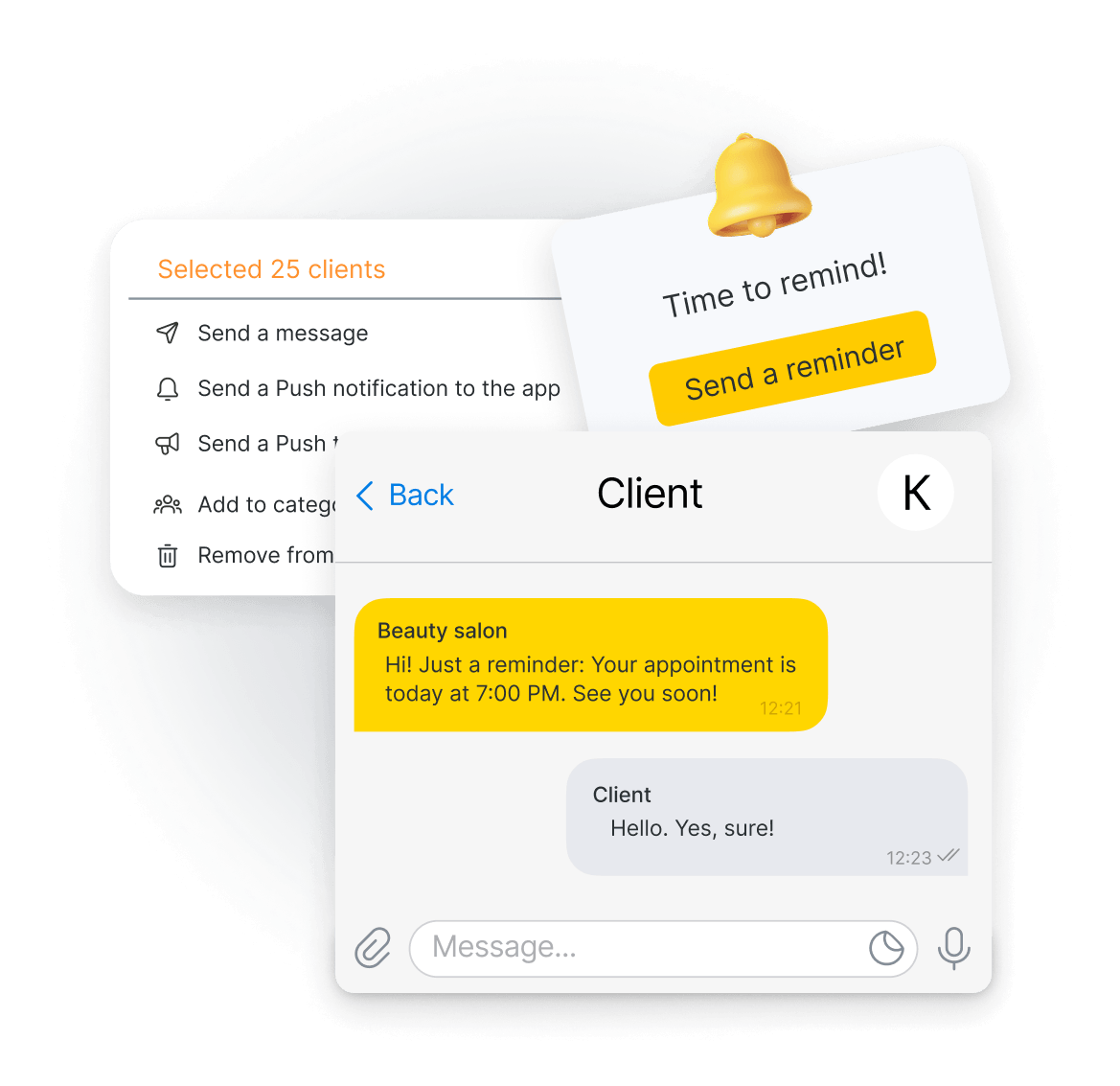
Marketing messages are regulated where you operate, so consent comes first – you collect it in the booking form or on paper. Reminders for a single appointment are a different job: they live in notifications
You set what counts as lost. The reports do the counting
New and returning, side by side. Every visit, client, team member and service turns into reports: how many new clients you had this month, how many came back, and what your return rate looks like
You define what ‘lost’ means. You choose how many days without a visit make a client lost: 60 days means one thing in a nail studio and quite another in a dental clinic
Retention, by the person who earned it. The Client Retention report shows the results of your team’s work with clients, and exports to Excel like everything else
One caveat: the Returning clients indicator counts the whole previous period, not the churn window you set – so a return may be from a month or a year ago
The client base is your business’s asset – take the whole list out to Excel whenever you need it, at one location or across the chain
At one location. Download the whole client list to Excel whenever you want it
Across a chain. With several locations, export the chain-wide base in one go and work with client data for the whole company instead of location by location
From your phone. The mobile app exports the client list straight to your phone or tablet, and imports contacts the other way around
It comes out in the standard Excel format, so it opens anywhere you need it – your accountant, your bank or your own spreadsheet. Who on the team may export it is a permission you set per person, alongside the rest below
Every client who has visited any of your locations sits in one base: one profile, one history and one balance, the same from the desk or the mobile app, with memberships and cards that work across the whole chain. Client data is personal data, so every permission is set per action: a receptionist can book by phone without being able to read – or take – the rest of the base
See phone numbers and emails in the list
See them on the profile
Read and edit notes
Open and upload files
See the custom fields you added
Delete a client
Export the client list
See only the first name and the initial of the last name
Altegio is GDPR compliant: client data is stored and processed under the regulation, and the permissions above are how you keep access inside your own team. Anything you connect through our API reads only the client data you approve
Seven days free, no credit card – your clients, their history and their balances in one place from the first appointment, in a base that nobody can resell
7 days free · no credit card · free migration
The questions the client database gets most often, each answered on its own
Set the quiet period that counts as churn for your business, then filter for everyone with no appointment inside it. The base hands back the list with names and phone numbers, ready to message or to take away as a file
Duplicates are best prevented: search for the client before you create a new profile, and the base shows you their recent appointments. If two already exist, there is no automatic merge, but you can combine them by hand: move the visits to the profile you keep and remove the other – step by step
Yes. A bulk message goes to that group or to your entire client database: by SMS, through a connected messenger, or as a push to whoever uses the app. Email is not one of the channels for bulk messages, though reminders for a single appointment can go by email. An SMS provider has to be connected first – you sign with one of our partners
Marketing messages need the client’s consent, and the rules depend on where you operate. You collect it in the booking form or on paper. If they change their mind later, you turn their notifications off on the profile
Yes. Every permission is separate: seeing phone numbers in the list, seeing them on the profile, reading notes, opening files, deleting a client, exporting the list. You can also show a team member only the first name and an initial
Yes. Altegio stores and processes client data under GDPR, and gives you the controls that matter day to day: who can see a phone number, who can delete a client and who can export the base are separate permissions
The base is one layer of the platform. These are the parts that write to it and read from it
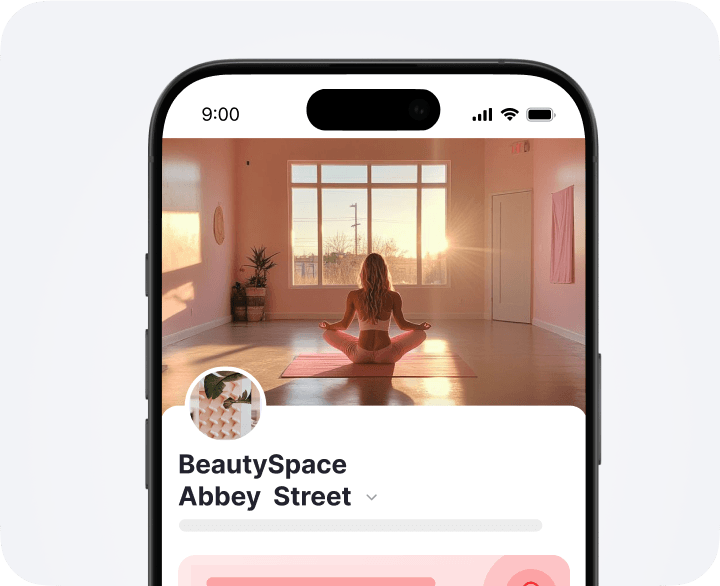
The widget that creates the profile: a client books, and the base has them
Learn more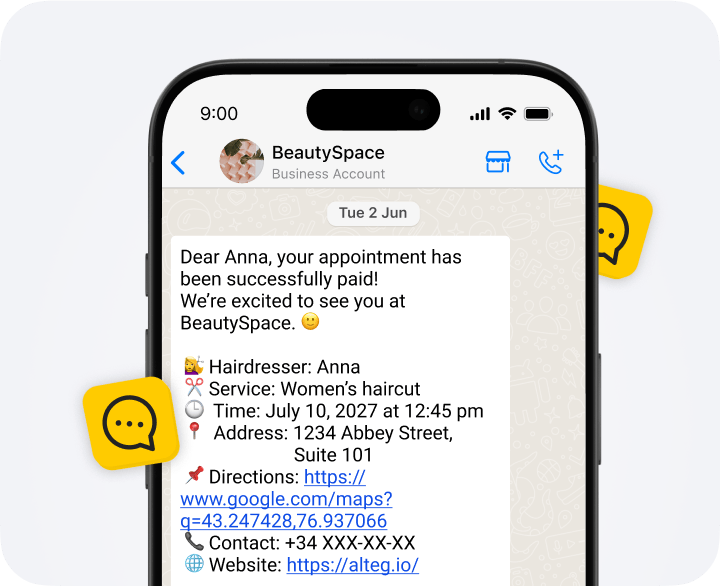
Reminders and confirmations for a single appointment, as opposed to one message to a filtered list
Learn more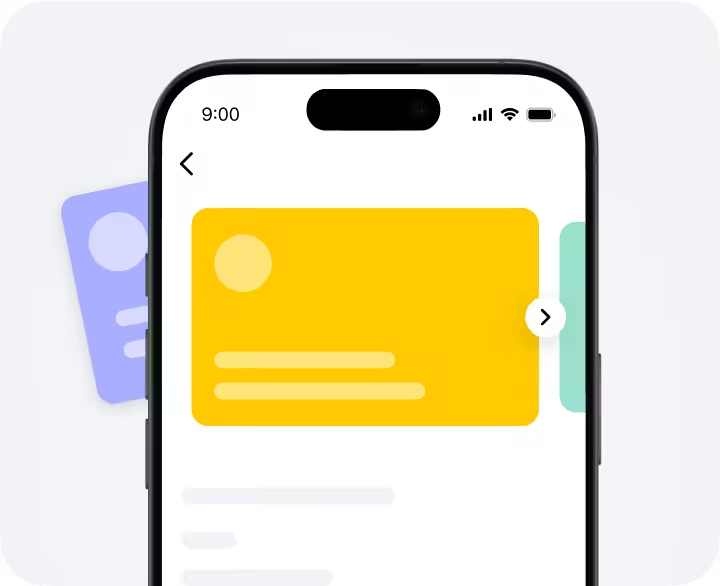
The rules behind the balances, cards and memberships you read on the profile
Learn more