
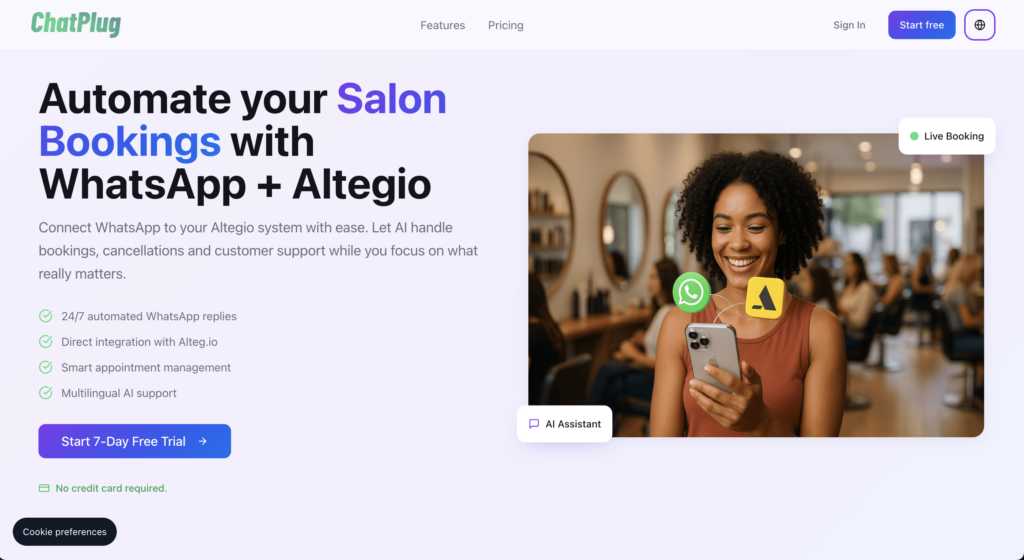
ChatPlug is an AI assistant that connects WhatsApp and Telegram to Altegio and automates customer appointments 24/7. The bot responds to messages on its own and creates, confirms, reschedules, and cancels appointments in Altegio. This allows the team to focus on providing service rather than on messaging.
Developer: IA Operators (ChatPlug). Website: chatplug.iaoperators.com.
What ChatPlug Can Do
- responds to customers on WhatsApp and Telegram 24/7, including weekends and holidays;
- creates, confirms, transfers, and deletes records directly in Altegio;
- synchronizes services, staff, available time slots, and prices;
- determines the customer’s language and responds in that language (Portuguese, English, Spanish, French, Russian, and others);
- answers common questions: prices, address, hours of operation, services;
- For complex inquiries, it transfers the conversation to a live agent;
- displays analytics on posts and performance;
- No limit on the number of messages.
How It Works
- The customer messages on WhatsApp or Telegram.
- ChatPlug understands the request: a command, a transfer, a cancellation, or a question.
- If you need to make a reservation, the bot displays the current schedule from Altegio.
- The customer selects a time, the appointment is confirmed, and you receive a notification.
- If the request is outside the script, the conversation is transferred to a human agent.
Accessibility
The app is available in all countries.
Cost
- Monthly: starting at $19 per month;
- Annual: starting at $169 per year (about a 25% discount);
- Trial period: 7 days, no credit card required;
- Cancel your subscription at any time.
The plan includes unlimited messaging, integration with Altegio, analytics, and email support.
Please check the chatplug.iaoperators.com website for current prices.
How to Connect
- In Altegio, switch to Administration mode.
- Open ” Integrations ” and find ChatPlug in the ” AI Bots ” category or by using the search function.
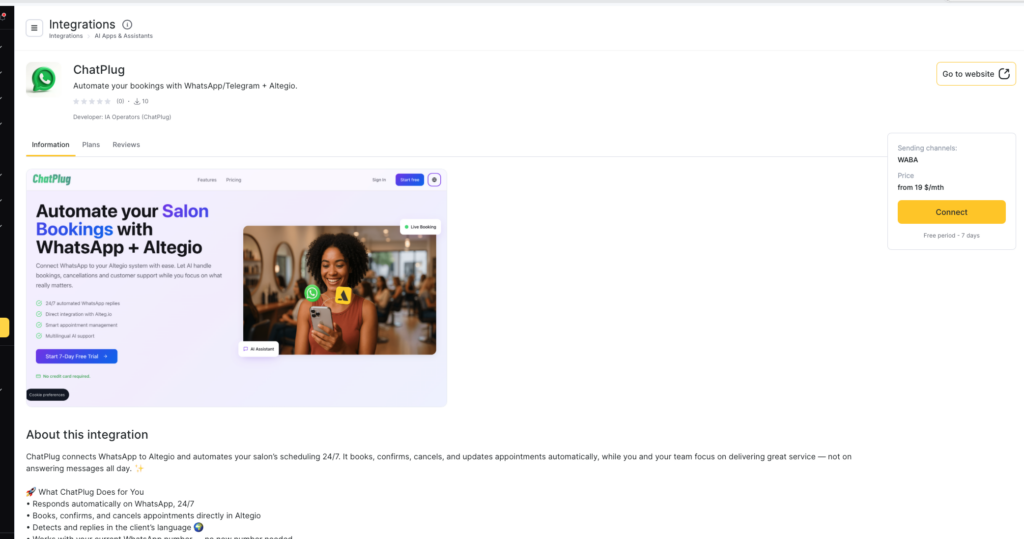
3. You can open the card using a direct link.
4. Click Connect.
5. Connect WhatsApp and/or Telegram and follow the prompts in the service. Setup usually takes up to 10 minutes.
Important Information About Your WhatsApp Number
If you use the official WhatsApp Business Platform (Cloud API), the number becomes active for ChatPlug and cannot be used simultaneously in the WhatsApp or WhatsApp Business app. This is a Meta requirement.
Alternative, unofficial integrations (such as Z-API) may allow the number to continue working within the app, but Meta does not recommend them, as there is a risk of being blocked.
Frequently Asked Questions
Do you need technical knowledge?
No. All you need to do is connect Altegio and the messaging app.
Is there a message limit?
No, there’s no limit on messages.
What if a customer asks for something that isn’t available in Altegio?
The bot will forward the conversation to an employee.
Can I cancel my subscription?
Yes, anytime.
Support
- Website: chatplug.iaoperators.com
- Email: [email protected]