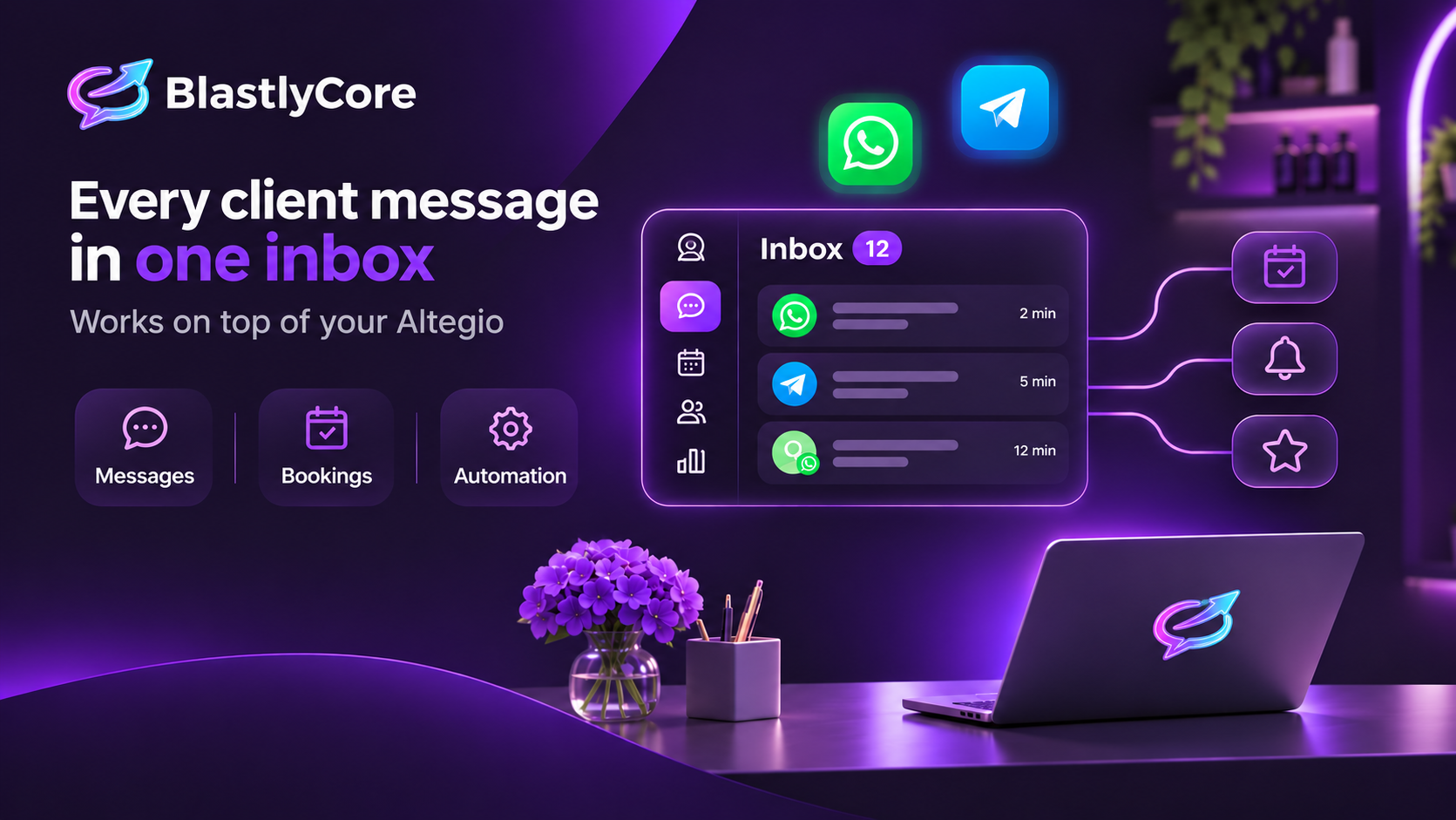
BlastlyCore brings WhatsApp and Telegram conversations into one shared inbox and displays client and visit details from Altegio next to each chat. The service helps teams reply to clients, send notifications, and run messaging campaigns.
Developer and website
Developer: BlastlyCore. Website: blastlycore.com.
What BlastlyCore can do
- Combines WhatsApp and Telegram chats in one inbox. It supports WhatsApp Cloud API and a personal WhatsApp number paired by QR code, as well as a Telegram bot and personal account.
- Routes conversations to operators, lets teams assign an owner, and provides canned replies.
- Displays client visit history, services, and assigned specialist details alongside the chat.
- Sends booking confirmations and visit reminders.
- Supports automated workflows, a scripted chatbot, sales pipelines, and tasks.
- Helps create segmented and bulk campaigns and request reviews after visits.
How it works with Altegio
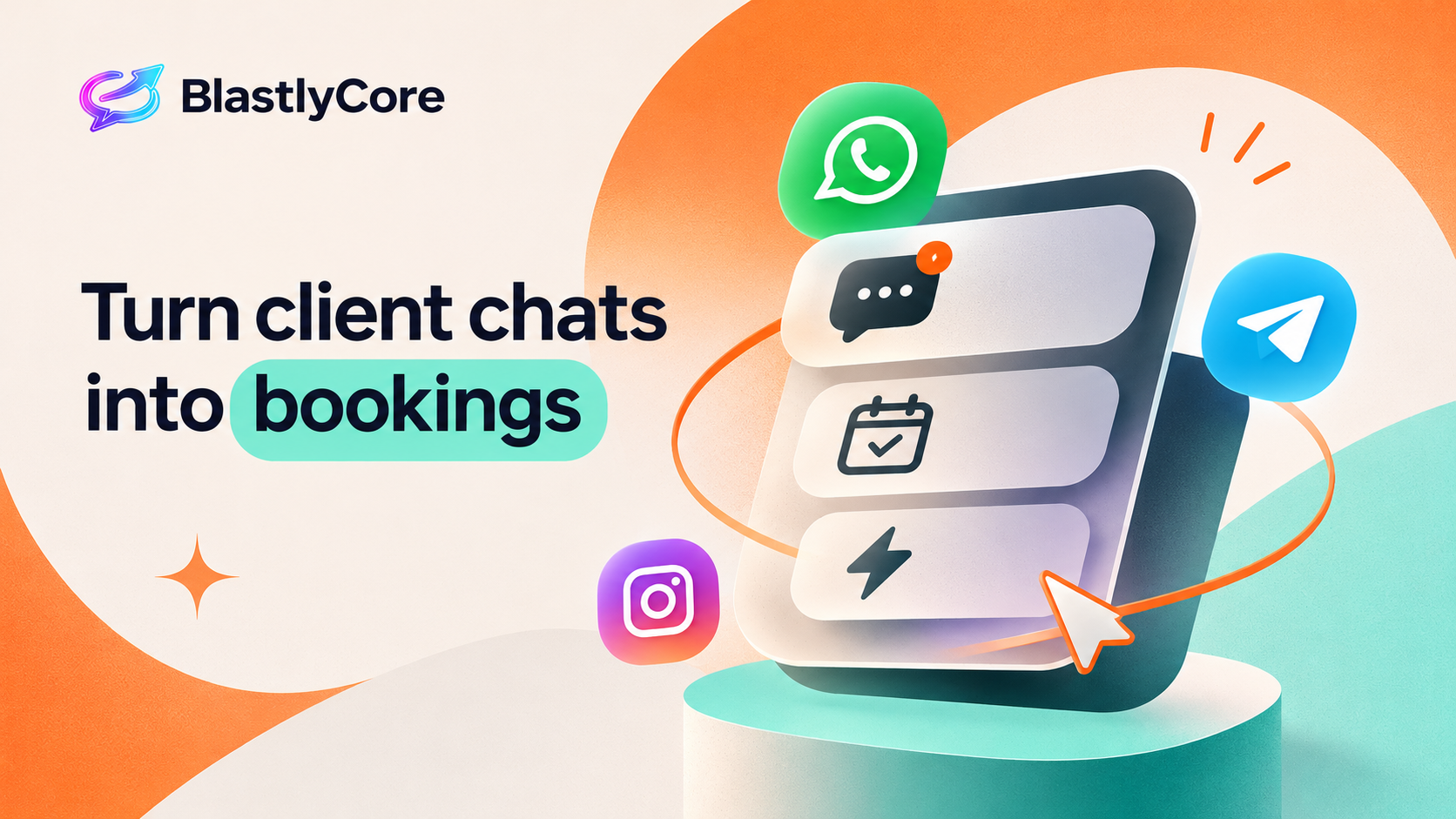
After connection, BlastlyCore receives client, service, staff, and appointment data from Altegio. Incoming messages are matched to clients by phone number. Appointment updates are sent to BlastlyCore and, according to the partner, a full sync runs every night.
The integration has read-only access. BlastlyCore does not create or edit clients or appointments in Altegio. Appointments continue to be managed in Altegio.
Who it is for
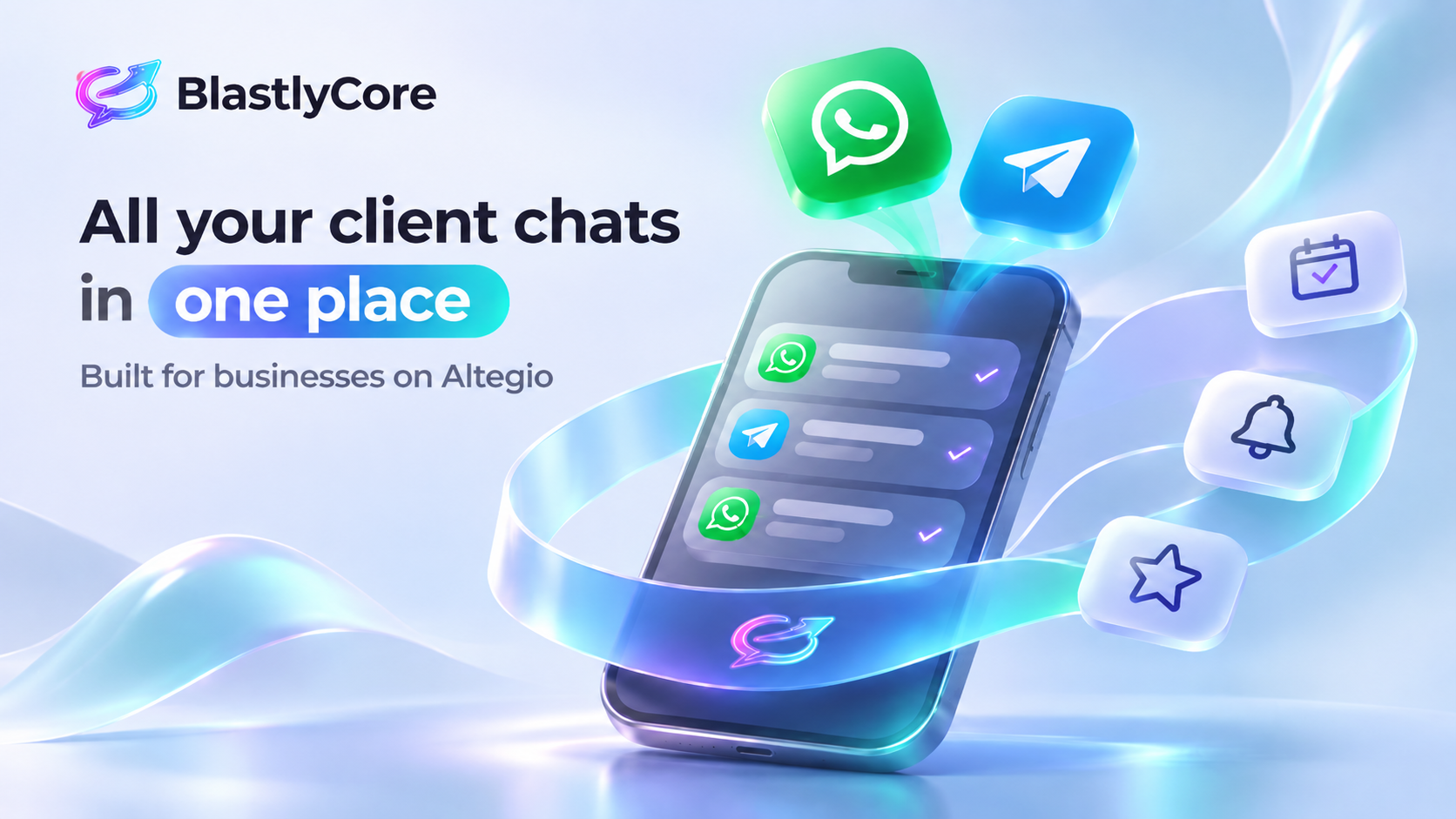
The integration is designed for salons, clinics, and other service businesses that communicate with clients through WhatsApp and Telegram and want to connect conversations with visit history.
How to connect
- Sign in to Altegio as an administrator of the location you want to connect.
- Go to Administration → Integrations and use search to find BlastlyCore.
- Open the BlastlyCore card in the Integration Hub and click Connect.
- On the BlastlyCore page, sign in to an existing account or create a workspace. If you sign in with the Altegio owner’s email, the connection is confirmed automatically. If the email does not match, a confirmation code is sent to the owner’s email address recorded in Altegio.
- Wait for the sync to finish. It may take a few minutes for a large client base.
- In BlastlyCore, connect the channels you need and configure your team.
The confirmation link is valid for one hour. If it expires, reopen the app card in Altegio and start the connection again. You do not need to enter an API key or your Altegio password.
Channels
WhatsApp and Telegram are currently available. The BlastlyCore interface is available in English, Ukrainian, and German.
Availability
The app is available in every country where the Altegio Integration Hub operates.
Pricing
The app card lists a price of $55 per month. Check the BlastlyCore website for current terms and payment options.
Frequently asked questions
What should I do if I do not receive a confirmation code?
Check the location owner’s email address recorded in Altegio, including the spam folder. Request the code again if needed.
Why are clients and appointments not syncing?
The initial sync may take a few minutes. Check the integration status in BlastlyCore settings. If an access error appears, reconnect the app from the Integration Hub.
Why are clients receiving duplicate notifications?
Notifications may be enabled in both Altegio and BlastlyCore. Choose one sending method to prevent duplicates.
How do I disconnect the integration?
Disconnect it in BlastlyCore under Settings → Integrations or from the BlastlyCore app card in Altegio. Syncing and notifications will stop. Data already transferred to BlastlyCore remains in the workspace until deleted.
Support
Website: blastlycore.com
Email: [email protected]
Telegram: t.me/blastlycore
Phone: +380 93 003 87 58
When contacting support, include your Altegio location name and approximately when the issue started.