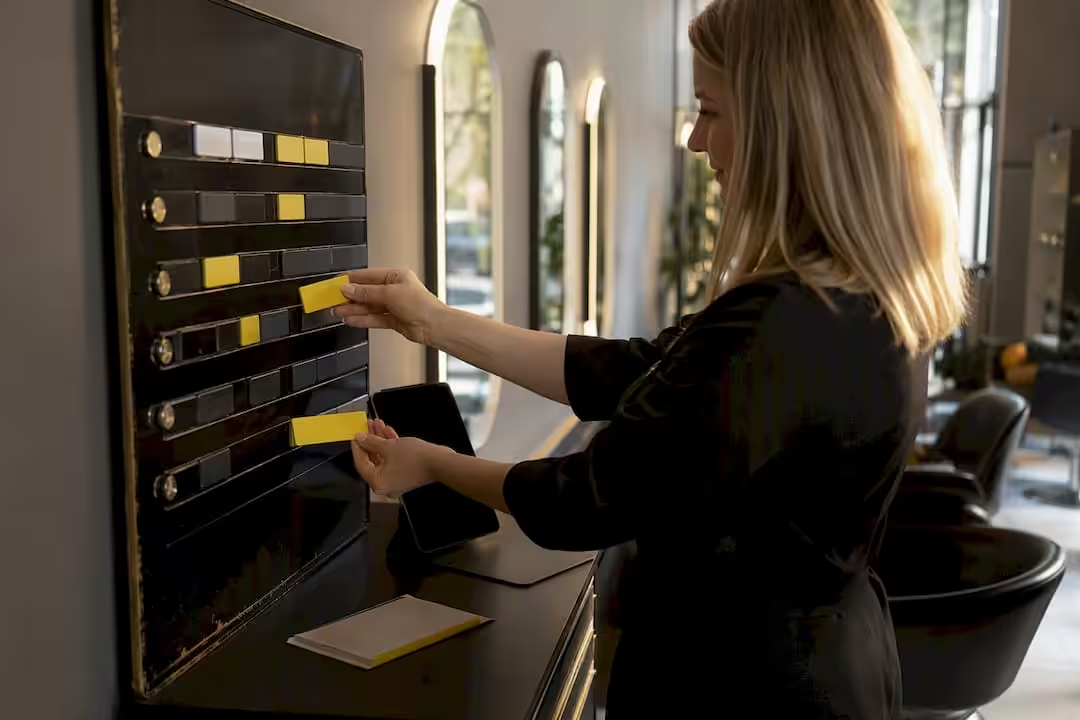
The quickest way to raise stylist utilization is to measure it every week, for each stylist, and act on the gaps you find: rebooking before the client leaves, schedules that follow demand and fewer empty slots from cancellations. This guide explains how to read the number, which KPIs to check alongside it and how to run a realistic 30-day pilot. If you use Altegio, the figure is already there: occupancy per team member on the Main Dashboard.
TL;DR:
- Utilization is booked service time divided by working time. Check it weekly and per stylist, because a salon-wide average hides who is underbooked.
- In Altegio, Average occupancy on the Main Dashboard counts only appointments with the status Arrived, so no-shows and cancellations lower it.
- There is no reliable public benchmark that fits every salon. Set your target from your own baseline and watch service quality and wellbeing as you push it up.
- Rebooking in the chair, demand-based schedules, deposits for long services and cross-training raise utilization without adding chairs.
- Thirty days is enough to fix the setup and see the early indicators move. Judge the full effect on occupancy over the following one to two months.
What is stylist utilization and why it drives your revenue
Stylist utilization is the share of a stylist’s working hours spent on paid services. The formula is simple: booked service hours ÷ available working hours × 100.
It matters because every empty hour still carries rent, energy and front-desk costs. Six booked hours in a nine-hour shift is 67% utilization; eight booked hours is 89%. The rent and the team are the same, but at the same prices the second day brings in about a third more service revenue.
Utilization works together with your prices: service revenue is roughly booked hours multiplied by what you earn per hour. A full diary of heavily discounted appointments is not the same as a full diary at normal prices, so always read the two side by side.
How Altegio counts it
In Altegio the same idea is called occupancy. On the Main Dashboard, Average occupancy is the total duration of appointments with the status Arrived divided by the total working time of team members in the selected period. Appointments that are still Pending or Confirmed, cancelled appointments and no-shows don’t add to it, so the number shows time that was actually worked, not just time that was booked.
What the number is telling you
- Low utilization across the whole team usually points to demand, marketing or opening hours rather than a staffing surplus you should cut straight away.
- Low utilization for one stylist while others are full points to how appointments are distributed: who appears in online booking, which services each person offers and whether they rebook their clients.
- Very high utilization sustained for weeks leaves no room for new clients, overruns or breaks, and tends to show up as rushed consultations and tired people.
You will find confident industry averages quoted online, but they rarely say how they were measured or which countries they cover. Your own baseline, measured the same way every week, is a better yardstick than someone else’s average.
Pro Tip: Calculate utilization per stylist, not just per salon. One underbooked junior stylist can hide inside a healthy average and quietly drag down your total revenue.
How to measure utilization and the KPIs to check weekly
Use one formula and one source every week. A stylist scheduled for 40 hours with 30 hours of completed services sits at 75% (30 ÷ 40 × 100). If three of those booked hours were no-shows, the completed time is 27 hours and utilization is 67.5%. That difference is why the definition matters.
Reading occupancy on the Main Dashboard
- Switch to Administration mode and open Analytical Reports > Main Dashboard.
- Set the period to last week and click Apply. The arrows next to each metric compare it with the previous period of the same length.
- Filter by Team member or Position to see one stylist or one group at a time.
- In the Occupancy section, read Average occupancy and the workload chart, which shows occupied working time and the gaps.
Then check who is counted. If administrators or other team members who don’t provide services have working hours in the schedule, they pull Average occupancy down. Exclude them in Team > Team members list: open the team member’s Settings tab and, in the Statistics block, uncheck Include team member in occupancy. For example, three stylists scheduled for 40 hours each, with 30 completed hours each, are at 75% (90 ÷ 120). Add a receptionist with 40 scheduled hours and no appointments, and the same week shows 56.25% (90 ÷ 160).
| KPI | Where to find it | What it tells you |
|---|---|---|
| Average occupancy per team member | Main Dashboard > Occupancy, filtered by team member | How much of each stylist’s working time was used |
| Cancelled appointments | Main Dashboard > Occupancy (includes no-shows) | How much booked time was lost before it could be worked |
| Service revenue per team member | Main Dashboard > Sales, filtered by team member | Whether a full diary also means healthy prices |
| Products vs Services revenue | Main Dashboard > Sales | Whether stylists still have time to recommend products |
| Returning clients | Main Dashboard > Attendance | Whether clients come back for a second and later visit |
| Pre-book rate | Your own tally: clients who left with their next appointment ÷ all clients served | Whether next month’s diary is filling now |
The dashboard has no ready-made pre-book metric, so keep a simple tally during the pilot weeks; a spreadsheet column is enough. Keep in mind that revenue in Altegio analytics counts visits with the status Arrived, not money received. Once a month, add the client retention report by team member to see whose clients keep coming back.
Five tactics that raise utilization without adding chairs
Before you change staffing levels or opening hours, test these five moves. They cost little, and most can start this week.
- Rebuild your pre-booking script. Rebooking works best in the chair, not at the desk on the way out. Train stylists to suggest the next appointment while the result is in front of the client: “Let’s book your next appointment now – this colour will want a refresh in about six weeks.” For clients who don’t book, Altegio can send an automatic repeat-visit invitation after the interval you set for each service.
- Plan processing time deliberately. Colour processing time is idle chair time unless you plan it. Agree with each colourist which short services fit into a processing window and build that into the schedule, so the time earns instead of waiting.
- Tighten your cancellation and deposit terms. A deposit for long or high-value services gives clients a reason to show up or to cancel in time. Pair it with a clear cancellation window, for example 24 or 48 hours, so you have time to offer the slot to someone on your waiting list. In Altegio, prepayment can be 100% or any percentage you choose and works with any payment provider available in your region; a card guarantee works only with Adyen in EU countries. See payment policy and no-show protection.
- Cross-train for coverage, not just skill-building. Map who can deliver which services, so a fully booked senior stylist’s overflow goes to a qualified colleague instead of being turned away. Once someone is trained, add the service to their profile with its own price and duration: clients booking online see only the team members who offer the service they chose.
- Target your quiet hours with a specific offer. Look at the appointment calendar for the last four weeks, find the two or three weakest hours of the week and make an offer just for those slots, rather than a blanket discount that cuts your margin everywhere. To tell clients, use Bulk actions in the client list: SMS or messengers through a connected provider, or push notifications to your branded app or Altegio.me. Bulk messaging has to be enabled by Support.
None of these need new hires or more floor space. They need attention and a weekly check on whether they worked.
Matching schedules to demand without burning people out
Many salons schedule out of habit: the same cover on a quiet Tuesday morning as on a busy Saturday afternoon. Look at your appointments by day and hour over the last few months and you will usually see where cover and demand don’t match.
A stable core team that covers the predictable baseline, with flexible shifts for evenings, weekends and seasonal peaks, is easier to fill than a flat schedule. In Altegio, each team member has an individual schedule with working days, hours, breaks, vacations and sick leave, and online booking reflects the current availability, so a schedule change shows up for clients straight away.
- Keep split shifts rare and share them fairly; frequent split shifts tire people and it shows in service quality.
- Publish schedules a few weeks ahead so people can plan their lives around work, not the other way round.
- Rotate unpopular hours instead of always giving them to the newest stylist.
- Check your national working-time rules and any collective agreement before you add early, late or extra shifts, because they differ between EU countries.
Pro Tip: Watch overtime closely when you move to demand-based scheduling. A pattern that looks efficient on paper can quietly push people on flexible shifts into unpaid extra hours if nobody tracks when they actually finish.
Booking automation that protects your utilization
A gap in the diary is only a problem if nobody notices it in time. Automation won’t fill the diary on its own, but it takes over the routine work that usually slips when the front desk is busy.
What to set up in Altegio:
- Online booking per team member. Choose who appears in online booking, limit the availability of new team members while they build a client base, and require prepayment for your most requested team members.
- Automatic notifications. Appointment confirmations, reminders 1 to 24 hours before the visit, a repeat-visit invitation after the interval set for each service, and an invitation to come back after a no-show or cancellation. Email notifications are free; SMS and messengers go through a provider connected from the Integrations Hub.
- Time grid markers. In each team member’s settings you can add markers that divide the day in the appointment calendar, usually based on the length of the most popular service, so administrators can place appointments without leaving awkward gaps.
- Individual schedules. Keep working hours, breaks and vacations up to date in each team member’s schedule, so online scheduling only offers clients slots that can really be worked.
Some things stay manual. The waiting list has no automatic fill, so make one person responsible for checking it whenever a slot opens. And plan the weekly review below as the moment you catch a slow week, rather than waiting for the month-end figures.
Your 30-day utilization pilot
Run this as a test, not a permanent overhaul, so you can see what actually moved the number.
Be realistic about timing. Rebooked clients mostly fill the following weeks, and occupancy counts only completed visits, so in 30 days the leading indicators move first: the pre-book rate, cancellations and no-shows, and occupancy in the specific hours you targeted. Judge the full effect on overall occupancy over the next one to two months, using the same weekly check.
- Measure a baseline. Exclude team members who don’t provide services from occupancy, then note the last four weeks’ Average occupancy per stylist and the two weakest windows by day and hour.
- Set a modest target for each test window, a few percentage points above the baseline rather than a jump to a “perfect” number.
- Brief the team: the pre-booking script, any change to deposits or cancellation terms, and who covers which cross-trained service.
- Switch on what needs no ongoing effort: reminders, repeat-visit invitations and prepayment rules for long services.
- Launch the offer for the quiet windows and adjust the schedules that don’t match demand.
- Every Monday, check occupancy, cancelled appointments and the pre-book tally, not only at the end of the month.
- On day 30, compare the test windows with the baseline, keep what worked and decide what to extend. Keep measuring for another month before you draw final conclusions.
| Week | Focus | What to check |
|---|---|---|
| 1 | Baseline, settings check and targets | Occupancy per team member, weakest windows |
| 2 | Team briefing, script, notifications and deposit rules | Pre-book tally |
| 3 | Offer for quiet hours and schedule changes | Occupancy in the test windows, cancelled appointments |
| 4 | Review and decide | All KPIs against the baseline |
Training and development’s role in stylist utilization
A full diary only helps if the stylist filling it can deliver the services clients ask for. Training widens the range of appointments each stylist can take, which is what protects utilization when demand shifts.
Consider a salon with one colourist who does balayage. Every balayage appointment goes to her, so her hours cap the service, while other colour chairs sit partly empty. Train a second stylist to a solid, not necessarily expert, standard and the hours available for that service roughly double.
A simple skills matrix, with stylists in rows and services in columns, shows where cover is thin before it costs you a fully booked Saturday. Review it with each stylist every few months, turn the gaps into a training plan, and update the services in each team member’s profile once they are ready.
Development also affects retention, which feeds straight back into utilization. A stylist who feels their skills are standing still is more likely to leave, and every departure means weeks of reduced capacity while you recruit and the new person builds trust with clients.
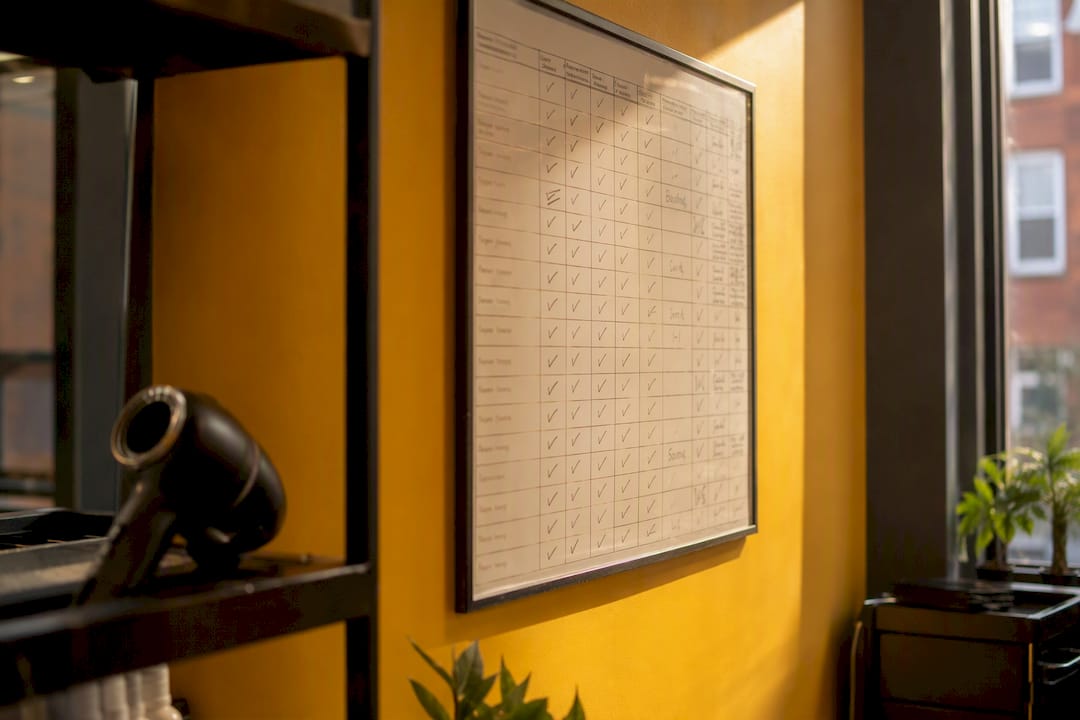
Impact of stylist utilization on client satisfaction and service quality
Past a certain point, utilization and service quality pull in opposite directions, and managers who chase the number without watching quality tend to regret it within a quarter.
With some breathing room between appointments, a stylist can finish a consultation properly, clean the station and start the next client on time. Run the same stylist close to full for weeks and something usually slips: consultations get shorter, buffers disappear and small mistakes creep into technical work such as colour formulation or precision cutting.
Clients notice before the numbers do. A rushed blow-dry or a distracted stylist erodes the loyalty that rebooking depends on. That is a self-defeating cycle: you pushed utilization up to protect revenue, and the drop in quality pushes your rebooking down instead.
The fix isn’t lowering your ambition, it’s building buffer time into the schedule. A ten-minute gap between appointments looks like lost capacity on a spreadsheet, but it keeps a stylist calm enough to deliver the experience that earns a good review and a repeat visit. Watching product revenue next to occupancy can give you an early warning, because stylists who are too rushed stop recommending products.
Balancing utilization targets with stylist wellbeing
Chasing a high utilization number without an eye on wellbeing is how salons end up with a strong quarter and a resignation letter on the desk the following month.
The warning signs are usually visible before anyone quits: more short-notice sick days, rushed consultations, or a dip in the technical quality of someone who used to be meticulous. These are burnout signals that look like performance issues, and treating them as a discipline problem rather than a workload problem tends to make retention worse.
Practical guardrails help more than good intentions. Keeping split shifts rare and rotating unpopular hours fairly stops the same one or two stylists absorbing all the inconvenient time, which is often where resentment starts, even in a well-paying salon. Publishing schedules a few weeks ahead gives people enough notice to plan a life outside work.
When stylists run near full for months, it usually shows in team turnover before it shows in client complaints, and by then the damage is harder to reverse. Replacing an experienced stylist means weeks of reduced capacity while you recruit, plus the time a newcomer needs to build a client base.
What managers who fix utilization do differently
They run the same weekly review for months without skipping it.
Rather than discounting Tuesday mornings into oblivion, they combine a small, specific offer for that window with a real push on rebooking, because part of the emptiness usually comes from clients who were simply never asked to book again.
The pre-book rate tends to climb first, before utilization visibly moves, because rebooked clients fill next month’s diary rather than this week’s. That lag is exactly why weekly tracking matters: a manager who checks only once a month might decide the tactic isn’t working and drop it just before the effect shows.
Salons that plateau tend to make one big scheduling change, declare victory and stop measuring. A short weekly routine of pulling the number, reviewing the weakest window and piloting one fix catches drift before it turns into a difficult quarter.
Turning these tactics into a repeatable weekly routine
Most utilization plans fail not because the tactics are wrong, but because nobody checks the numbers often enough to know whether they worked. The weekly review only becomes a habit when it takes minutes and lives in one place.
A 15-minute Monday routine is enough: open the Main Dashboard for last week, read Average occupancy per team member, note cancelled appointments and no-shows, update the pre-book tally and choose one fix for the weakest window. Two pitfalls come up again and again: averaging utilization across the whole salon, so a struggling junior stylist hides in a healthy number, and relying on manual reminder calls that stop the moment reception gets busy.
Altegio is booking and business management software for appointment-based businesses: beauty, wellness, clinics, auto services, fitness and more. For this routine it keeps the pieces in one place: online booking per team member, individual schedules, automatic reminders and repeat-visit invitations, payment policies for deposits, and statistics and analytics where occupancy can be filtered by team member instead of shown only as a salon-wide average.
If you already use Altegio, start the pilot this Monday. If not, a 7-day free trial is enough to set up team members, schedules and online booking and see how the Main Dashboard reads your week. The price depends on the number of team members and the billing period, see pricing.
FAQ
How is stylist utilization calculated in Altegio?
On the Main Dashboard, Average occupancy is the total duration of appointments with the status Arrived divided by the total working time of team members in the selected period. You can filter it by team member or position to see each stylist separately.
Why does our occupancy look lower than expected?
There are two usual reasons. Team members who don’t provide services, such as administrators, may still be counted; uncheck Include team member in occupancy in their settings. And only visits with the status Arrived count, so mark completed visits as Arrived promptly; no-shows and cancellations lower the figure.
What is a good utilization rate for a stylist?
There is no single figure that fits every salon, because service mix, team size and the way time is counted all differ. Start from your own baseline, raise it step by step and watch quality and wellbeing: a diary that stays completely full for weeks leaves no room for new clients or breaks.
How often should I check stylist utilization?
Weekly, not monthly. A weekly check lets you catch and correct a dip before it costs you a full month’s revenue.
Can we see results in 30 days?
You will see the leading indicators move: pre-book rate, cancellations and no-shows, and occupancy in the hours you targeted. Rebooked appointments mostly land in the following weeks, so give the overall occupancy figure another one to two months.
Read next
- Reminders and deposits: how to reduce no-shows
- Time management for hairdressers and beauticians in Czechia: 9 tips
- Pay system in a salon: fixed salary, commission, or a mixed model
- Why a salon needs a booking system: 5 numbers
This article is general information, not HR or legal advice. Working-time and employment rules differ between EU countries, so check your national rules before changing shift patterns.