
Staffono.ai is an AI employee platform for businesses. It automates customer communication, lead handling and appointment conversations: answers routine questions 24/7, guides clients through booking, uses the company knowledge base and hands the chat to a person when needed.
Developer: Staffono LLC (Armenia). Website: staffono.ai.
What Staffono.ai can do
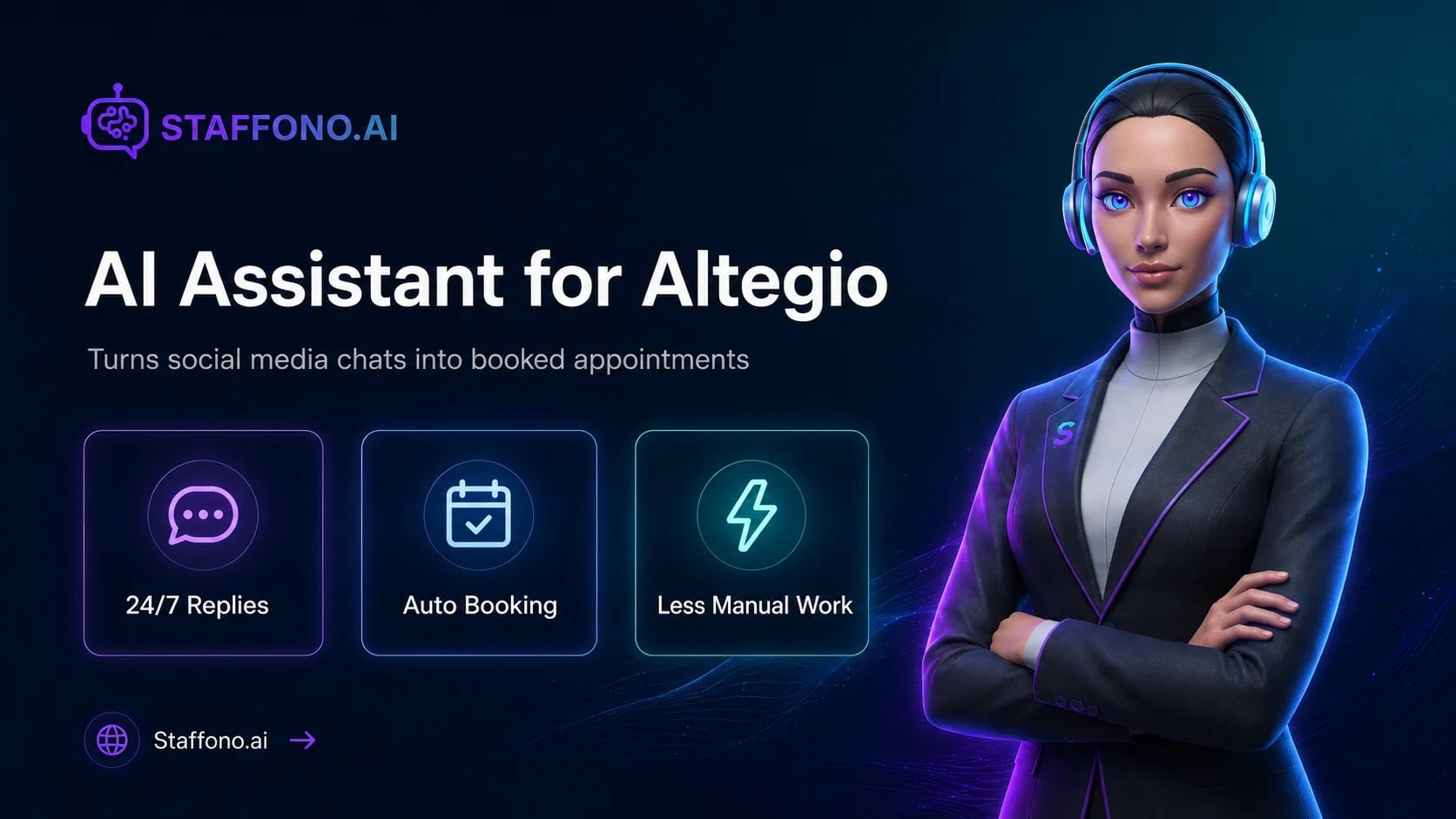
- answers client questions 24/7 from the company knowledge base;
- covers services, prices, specialists, opening hours and business rules;
- helps the client pick a service and an available time;
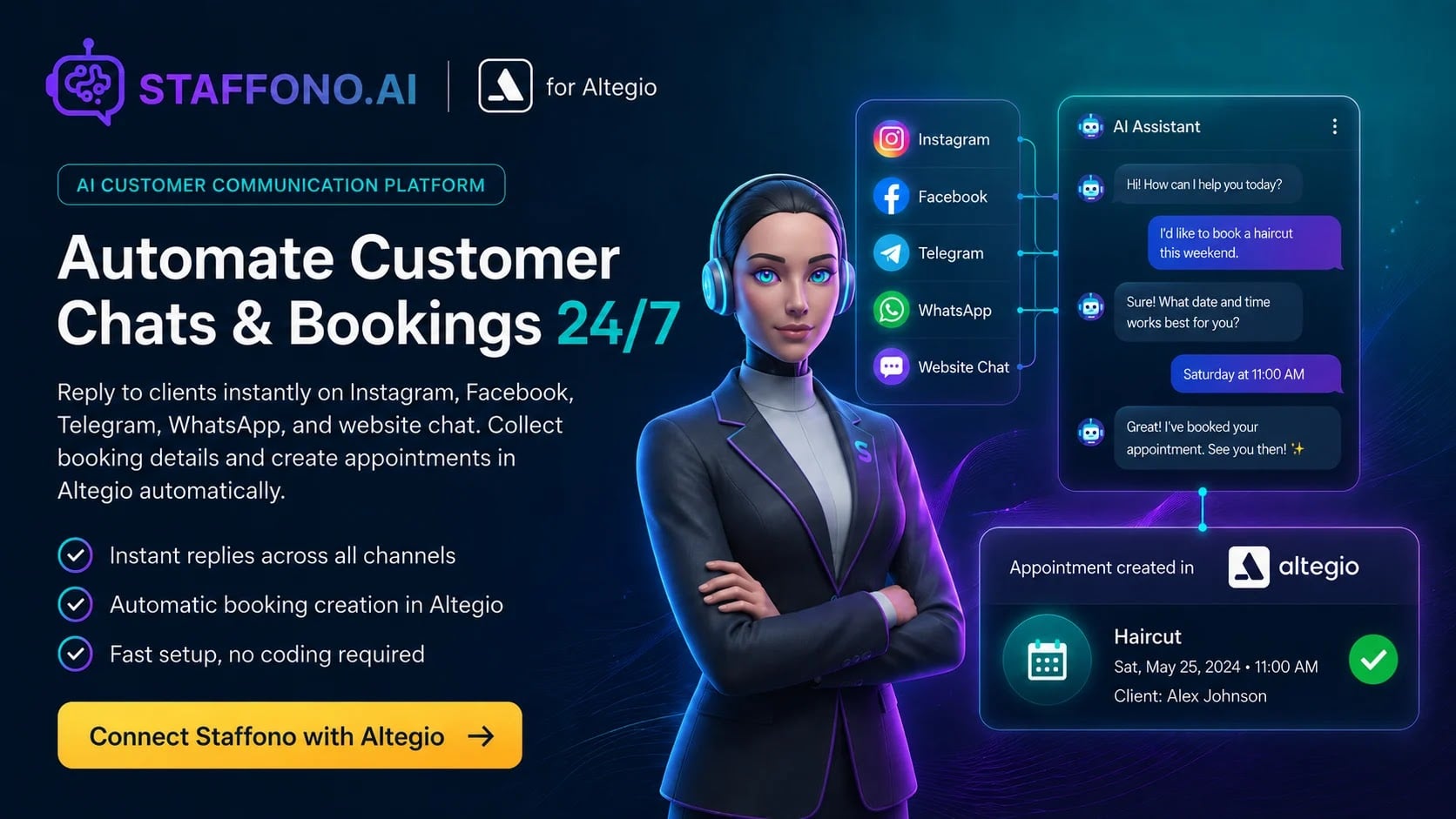
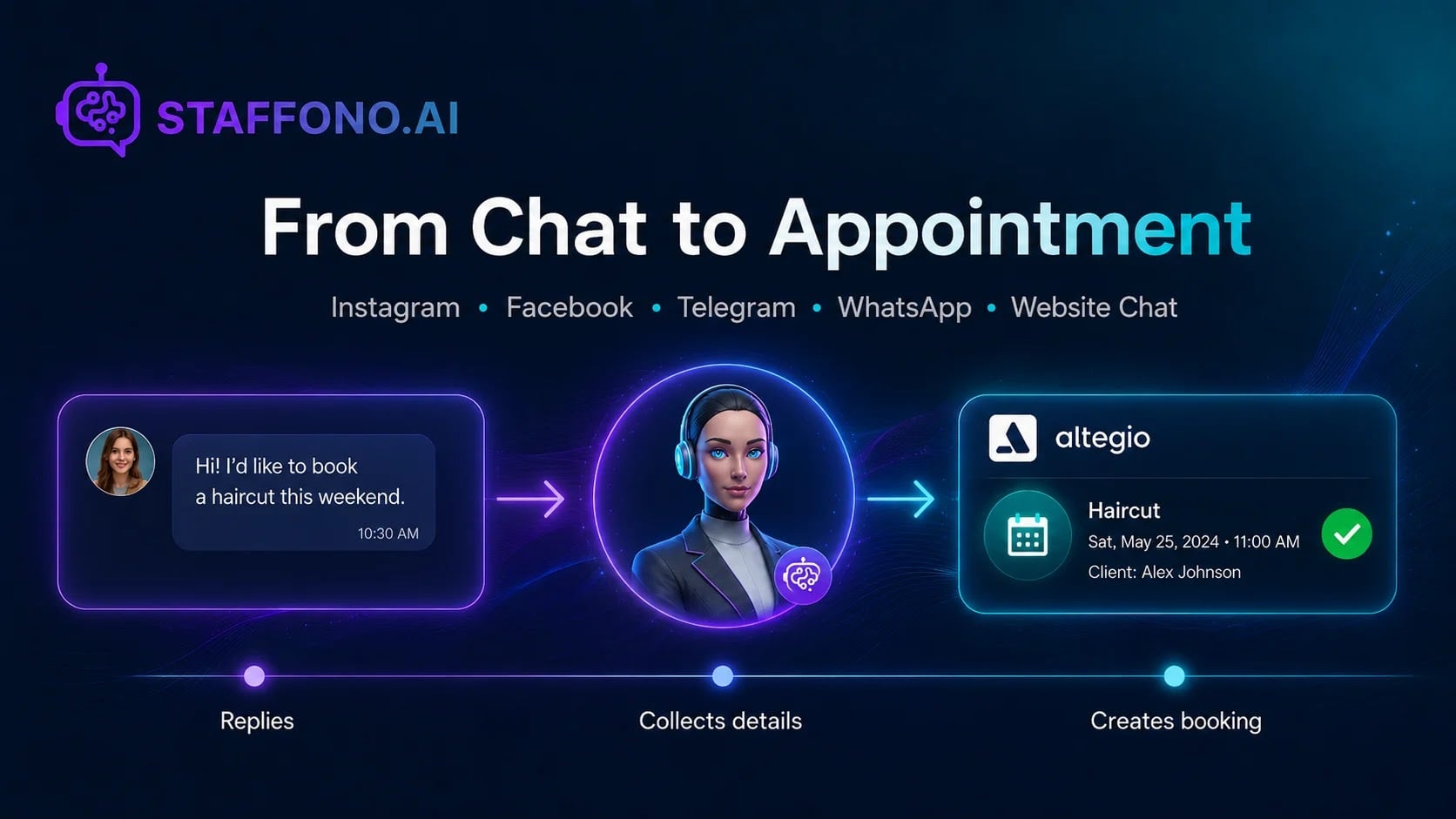
- creates a booking in Altegio after the client chooses a slot;
- can reschedule, edit or cancel a booking when that scenario is available in the integration;
- handles new enquiries and leads from connected channels;
- works in website chat, Telegram, Facebook, Instagram and WhatsApp;
- detects the client’s language and replies in it;
- hands the conversation to a staff member when a person is needed.
How it works with Altegio
- Connect Staffono.ai to the location through the Altegio marketplace.
- A Staffono project is created automatically and linked to the branch. You do not need to create a project by hand.
- Staffono pulls services, specialists, the schedule and available slots.
- The client writes in a connected channel. The AI replies, checks the details and suggests times.
- After the client picks a slot, the booking appears in the Altegio calendar.
- If the request cannot be completed safely, the AI asks for more detail or passes the chat to a staff member.
Who it is for
- beauty salons, studios, hairdressers and barbershops;
- clinics and other businesses that work by appointment;
- companies with a high volume of repeat questions;
- businesses that want to automate first-line support and lead handling;
- businesses that get messages from several messengers and social networks.
How to connect
- In Altegio, switch to Administration mode.
- Open Integrations and find Staffono.ai in the AI Apps & Assistants category or through search.
- You can also open the app card via the direct link.
- Click Connect and confirm the permissions for your Altegio location.
- You will be redirected to Staffono.ai: sign in or create an account.
- Choose a plan. The project is created automatically and linked to your location.
- Connect your business pages and channels, add information about the company and set the AI employee rules.
Channels
Staffono.ai can be connected to:
- website chat
- Telegram
Whether a channel is available depends on the project settings and the platform’s own requirements. After you connect a channel, the AI handles incoming messages according to the project rules. When a staff member joins the conversation, automatic replies can be paused so they do not interrupt the chat.
Availability
The app is available in every country where the Altegio marketplace works.
Pricing
Trial period: 7 days.
From $9.
Staffono.ai plans differ by service and specialist limits:
- Starter: 10 services, 5 specialists.
- Pro: 20 services, 10 specialists.
- Business: 50 services, 20 specialists.
- Enterprise: unlimited services and specialists.
For current prices and terms, check staffono.ai or ask Staffono support.
FAQ
- Do I need to create a Staffono project by hand? No. After you connect through the marketplace, the project is created automatically and linked to the Altegio location.
- Does the AI book directly in Altegio? Yes. Staffono uses services, specialists and open slots from Altegio and creates the booking after the client picks a time.
- Can it reschedule or cancel a booking? Yes, within the supported integration scenarios. If the AI cannot complete the request safely, it asks for more detail or passes the chat to a staff member.
- Can a person take over the conversation? Yes. The chat can be handed to a human. Automatic AI replies can then be paused.
Support
- website: staffono.ai
- email: [email protected]