What is it for?
This setting lets you configure the pricing information for connecting your app.
Where to find it
In the personal account, in the app edit mode, go to Monetization.
Setup
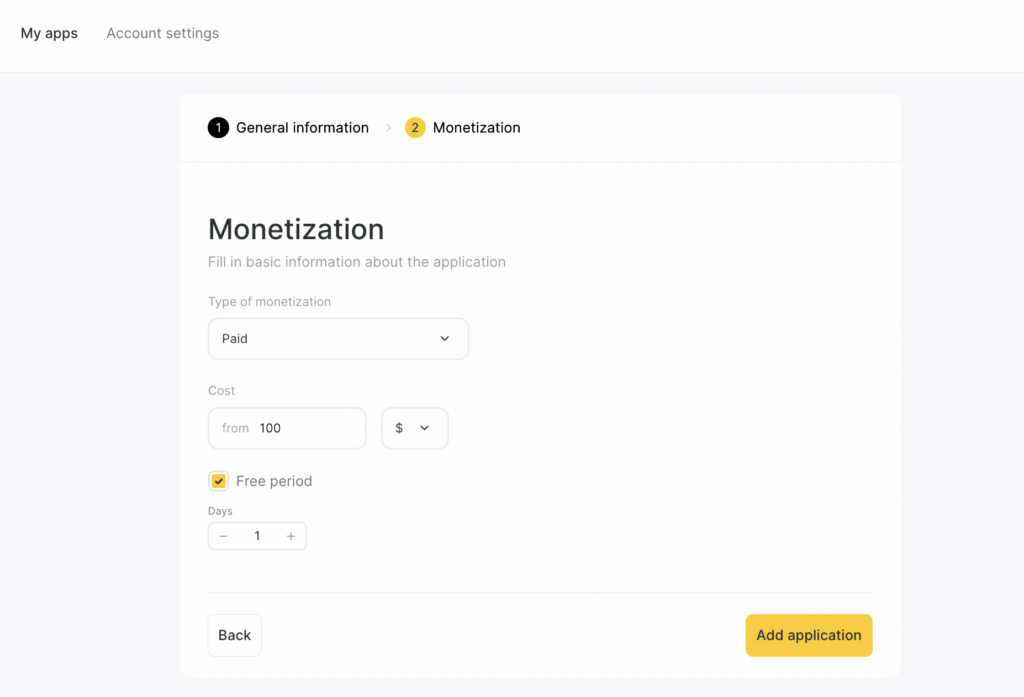
If your app is paid, in the Monetization type dropdown select Paid — this will open additional settings.
In the Cost field, enter the monthly price.
If you have a trial period, check Free period and in the Free period duration field specify its length.
Display
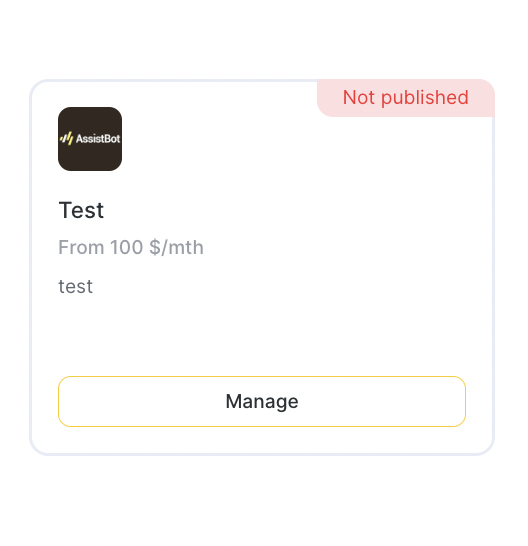
After you save the settings, the information will be displayed in the category card, as well as in the app card itself.