
After adding your contact details and photo you can fill out your company details.
Why is this needed?
All details you enter will be automatically displayed in the accounts for the renewal of your subscription plan. Fill out the information in this section once and you won’t have to enter details every time.
Editing
- In the main menu go to Settings > Location > Details section.
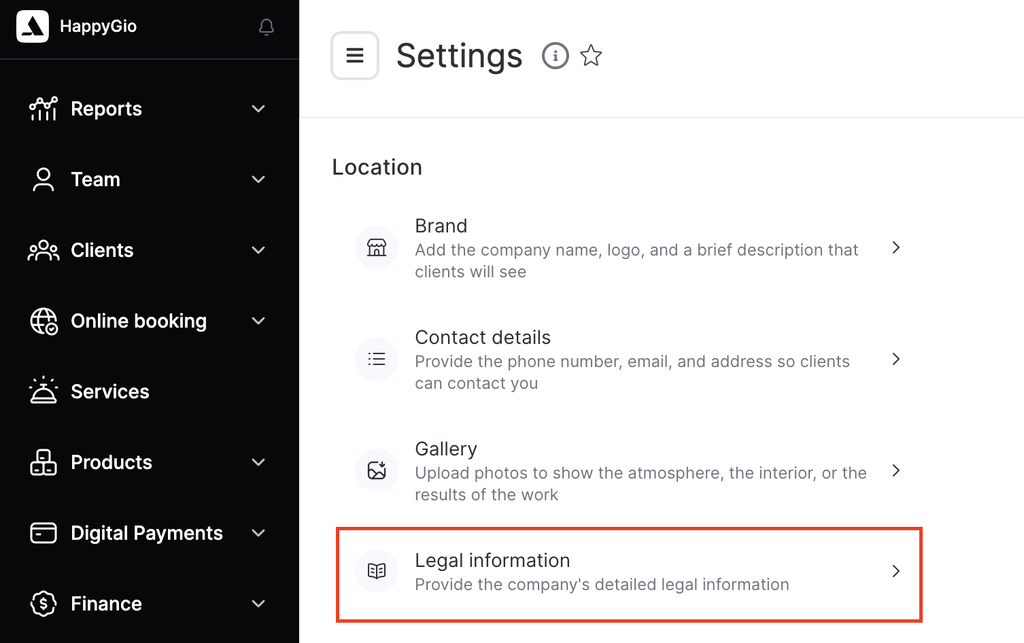
- In the Company details tab enter information in all the fields.
- Type
- Legal business name
- Legal business address
- Actual address
- Taxpayer Identification Number
- Tax reason code
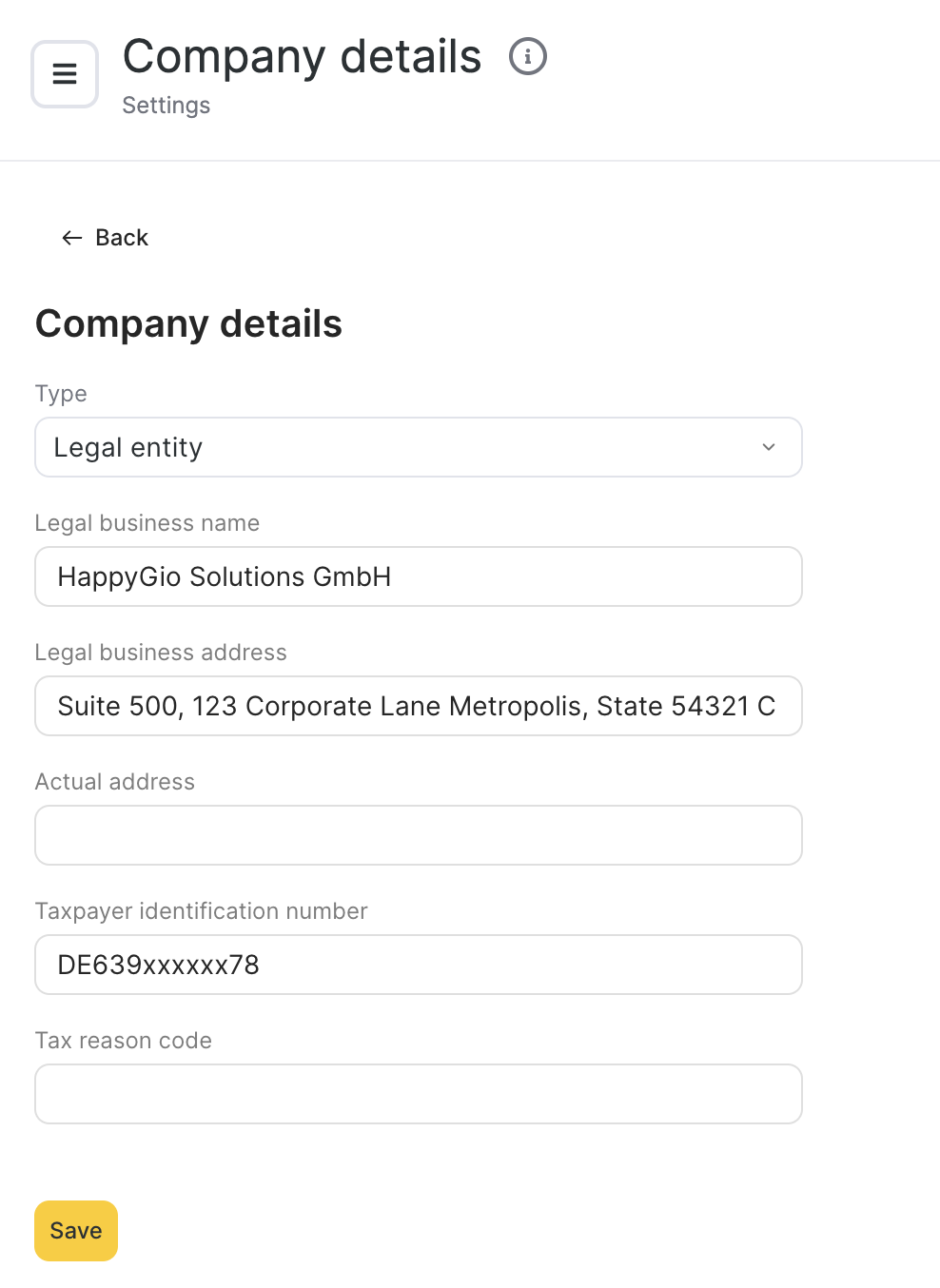
- Be sure to click the Save button once you’re done.