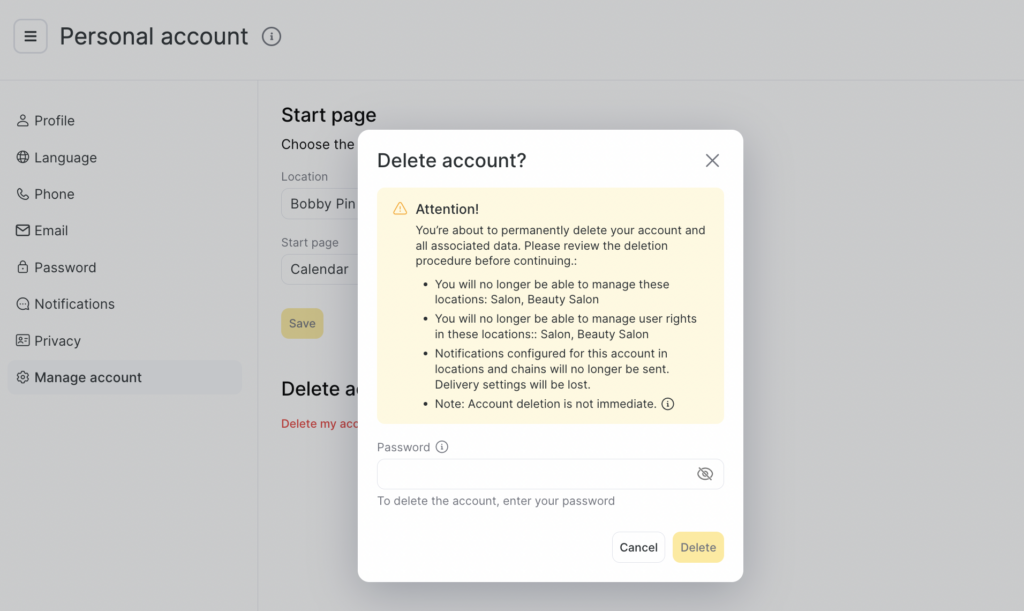
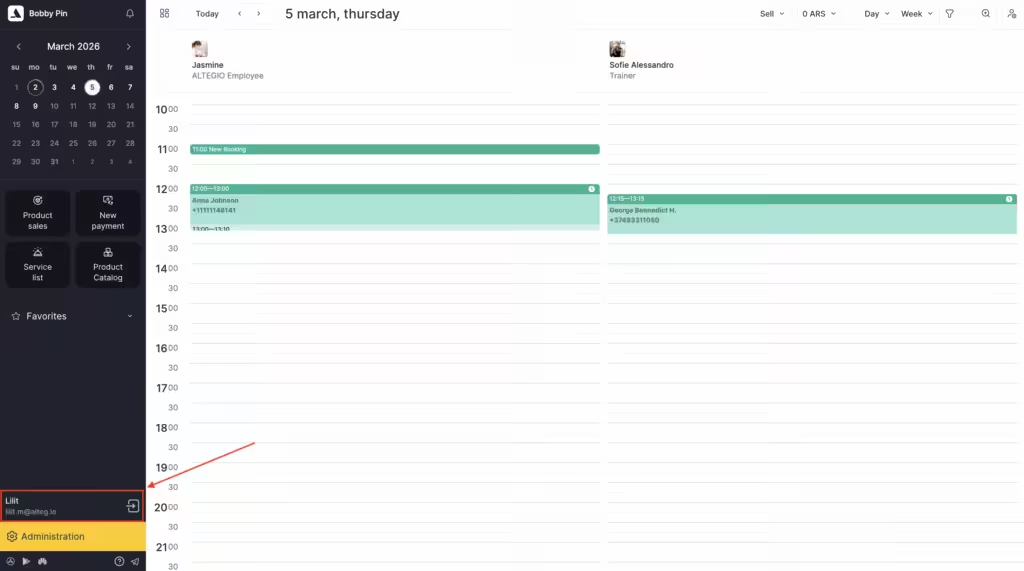
Personal account (My Account) is a section that contains information about Altegio user.You can customize and edit all the information that is contained in this section. To access My Account section, simply click on your name in the lower left corner of the sidebar.
Profile
Here you can find the following information about the user:
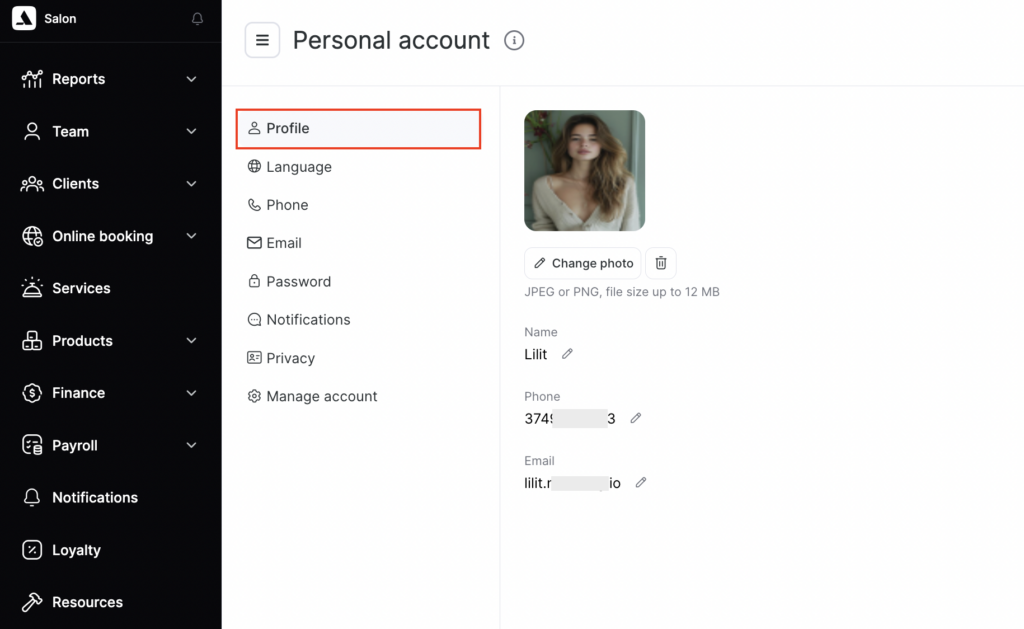
- photo;
- phone number;
- email.
Language
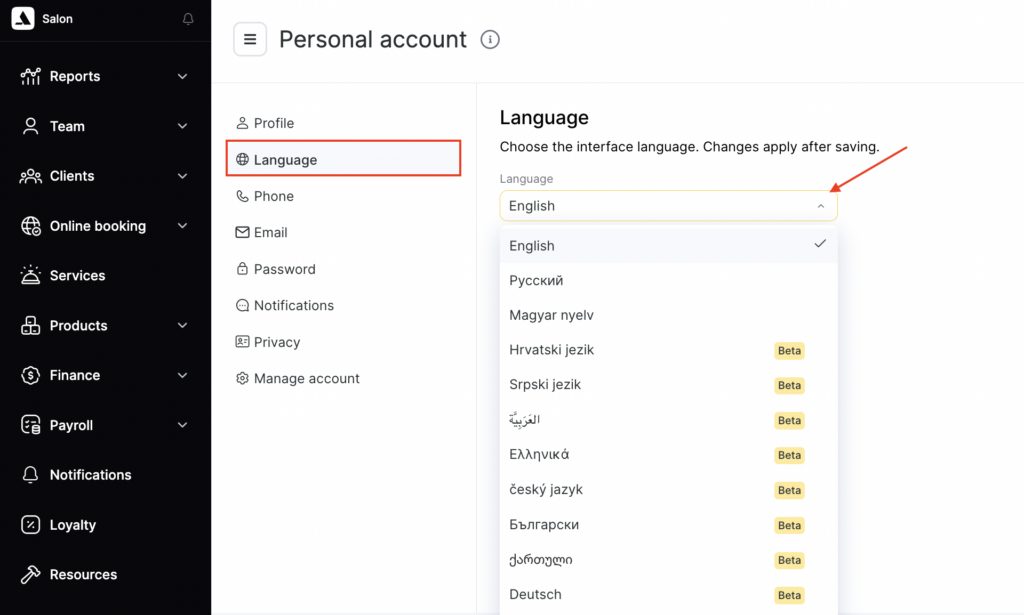
To change the language of the web version of the system, click the language drop-down list in the Language section.
Note
Languages marked with the Beta label are in test mode. The interface in these languages may not be fully translated, and some wording may temporarily differ from the final version.
Phone
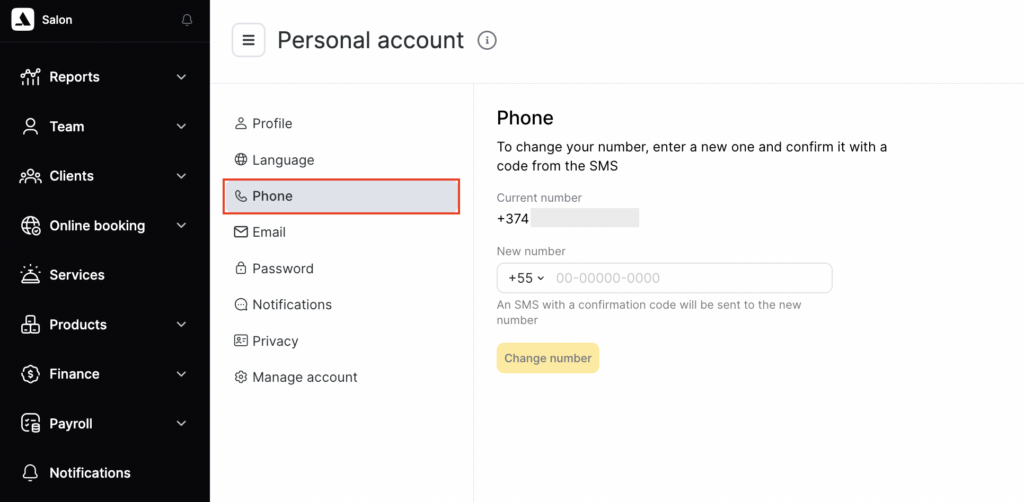
In this block, you can change your phone number. After the change, an SMS message with a confirmation code will be sent to the new number.
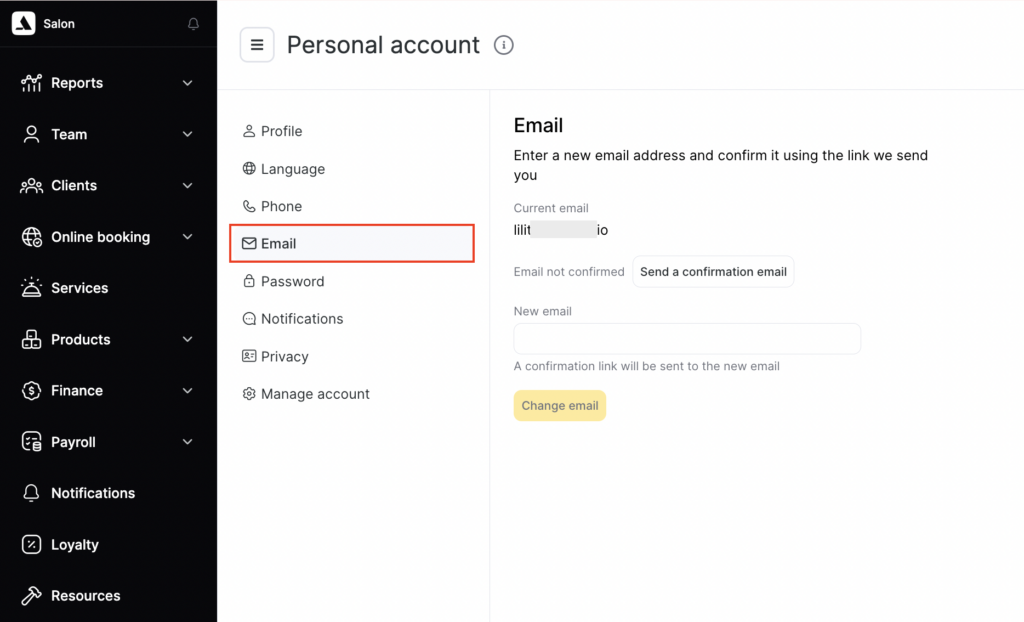
In this section, you can change the user’s email address.
Password
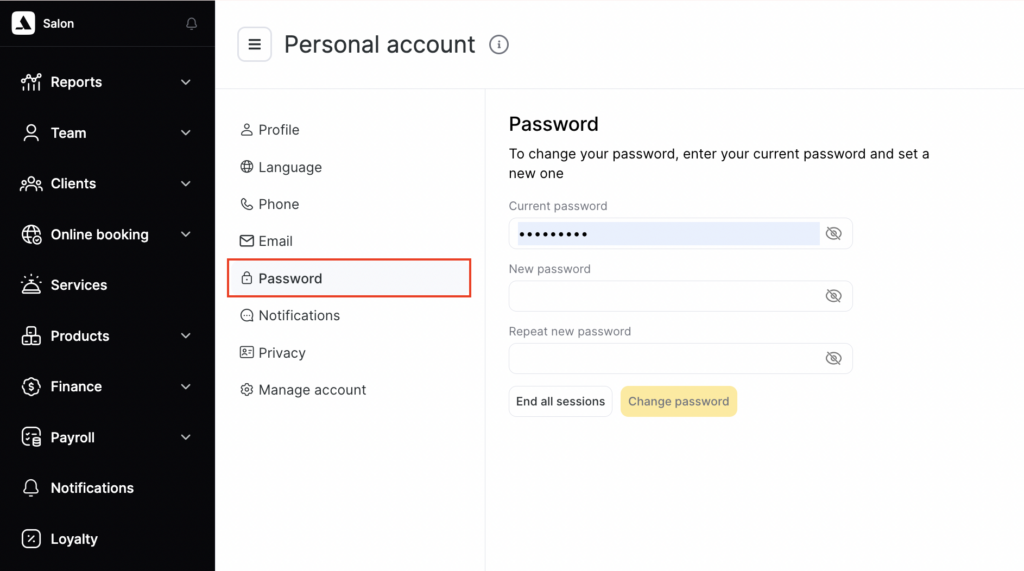
In this section, you can change the password for the profile.
Notifications
In this section you can configure which emails and notifications you want to receive from Altegio:
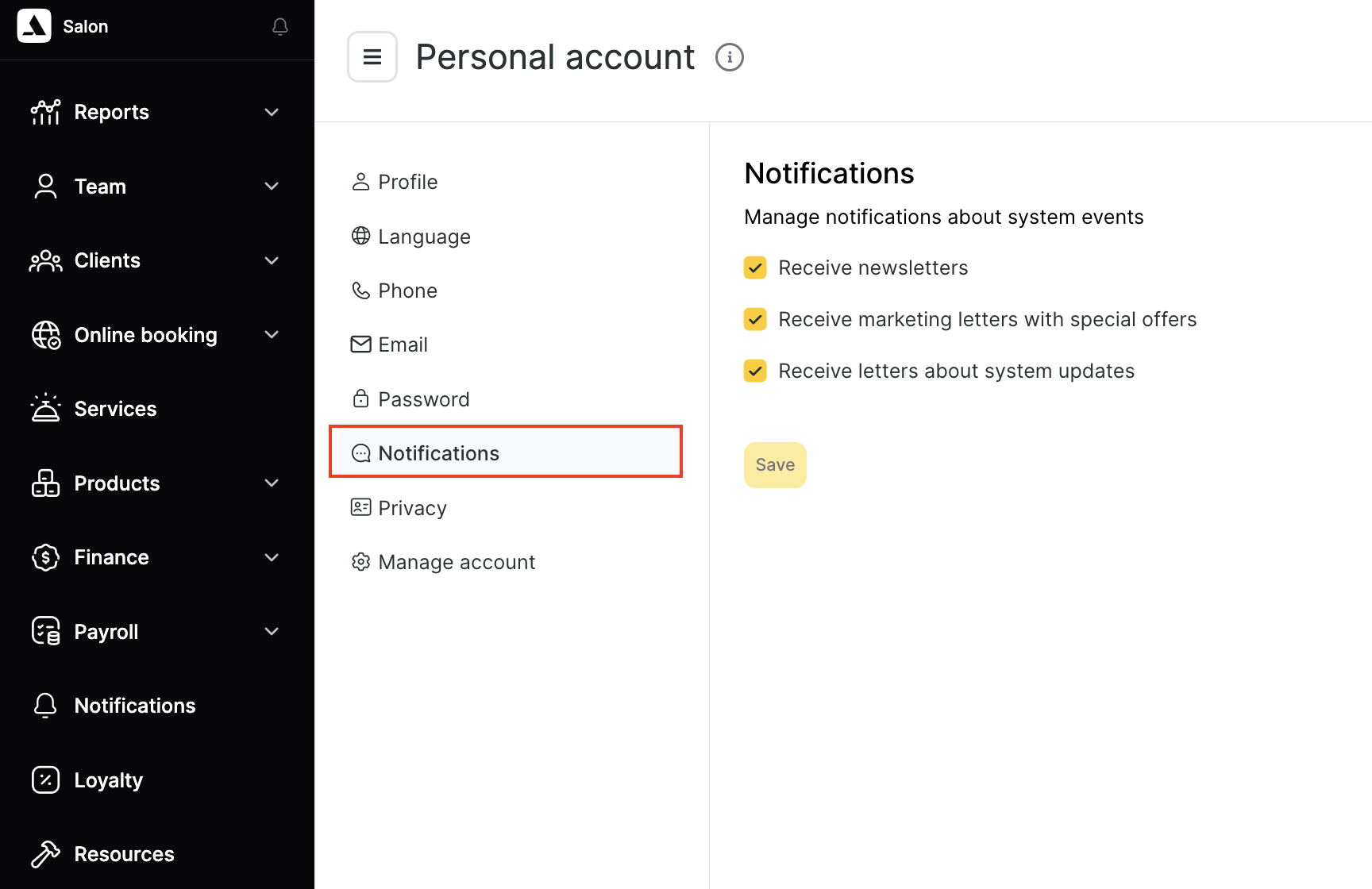
- Receive newsletters
- Receive marketing letters with special offers
- Receive letters about system updates
- Show push notifications about news
Privacy
In this section, you can:
- Export your data.
- View the text of the User Agreement.
- View the text of the License Agreement.
- Submit a data blocking request.
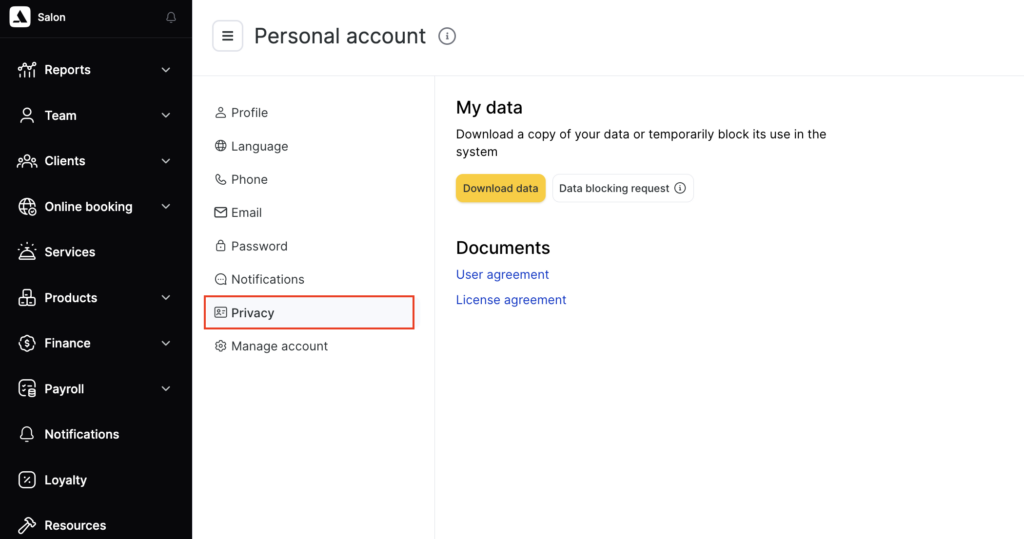
In accordance with the Privacy Policy, users have the right to receive a copy of the data related to their account that we store and process. To export the data, you need to specify the email address where the link will be sent and enter the password for your account.
Preparing the export may take up to 24 hours.
You can submit a data export request no more than once per day.
Please be careful when entering the email address. The link to download the archive will be sent to the specified email address.
Manage account
In this section, you can configure the location/chain and the page where the user will be redirected after signing in.
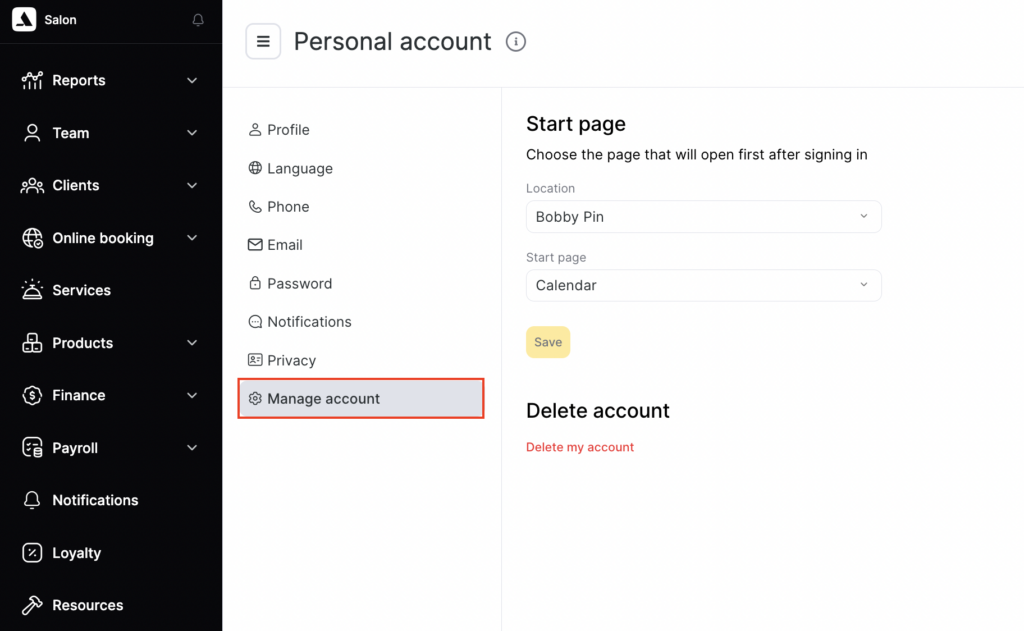
To delete the account, click Delete my account and enter your password in the pop-up window. After confirmation, the account is not deleted immediately, but 25 days after the request. During this period, you can continue using the account or cancel the deletion. After 25 days, the data will be permanently deleted from Altegio.