
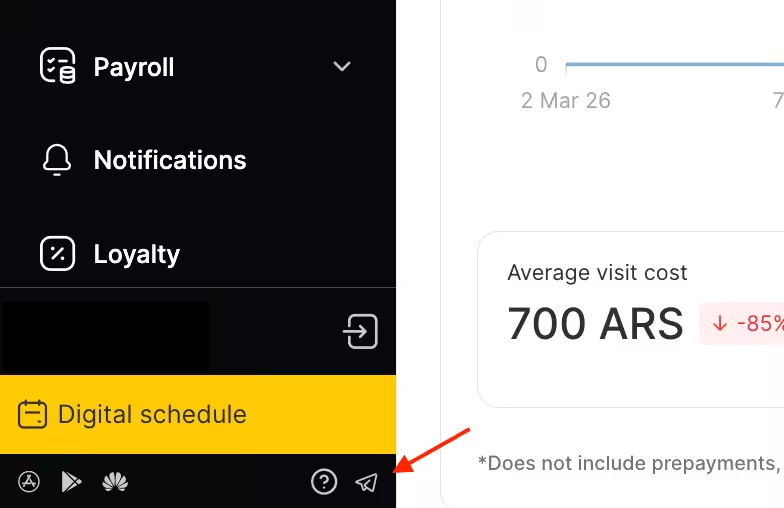
To delete your company (location) contact your personal consultant or technical support specialists. Their contact details can be found in the bottom-left corner of the screen by clicking the airplane icon.
Also you can write to us via chat on the website or in the “Support” section in the Altegio Business Management mobile app.