
In the Altegio Business Management mobile app you can view several reports using which you can analyze financial metrics.
Go to the Analytics tab and select one of the three reports:
- End of day report
- Daily report
- Report for the period
Main dashboard
Main dashboard or end of day report is generated at the end of each shift in order to collect the cash register and transfer all cash.
- In the Overview tab you can view general information on receipt of funds during the day.
- The Detailing tab displays information on each visit during the day.
You can filter the data by all employees or select one from the list.
Read more about the report in the article.
Daily report
This report provides information on all receipt of funds to the cash registers for the selected day. You can also view the dynamics of indicators in comparison with the previous day in the report.
There are following metrics:
- Clients per day
- Occupancy
- Services booked
- Services rendered
- Cash Receipts
- Average spend
Unlike the Z-report the data cannot be filtered by employees, the report displays general data for the entire location.
Read more about the report in the article.
Report for the period
The Report for the period is similar to the Basic metrics report in the web version of the program. It summarizes information on all items of income and expenses for a certain period. A summary report for the last week is automatically displayed, but you can manually set any period. Read more about the report in the article.
⚠️ This report is not a financial report and does not reflect actual cash flow, so its data may not match the daily report.
The charts and graphs in the report are interactive, to view the information, click the desired metric.
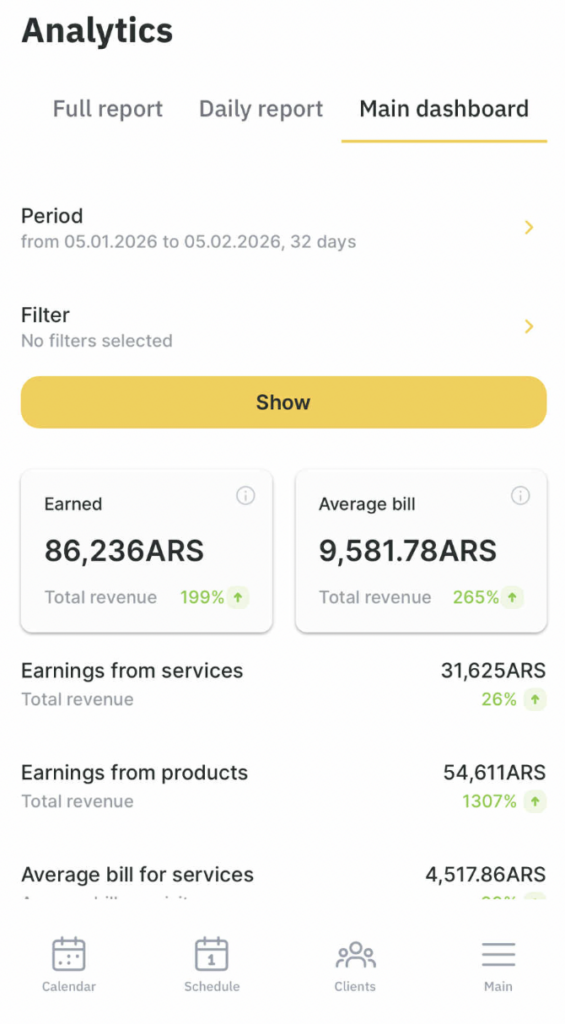
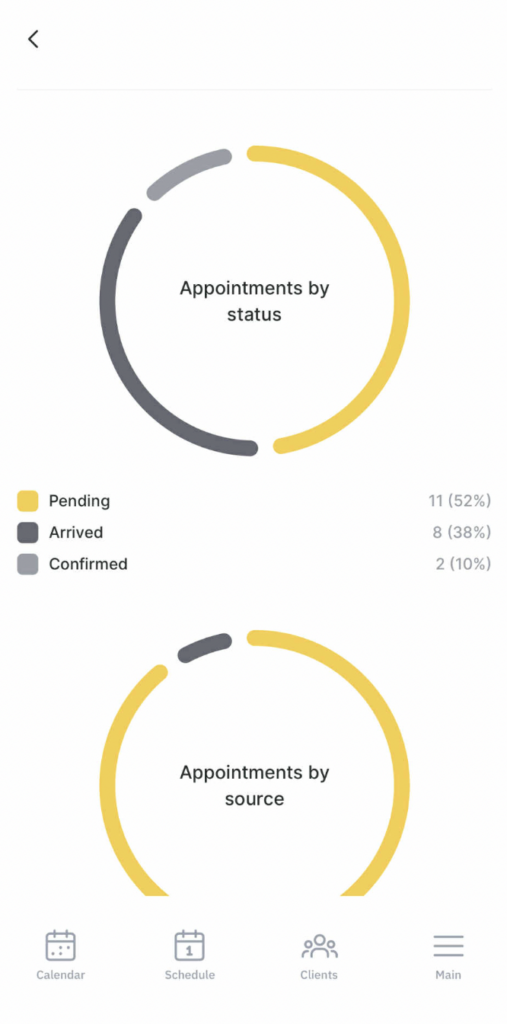
You can also view data on the following metrics:
- Earned
- Bookings
- Occupancy
How to make the Analytics tab appear for an employee
To display the Analytics tab in the Altegio Business Management mobile app, grant the employee the Access to the period report permission in the web version.
- Open Team > Team members list, select the required employee, and open the Access tab.
- Open the Finance permission section and enable Access to the period report.
- Click Save.
Note
If the Analytics tab does not appear immediately, ask the employee to sign in to the app again or reinstall the app.