
INTEL TELECOM (website intel-tele.com) is a business messaging provider.
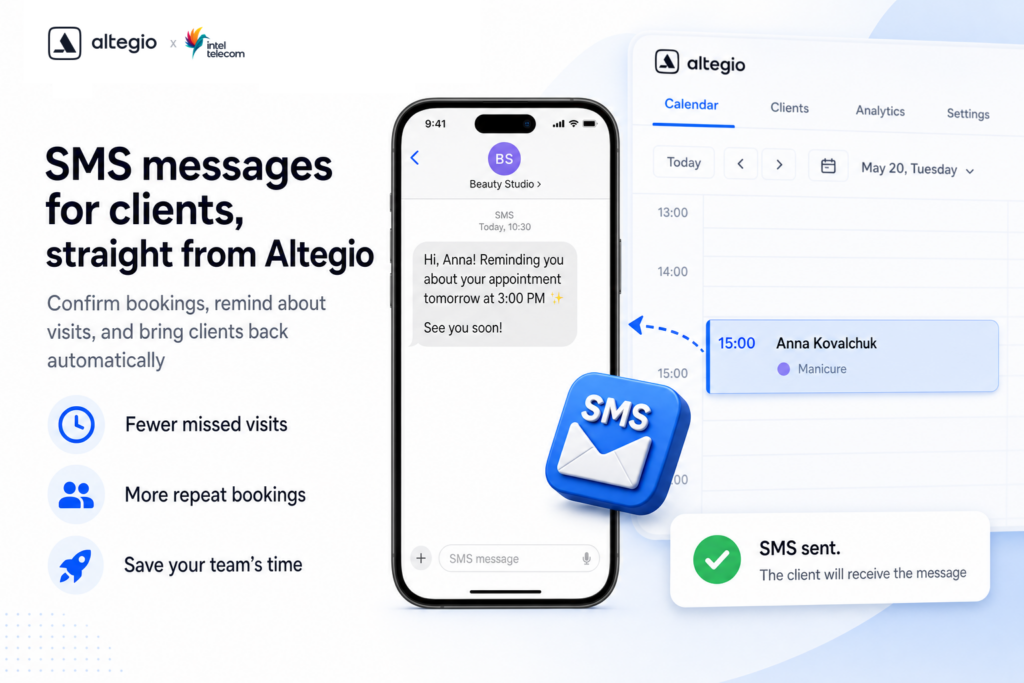
Through the integration with Altegio, the provider helps salons and other businesses automatically send clients SMS about appointments, visits, changes and promotions. Messages are delivered worldwide: Ukraine, Europe, the CIS countries and other regions.
What the service can do
In Altegio, SMS sending is available through the Intel-tele.com Sms application.
Viber, email and Telegram are also available on the provider’s side. Check their terms and setup with your intel-tele.com manager.
Via SMS from Altegio you can send:
- appointment confirmations
- visit reminders
- cancellation or rescheduling messages
- repeat booking offers
- notifications about a change of appointment status and information about the specialist
- personalised messages with the client’s name and visit details
- promotions and special offers
- requests for feedback and visit ratings
This helps reduce no-shows, take the load off receptionists and increase repeat visits.
Connecting in Altegio
- In your Altegio account, switch to Administration mode.
- Open the Integrations → Notifications section, or follow the direct link to the application.
- Select the Intel-tele.com Sms application and click Connect.
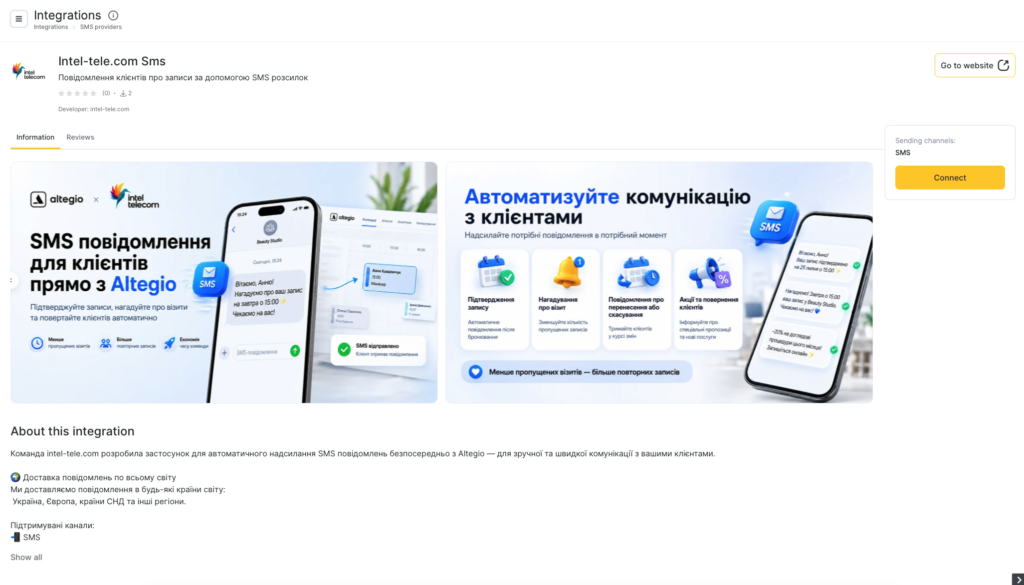
- Then open the application settings and click Create an account (https://my.intel-tele.com/).
- Provide:
- login
- phone number
- password
- Click Sign up.
- Confirm the registration with the code or password from the email sent to the address you provided.
- If you already have an intel-tele.com account, choose Log in and sign in.
After registration, an INTEL TELECOM manager will contact you: they will explain the rates and help you get a sender name (alpha name) approved.
Sender name (alpha name)
For SMS to reach your clients, an alpha name has to be approved: this is the sender name the client sees in the message.
The options are:
- wait for the manager to get in touch after registration and agree the name with them
- submit a request yourself in the provider’s account
If you submit it yourself:
- Open the Alpha names section.
- Click New alpha name.
- Fill in the form: the alpha name itself, website (with https), company name, and registration number (for example, EDRPOU for Ukraine).
- Click Create.
Once it is approved, go to the SMS settings in Altegio, select the sender name you need and save the changes.
In Ukraine you can either use the shared sender name KRASOTA or register your own.
Rates and payment
Current rates by destination and channel are listed on the provider’s website: intel-tele.com/en/pricing.
Payment and balance top-ups are handled in your intel-tele.com account. Check the terms and payment methods with your manager.
INTEL TELECOM support
- website: intel-tele.com
- email: [email protected]
- phone: +38 (092) 222-22-22
- Ukraine office: LLC INTELTELECOM UKRAINE, Dnipro
- Latvia office: SIA INTELTELECOM, Riga