
You can group services by subdivisions for a more convenient display of analytics by services. For example, all service categories for women may be attached to the “Women” subdivision.
- To do this, go to the Services > Subdivisions chain section.
- Click Add a subdivision.
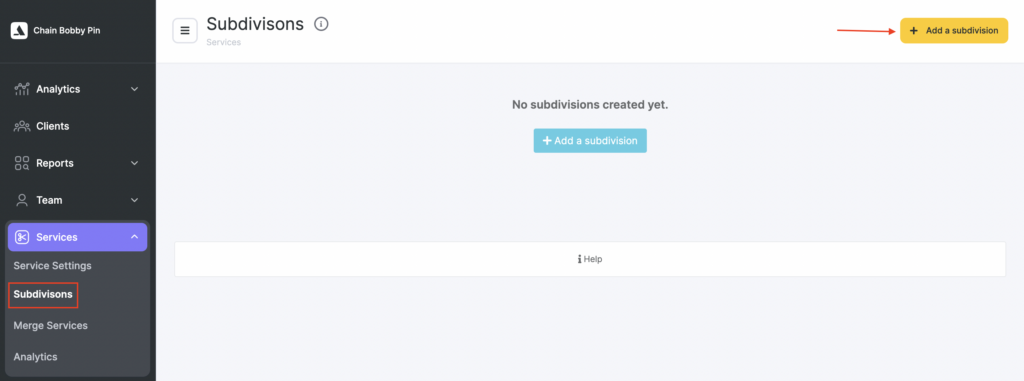
- Enter the name and save the subdivision.
In the chain interface, you can open an analytics report by subdivisions, or filter data by subdivisions in the Services chain report.