
As of today, the website online booking widget, the mobile widget, and the social media apps are available in the following languages: English, Latvian, Estonian, Lithuanian, Ukrainian, French, Italian, Spanish, Georgian, Armenian, Kazakh, Croatian, Czech, Romanian, Chinese, Arabic, Bulgarian, Hebrew, Hungarian, Serbian, Slovak, Turkish and Mongolian.
Which language will the client see during online booking?
General language switching flow:
- The client opens online booking on the website.
- The website checks whether the client is authorized in Altegio (authorization is active if they have booked online recently).
- If the client is authorized, the language is taken from the language settings in their Altegio personal account.
- The language is determined by the language selected in the widget at the time of booking or when signing into the personal account.
Choosing a language
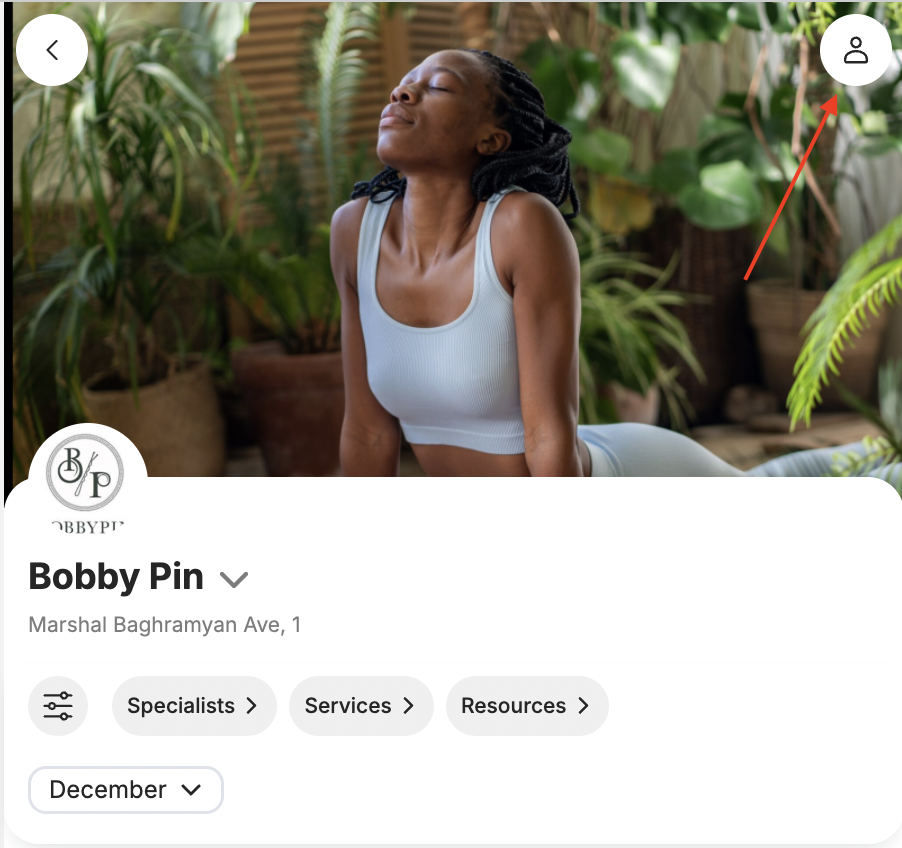
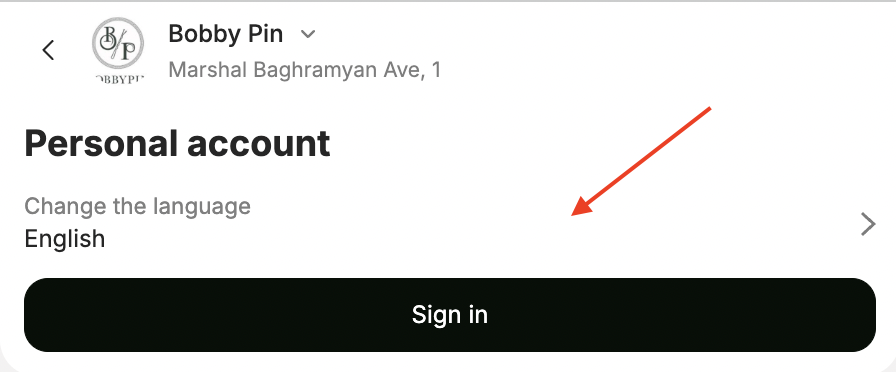
Clients can also choose a language directly in the online booking widget. To do this, they need to open their Personal account by clicking the profile icon 👤 in the top-right corner of the screen, then click Change language.
Note: The widget’s default online booking language applies to new or non-authorized clients. Existing authorized clients continue to see the language saved in their personal account settings. Businesses cannot force-change the language for all existing clients.
For more details on how to sign in to the online booking personal account, see the article.