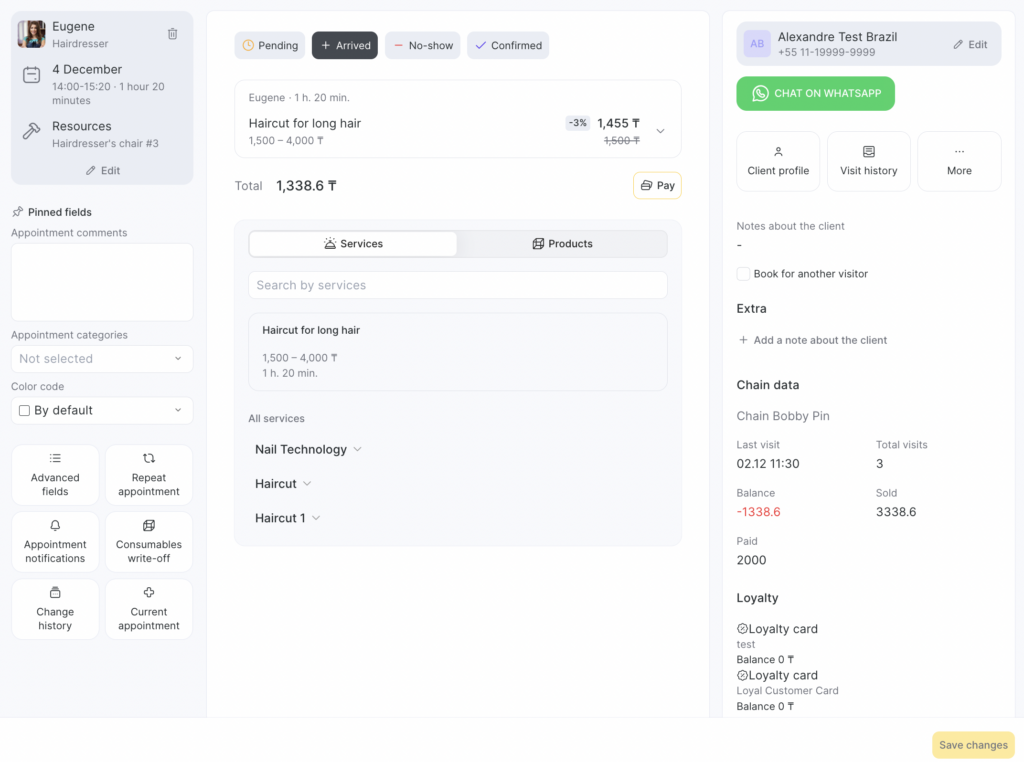
When an appointment is created by an receptionist, they can select in the appointment card any resources linked to the service and any available number of instances of each resource.
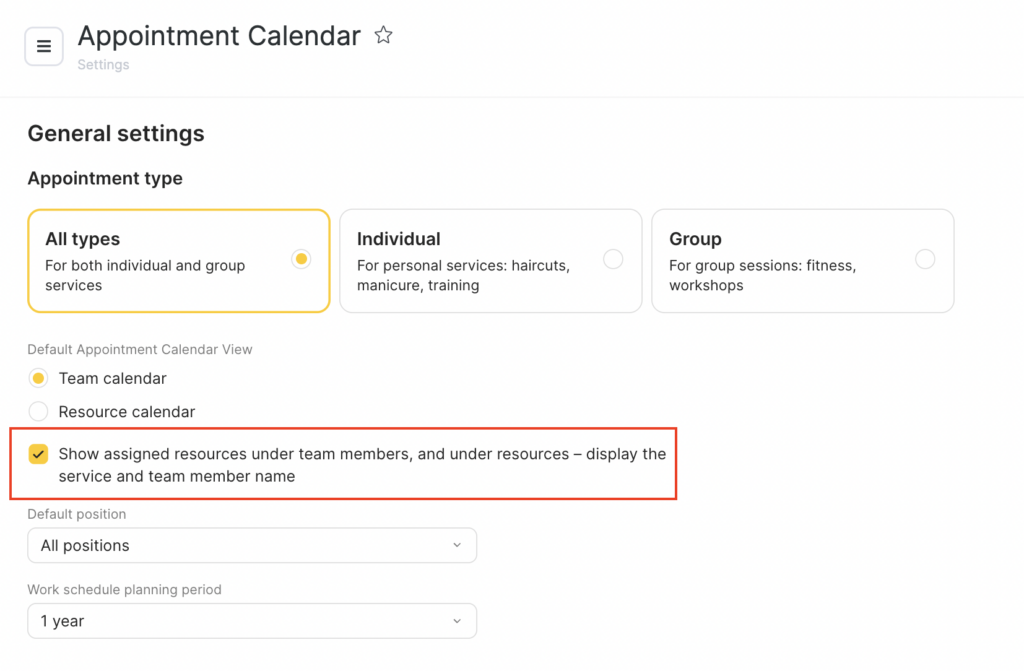
The appointment for the same session will appear both in the team member’s schedule and in the instance’s schedule.
In the Appointment Calendar resource view mode, you can drag and drop the appointment to another available resource.