
What is it and what is it for?
The report on the write-off of products can be viewed in the Analytical Reports > Inventory > Product write-off analysis section or in the Products > Analytical Reports > Product write-off analysis
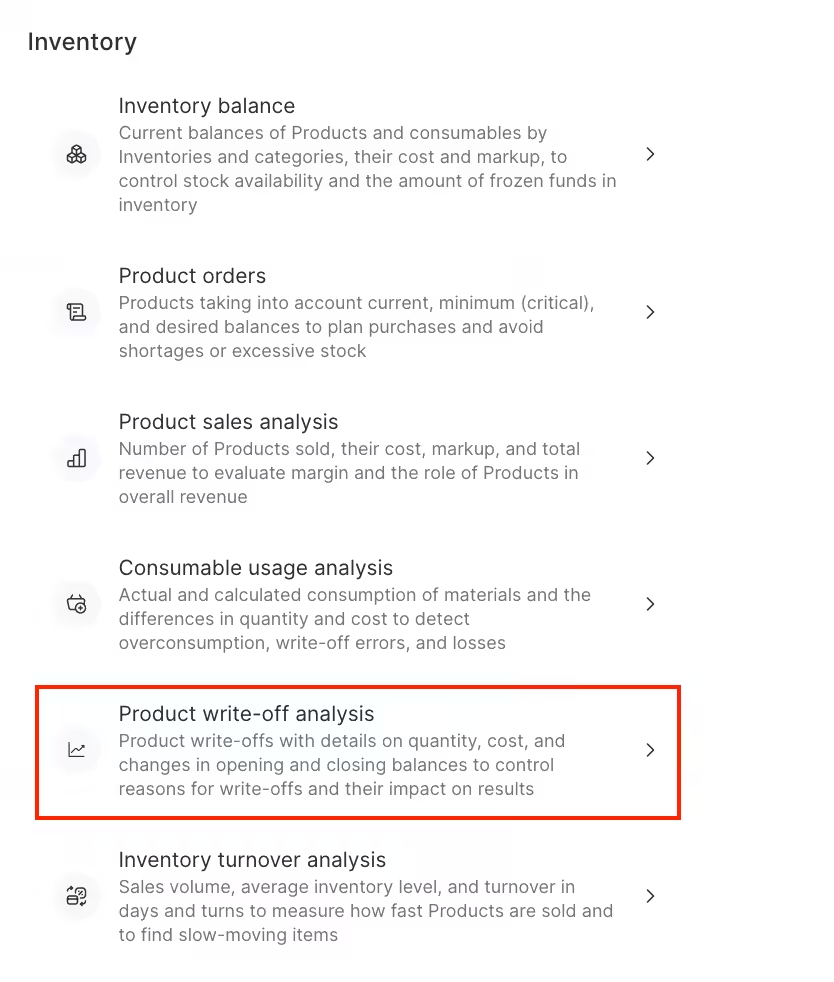

The report contains the following information:
- Product
- SKU
- Barcode
- Opening stock (quantity and amount)
- Received stock (quantity and amount)
- Written off stock (quantity and amount)
- Closing stock (quantity and amount)
You can also view the total quantity and the total cost of the products being written off.
How to read the report?
To generate a report for the analysis of write-offs, navigate to the Analytical Reports > Inventory > Product write-off analysis section or to the Products > Analytical Reports > Product write-off analysis. Next, filter the list according to the items you need, and then click on the “Show” button to generate the report.
You can use the following filters in the report:
- Period
- Storages
- Product categories
- Units of measurement
- Types of inventory operations
In the report you can consider movements of products between storages. To do this, check the corresponding box.
You can also set the display of information in the Product column. To do this, in the View report item select how the goods will be displayed: as list of products or as product category tree