
What is it and what is it for?
The sales report can be viewed in the Analytical Reports > All reports > Sales > Product sales analysis section.
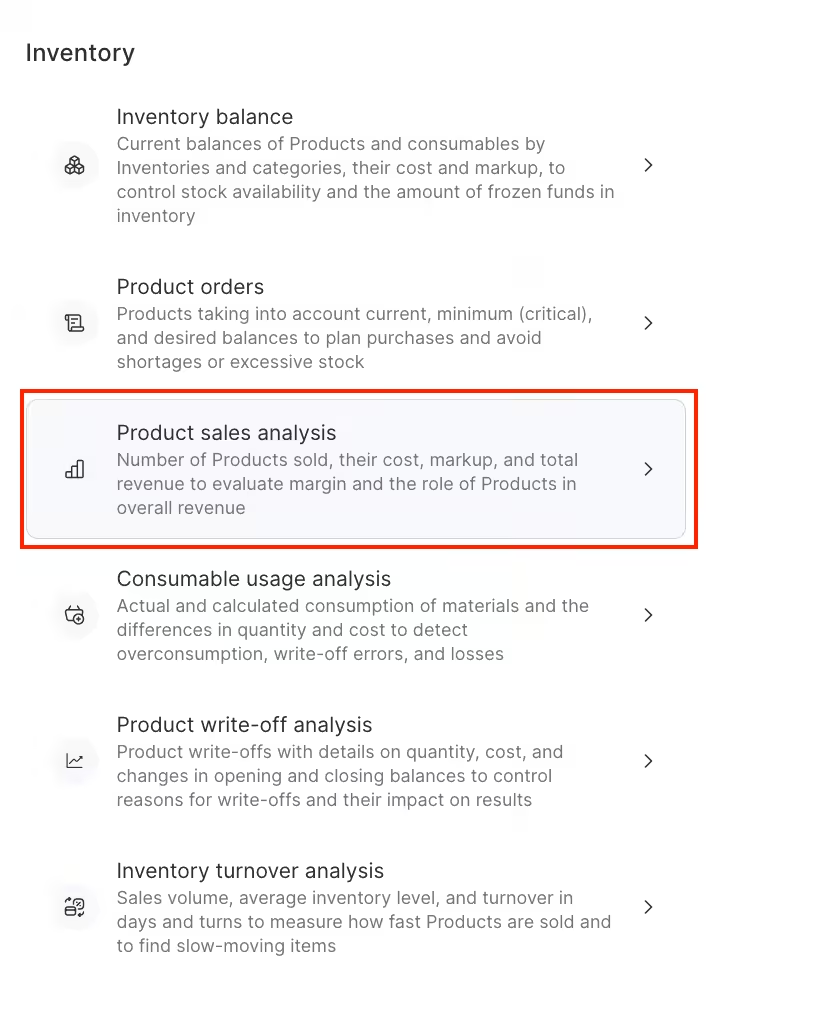
The report contains the following information:
- SKU
- Barcode
- Product
- Quantity (Received)
- Unit wholesale cost (total for the sale of all units of goods).
- Additional fees
- Markup percentage
- Total cost
You can also see the total cost and the total additional fees of the products sold.
How to read the report?
To create a sales analysis report, navigate to the Analytical Reports > All reports > Sales > Product sales analysis section. Next, filter the list according to the items you need, and then click on the “Show” button to generate the report.

Filters that can be used in the report are:
- Period
- Products and product categories
- Team members who sold the products
- Suppliers and partners
Thus, you can view, for example, the sales report for a specific team member.
The data in the Product column is presented as clickable links. Click the link in the Product column to go to the product card.