
To add the link in Instagram:
- In the Administration mode, go to Online booking > Online booking links.
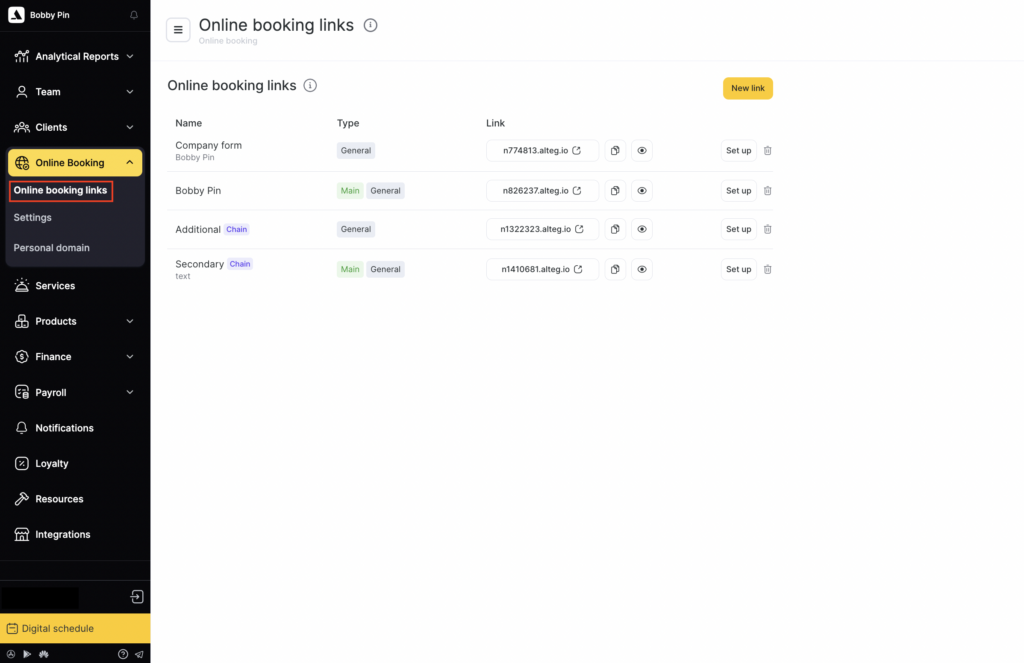
- Copy the link to the online booking form (a link in the nXXXXXX.alteg.io format is shown to the right of the form name).

- Open your company’s Instagram account.
- Tap Edit profile.
- Paste the form link into the Website field.
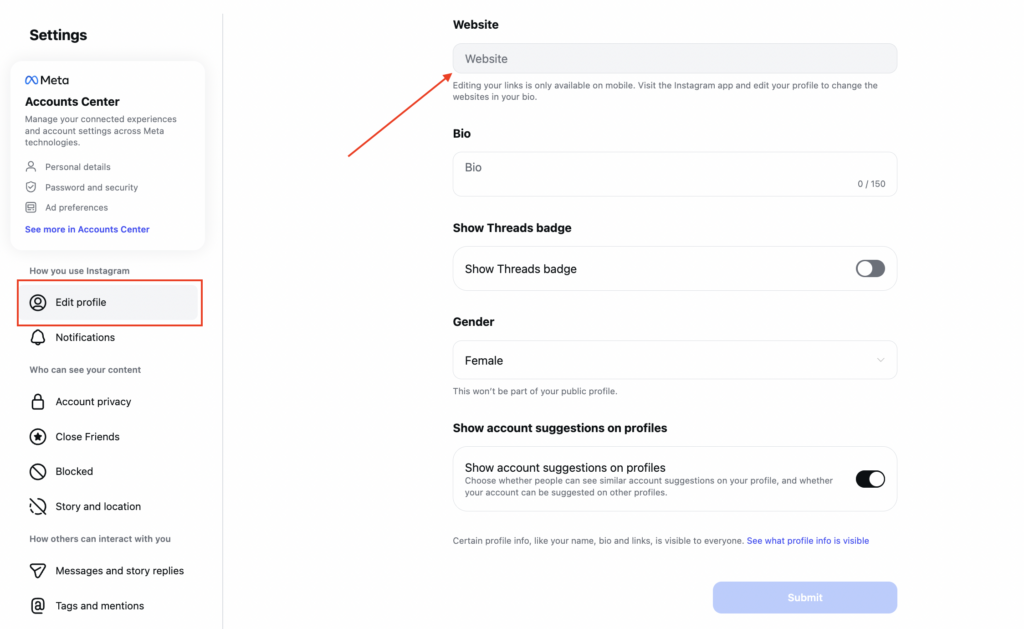
Instagram supports only one clickable link in the business info section. If your profile already has a website link, replace it with the online booking form link.
You can also add a Book button to your Instagram profile using this instruction.