
The Payroll section is available in the Altegio mobile app, where employees can view their salary for the selected period.
How it works #
Go to the main menu by tapping More in the bottom navigation bar, then open Payroll calculation. By default, the Calculation screen will open.
If you are an owner or manager and you have full access, you will see the list of team members. Select the required team member to view their salary and accrued payouts for the selected period.
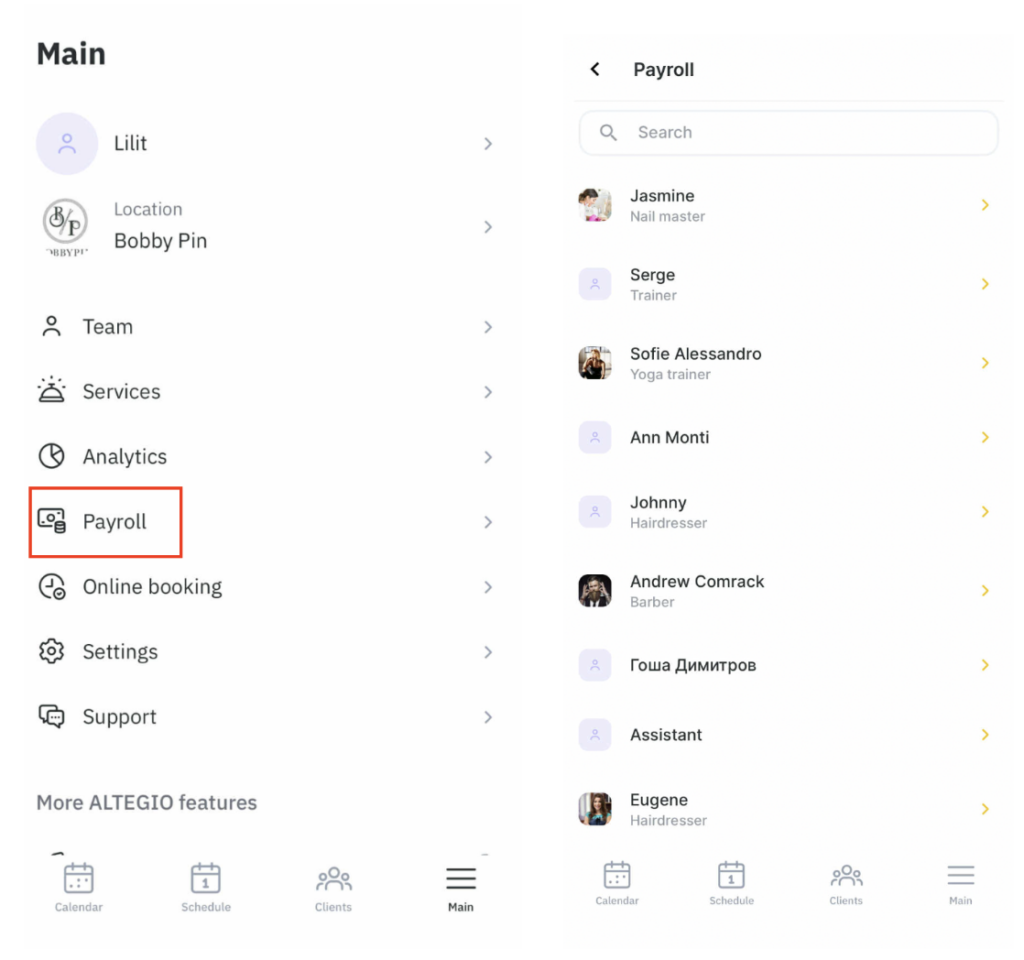
The screen shows the salary calculation for the selected period, as well as:
- Work time — shown in days and hours.
- Services provided — the number of services delivered during the period.
- Service value — the total value of services provided.
- Products sold — the number of products sold during the period.
- Product value — the total value of products sold during the period.
- Total value — the combined value of services provided and products sold during the period.
On the Payouts tab, you can see the earned and paid amounts for the selected period:
- Earned for the period — how much the employee earned.
- Payout — how much money was paid to the employee.
- Remaining to pay — how much is still left to pay.
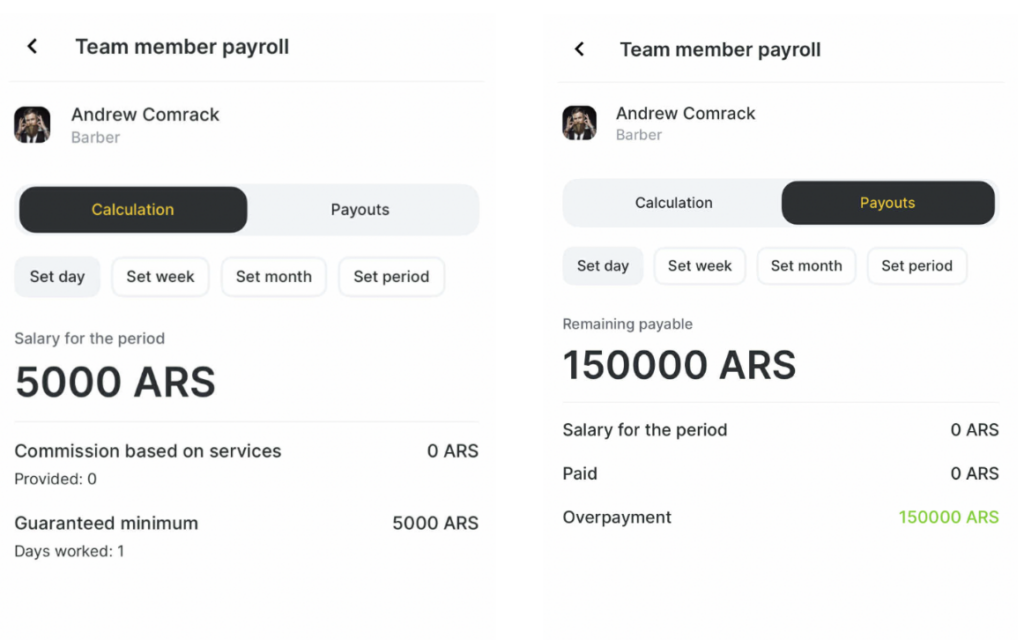
Access rights #
If a user has the permission Finance > Access to payroll calculation > Access to payroll calculation for a specific employee only, they will see all screens in this section: Calculation and Payouts.
If a user does not have the permission Finance > Access to payroll calculation > Access to payroll calculation for a specific employee only, the Salary screen will not be displayed.
If the user’s Access to payroll calculation permission is limited to Current day only, then:
- On the Calculation tab, only the Per day button will be available, and the weekly calendar will not be shown.
- On the Payouts tab, the selected period will be from the current day to the current day. The calendar will be locked, and the dates cannot be changed.
For users with full permissions and Access to payroll calculation for all employees, the Payroll calculation section is available in the menu. From this section, you can go to Settlements in the web version of the system.
For more details about access rights in the Finance section, see the related article.

