What is it and what is it for?
A webhook is a notification mechanism that sends information when a specific event occurs in the system. Events refer to changes in the system’s state, such as creating a new product, updating company information, or deleting a service. The webhook notification is sent as a request using the POST method, containing details about the event, including its type and a link to the changed object. For instance, if the name of a product is modified, a notification will be sent with a link to that specific product.
A webhook contains a description of the changes, including the object type and a link to the changed object. This information is sent to the specified URL as part of the webhook notification.
Configuration
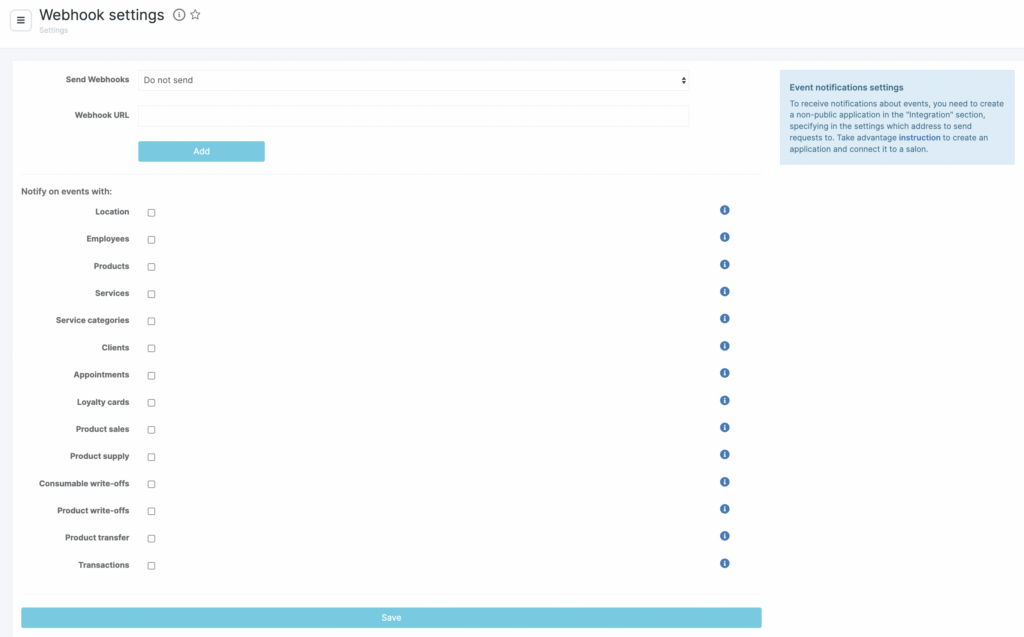
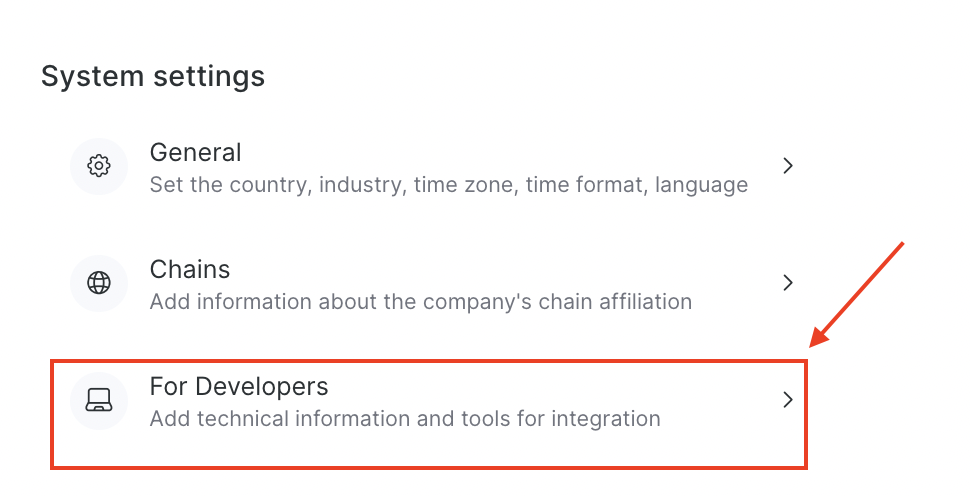
Go to the Administration mode Settings > System Settings > For Developers section, enable sending hooks and specify the address to which notifications will be sent.
Set up for what events webhooks need to be sent:
- when changing the location settings in the Settings — My location — Location Settings and in the Settings — My location — Business Information sections (except Company details tab).
- when creating, editing, deleting a team member
- when creating, editing, deleting products
- when creating, editing, deleting a service
- when creating, editing, deleting a service category
- when creating, editing, deleting a client
- when creating, editing, deleting a booking in the Appointment Calendar
- when creating, editing, deleting inventory and financial operations
3. Click the Save button.