To add a new payment item:
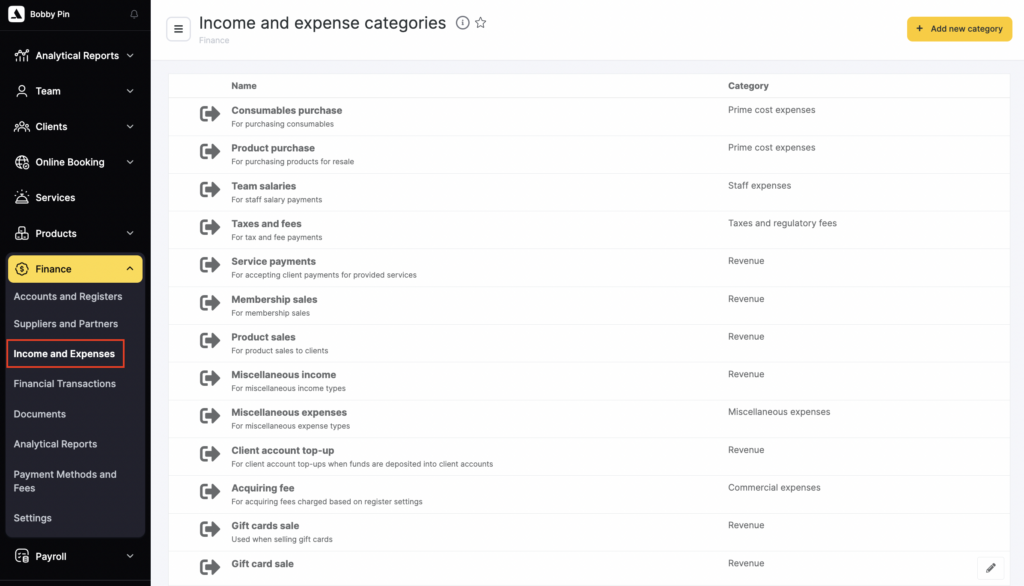
- In the Administration mode go to Finance > Income and Expenses.
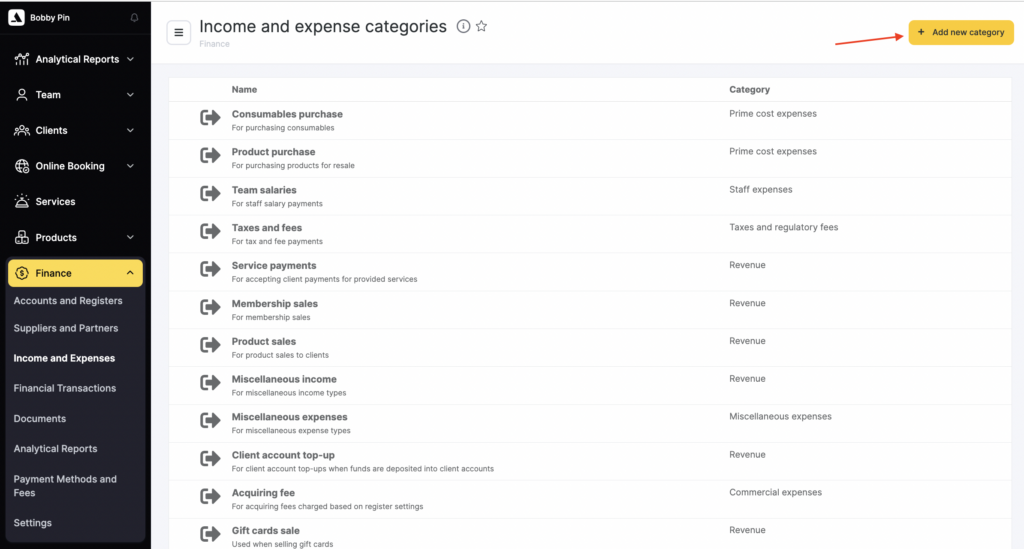
- Click the Add new category button.
- In the new window that opens, enter the Name, Category, and Comment.
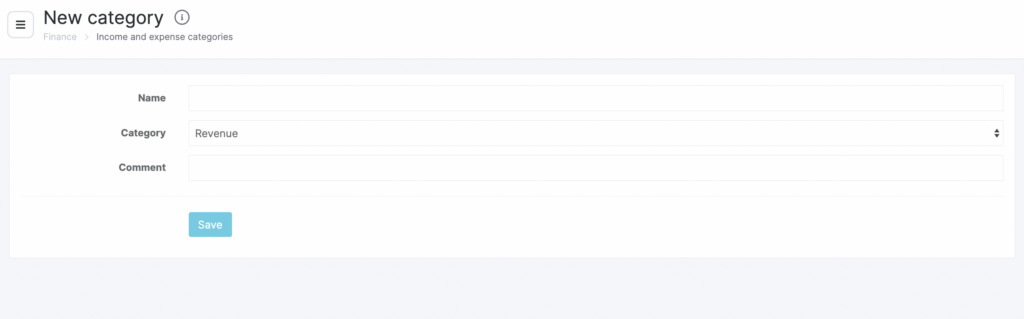
- Click Save.
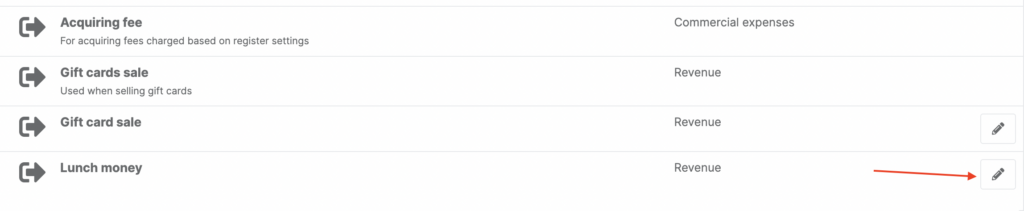
You can edit payment items. To do this, select the item and click Edit. In the new window that opens, update the information and click Save.