
After editing the basic information about team members, add legal information.
This section contains data about team members that the employer needs:
- First name
- Last name
- Middle name
- Citizenship
- Gender
- Passport details
- Tax ID
- Insurance number
- Date of hire
- Date of registration/patent expiry
- Additional phone number
Editing
- Go to Team > Team members list (Administration mode).
- Select a team member and click their name. On the Legal information section fill in the required fields.
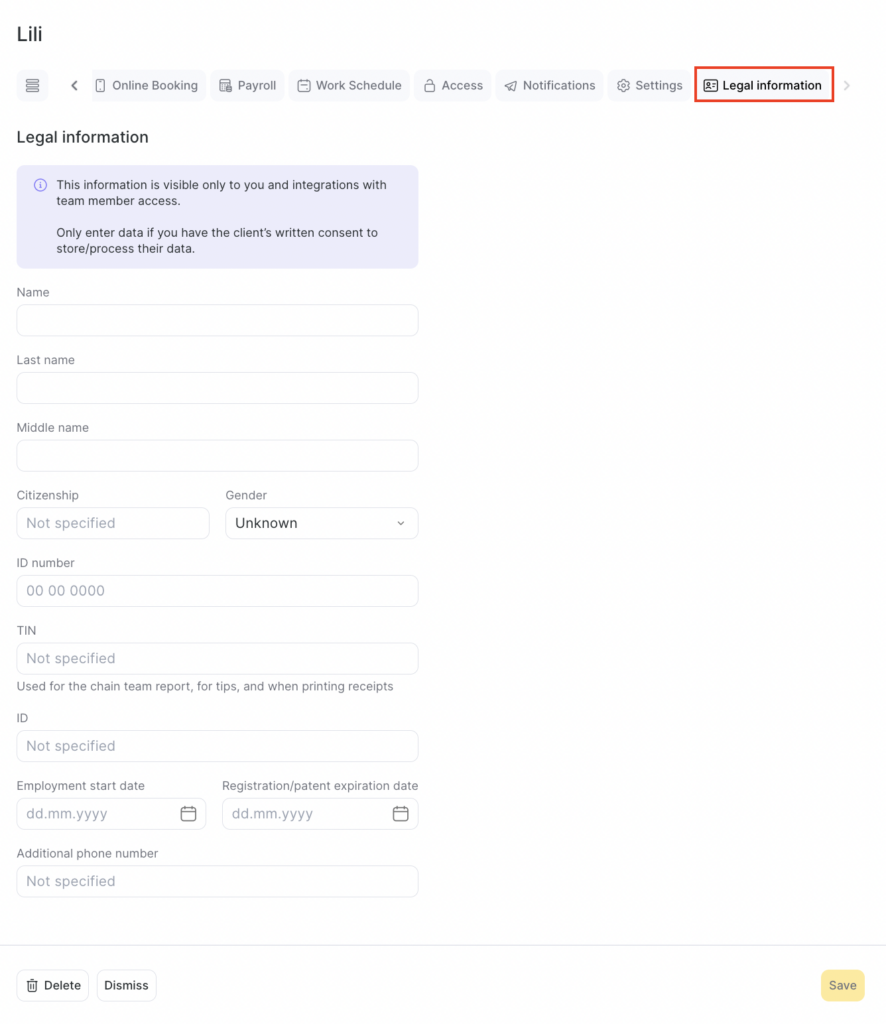
- At the end, be sure to click Save.
Instructions for completing additional team member information can be found at the link.