
To begin using Altegio, the first step is to access the alteg.io website.
Once you’re there, you can either log in using your credentials or create a new account.
Registration
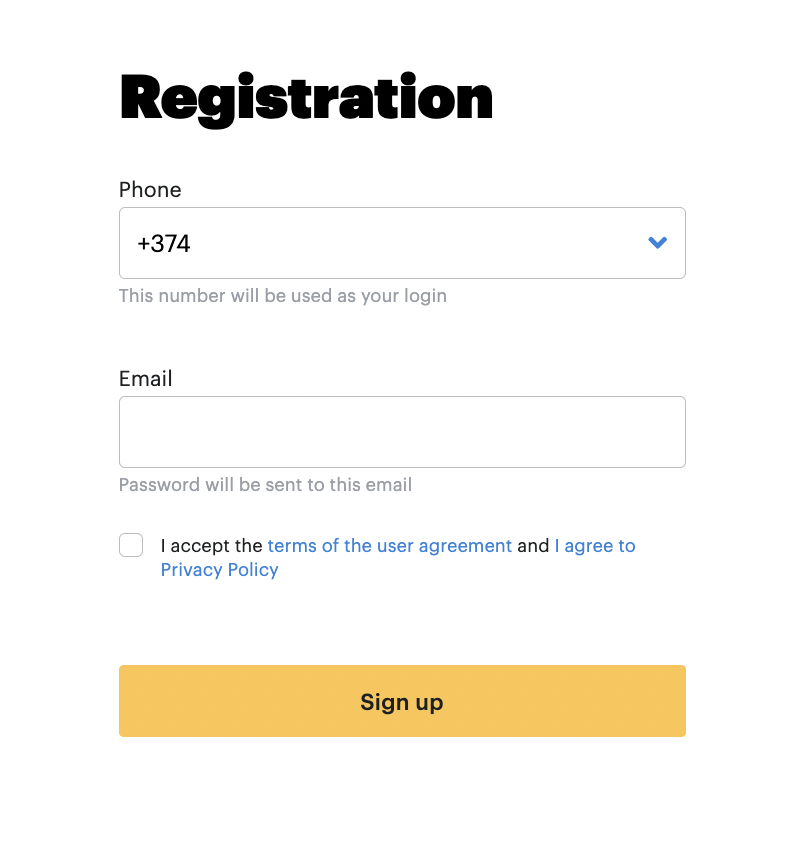
To create a new account register with your company name, phone number, and email address.
During the registration process, you’ll also need to accept the terms of the license agreement before clicking the Sign in button to finalize your registration.
Logging in
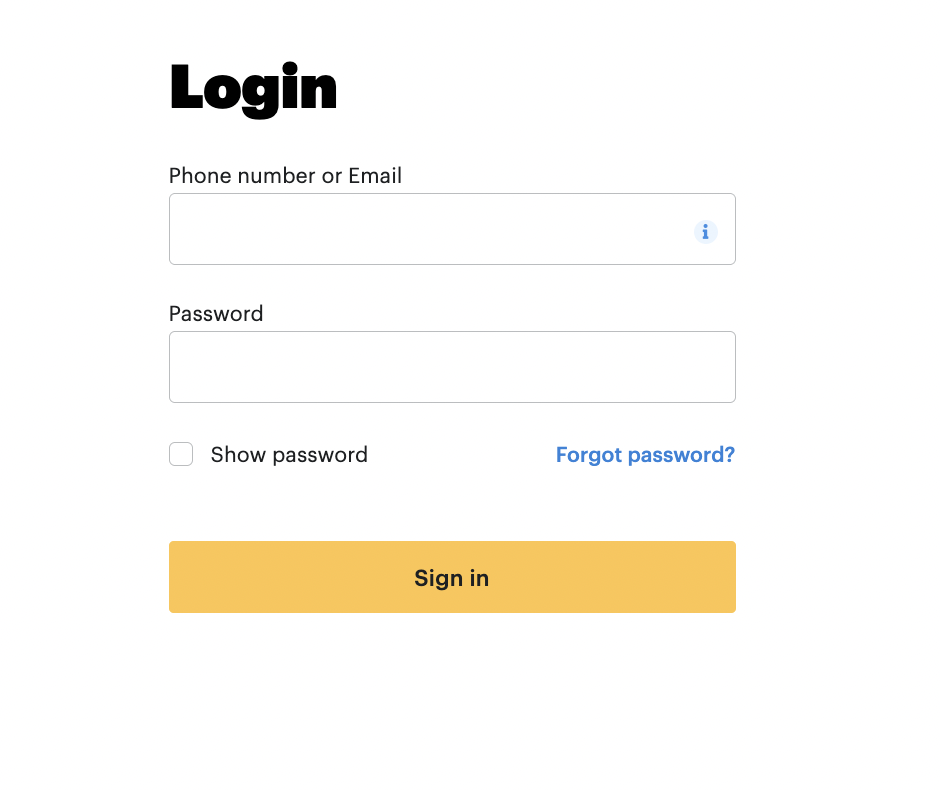
To log in to your account, enter your login credentials (your email or phone number with the country code) along with your password.
It’s important to ensure that the correct phone number is provided during registration to ensure the successful receipt of your password.
Password recovery
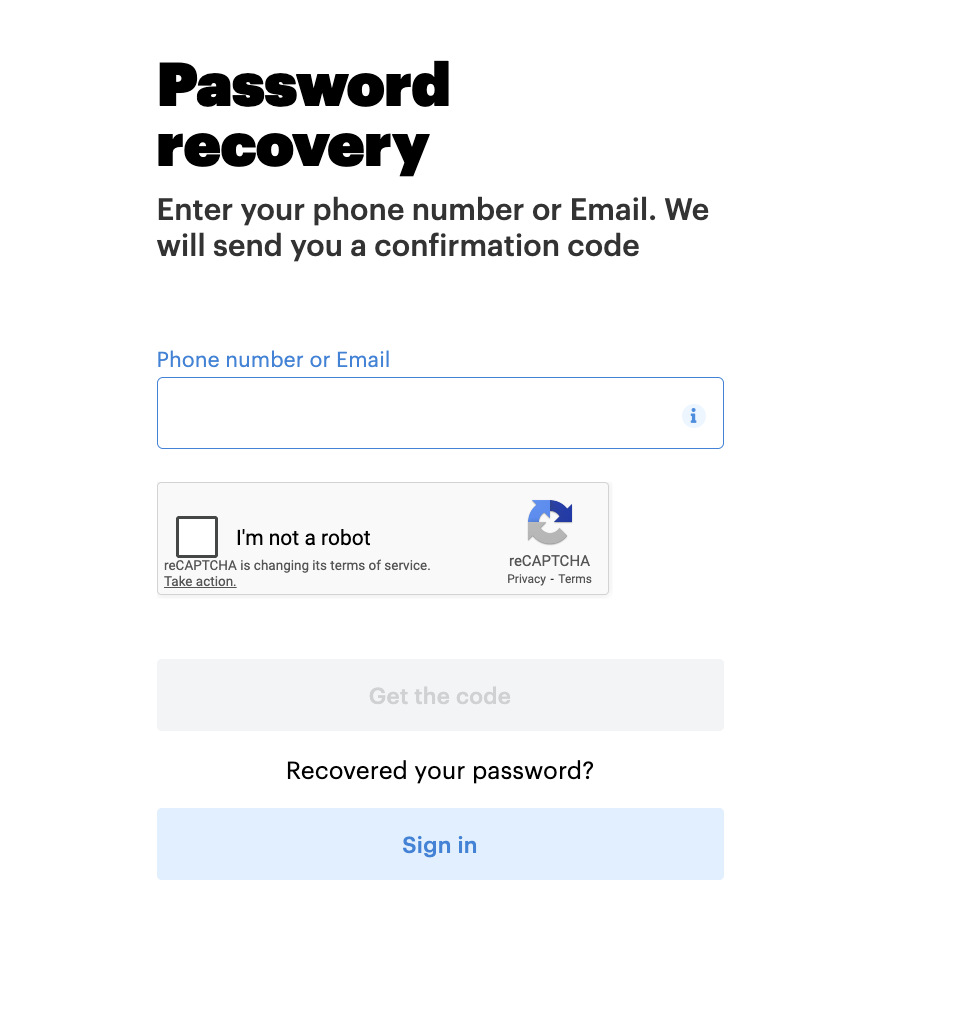
You can recover your password by going to https://app.alteg.io/signin/ and clicking Forgot password? then entering your email address or phone number with the country code (starting with the + sign).
Password recovery via mobile app
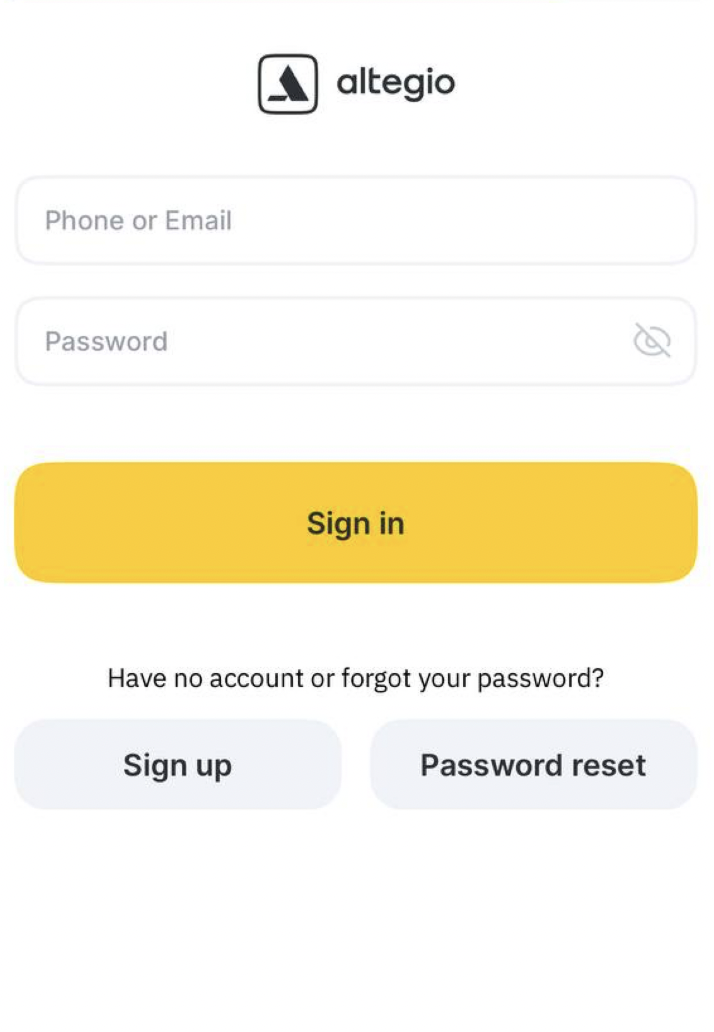
If you’ve forgotten your account password, you can easily reset it by following these steps:
On the sign-in page, click Password reset.
Enter your email or phone number with the country code (starting with the + sign).
Follow the step-by-step instructions displayed on the screen.
Once the reset process is complete, you’ll be able to set a new password and access your account again.
Important
For better security, we recommend creating a unique and strong password that you haven’t used before.
Troubleshooting invitation or password-reset delivery
If a team member cannot receive an invitation or password-reset message, first verify which email address or phone number is linked to their Altegio user account. The team member can check these details in Personal account > Profile. An owner or manager can compare them with the contact details in the team member’s profile: open the profile in Team > Team members list, then go to Access > System Access. Use the phone number with its country code.
If the details differ, update the outdated contact. The team member can change the email address in Personal account > Email address or the phone number in Personal account > Phone number, then complete the confirmation. If the contact in Access > System Access is incorrect, the owner or manager should update it there. The contact used for the invitation must match the one linked to the user account.
Once the contacts match, resend the invitation or request password recovery using the linked email address or phone number. Follow the recovery instructions to set a new password, then sign in with the updated contact and password. If the team member knows the current password, they can change it under Personal account > Password.