Introduction
This technical hub consolidates authoritative setup paths for Altegio’s online booking widgets across websites, CMS platforms, social networks, and Google Maps, and documents analytics events for GA4.
Widget link types and routing
- General booking link: a single widget where clients pick service and/or employee. Manage links in Online booking > Online booking links. Online booking widgets
- Employee-specific link: deep-link a widget prefiltered to a specific staff member (ideal for staff bio pages). Separate forms per employee/service
- Service-specific link: deep-link a widget prefiltered to a specific service. Parameter conventions in URLs: s = service ID, m = employee ID. Separate forms per employee/service
- Core setup options (scheduling windows, field requirements, “Any specialist” mode, buffers, reschedule/cancel rules) are in Online booking settings. Online booking setup and options
Multiple widgets on one page
If you offer distinct flows (e.g., Services vs. Classes), place multiple widgets/buttons on the same page. Each button must point to a different booking link via data-url. Adding several widgets to one page
Website embed patterns
Choose one or combine as needed:
- Standard floating/round button (opens popup widget);
- Custom-designed button that triggers the widget;
- Embedded inline form as an on-page element. How to add online booking to your website
CMS quick paths
- WordPress: paste the button script in header.php (Theme File Editor) or via your theme’s code injection and publish. WordPress guide
- Tilda (native): add block T123 “Embed HTML code” and paste your button code. Tilda embed
- Tilda (custom button): bind your custom CSS class to the Altegio trigger class ms_booking and load the widget script. Tilda custom button
- Google Sites: use Insert > Embed and paste the button code (add defer as noted). Google Sites guide
- Wix/Joomla and more: see the partner/CMS integration hub for the up-to-date list and steps. Partner sites/CMS hub
Social booking (Instagram/Facebook) and channel hubs
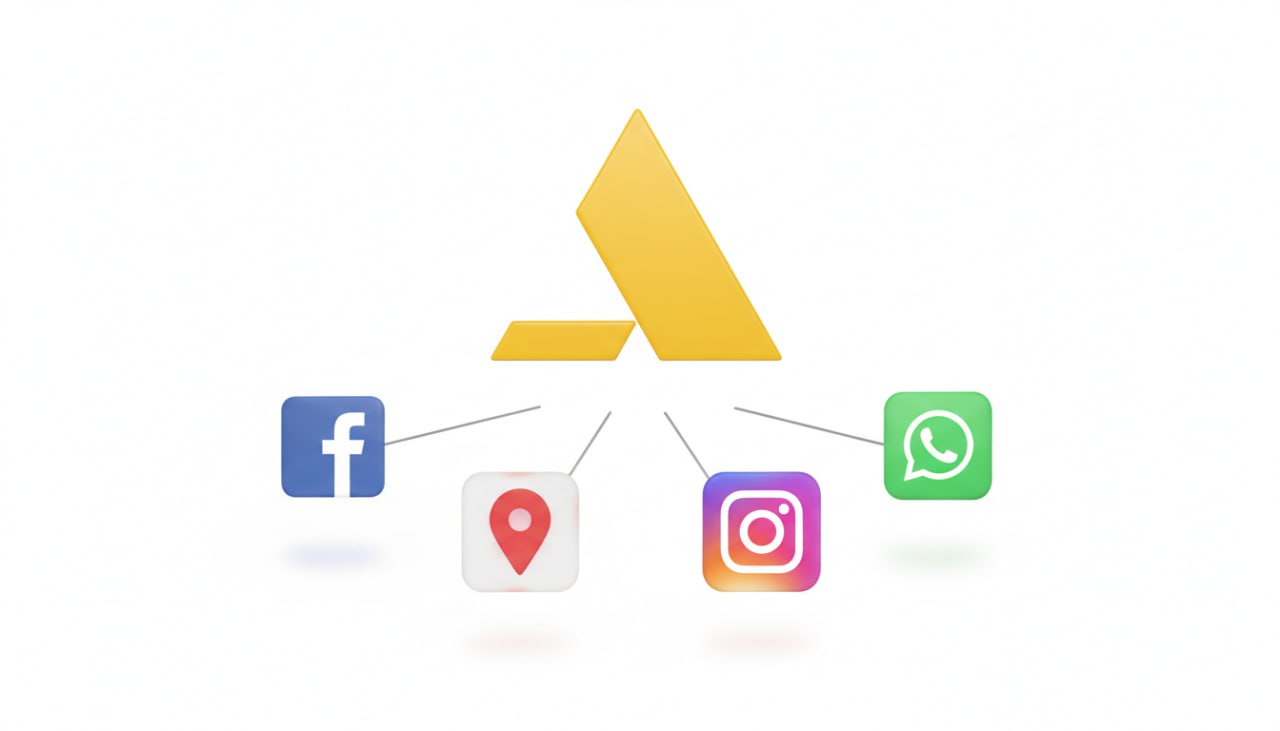
Altegio provides direct “Book Now” flows and shareable links optimized for social profiles and posts. Use the social integrations directory for current Meta/Instagram/Facebook connection steps and best practices. Online booking with social media hub
Book via Google (Google Maps & Search)
Enable direct bookings from Google Maps/Search where supported (Beauty, Sports, Auto verticals). Key requirements and constraints:
- Service names must not begin with numbers; add unique descriptions (not identical to the name).
- Price is mandatory (min $1 per service) and schedules must be current; data syncs daily.
- Statistics and reviews are visible inside Altegio’s integration panel. Google Maps integration
Analytics and GA4 instrumentation
Connect GA4 per booking form and map conversions to widget events.
- One GA4 data stream per booking link; create additional booking forms if you need multiple streams. Verify via Realtime. GA4 connection
- Widget events sent to analytics (examples below). Event taxonomy, Online booking analytics notes
- Track promo interactions if you use the new widget’s Promo block; use the clicked_promo_link identifier. Promo block (new widget)
- Data parity: minor discrepancies between analytics tools and Altegio reports are normal when customers book from multiple sources; treat Altegio’s operational data as ground truth. Analytics caveats
Fraud prevention and UX controls
- SMS phone verification in the widget: reduce invalid/test bookings by requiring a one-time SMS code (requires an SMS/chatbot provider). Message length limits apply (e.g., 69 characters per SMS segment). Phone confirmation in widget
- Membership-only booking: restrict selected services so only clients with valid, active memberships can book online (including mobile app). Online booking with membership
- Core flow hardening: configure “Any specialist” mode, prep buffers, and cutoff windows for reschedule/cancel. Online booking setup and options
Implementation checklist
- Create the required booking links (General, Employee, Service) and name them clearly for internal use. Online booking widgets
- Decide the web presentation: floating button, custom button trigger, or embedded inline form. Website embed options
- Add multiple widgets per page if you need separate flows. Multiple widgets
- Install on your CMS of choice (WordPress, Tilda, Google Sites; others via the CMS hub). WP • Tilda embed • Tilda custom button • Google Sites • CMS hub
- Connect social booking (Instagram/Facebook) where relevant. Social booking hub
- If eligible, enable Book via Google and satisfy naming/price/description rules. Google Maps integration
- Wire GA4 for each link and define conversions from key events (e.g., booked, group_record_created). GA4 connection • Events
- Optional: require SMS verification and/or restrict certain services to members only. SMS confirm • Membership-only
Reference: advanced customization
- Full customization of widget look-and-feel, image/logo, service grouping, and group booking prepayment options. Customize the new widget