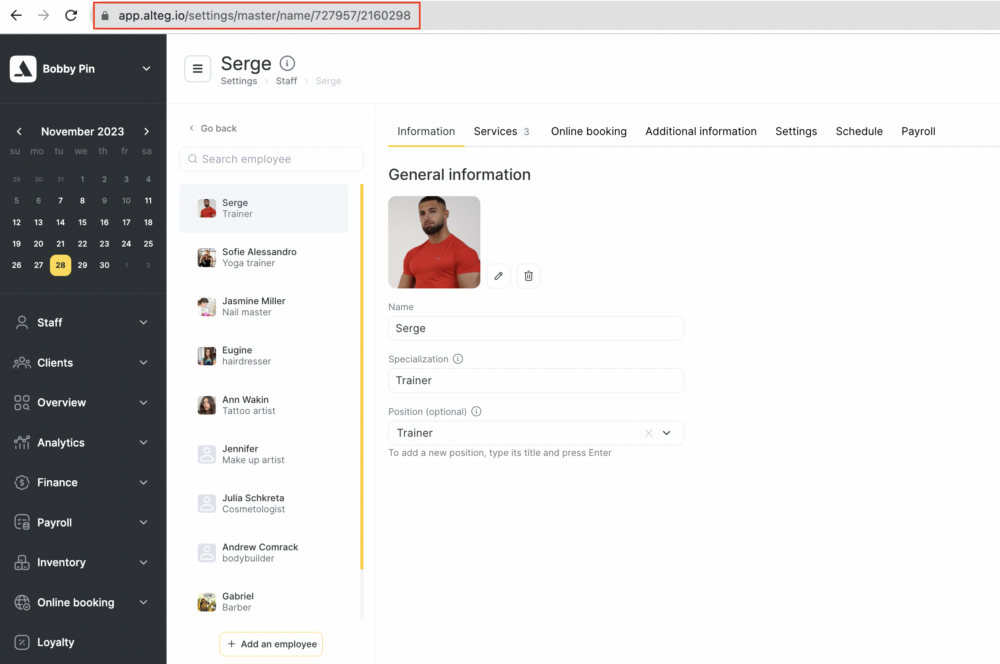
Team member ID is unique Altegio number. To obtain team member’s unique ID number follow these steps:
- Go to Team > Team members list section.
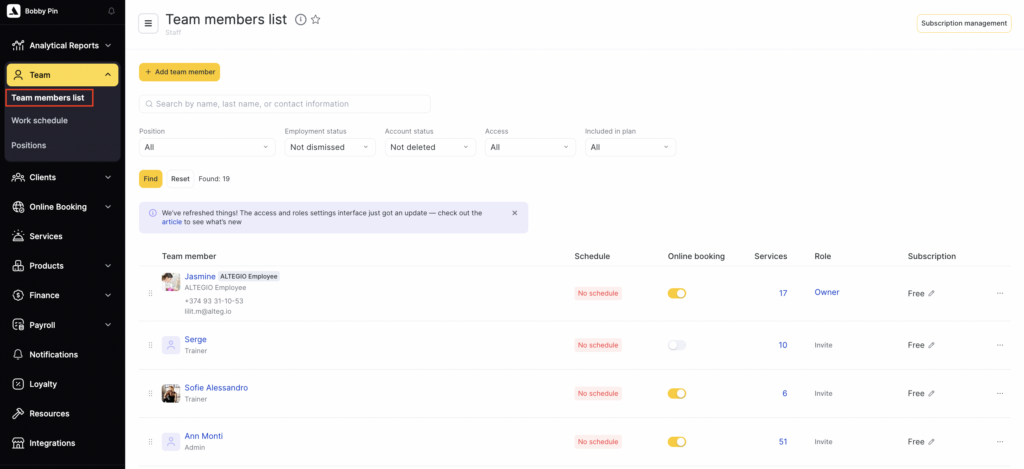
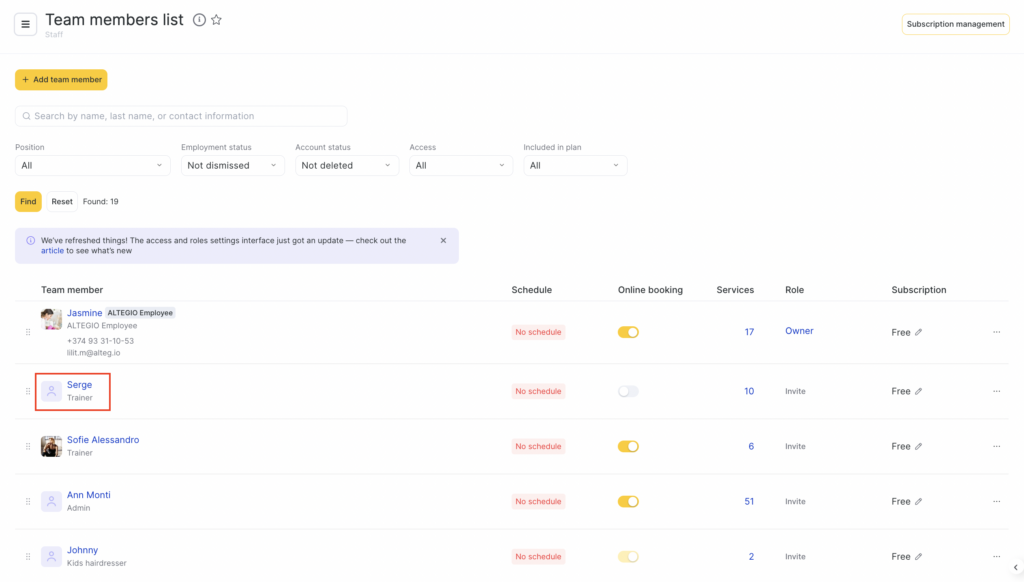
- Choose a team member from the list and click on their name.
You will be redirected to a page where you can input details about the employee, including a description, photo, position, and more. Take note of the URL in your browser’s address line:
https://app.alteg.io/settings/master/name/xxxxxx/2160298
Here, the trailing digits “2160298” correspond to the unique team member ID.