
This article will help you prepare all the materials, access details and documents needed for your mobile app development. Below is what to do, in what order, and in what form to send it.
Where to send
Send all materials, access details and documents to: [email protected]
Important
Send everything after the fee under the agreement has been paid.
How the development works
- Prepare and collect the materials for the app.
- Create a new Google account with an email address in the format: “App [email protected]”.
- Create a new Apple ID and an Apple Developer account.
- Create a developer account in the Google Play Console and get it verified.
- Send the materials and access details to [email protected]
What you need to provide: short list
Documents and access details
- Access to a new developer account in the Apple App Store. The account is created specifically for this app development, on a new Apple ID.
- Access to a new developer account in the Google Play Console. The account is created specifically for this app development.
- A government-certified document of state registration as an entrepreneur or organization — in Latin script.
- A document proving ownership of the trademark or trade name — in Latin script. If you do not have one, a receipt showing the brand name and the name of the organization or entrepreneur will do.
Materials for the stores and the app
- Splash screen.
- Logo — it is also the app icon.
- Full app name.
- Short app name.
- Short app description.
- Long app description.
- List of search keywords (tags).
- Image for the Featured section in Google Play.
Documents and access details: requirements
1. Apple App Store account
You need access to a new developer account in the Apple App Store, created specifically for this app development, on a new Apple ID.
The developer account login and password must remain unchanged.
The entrepreneur’s full name must be listed in the Apple App Store as the owner of the developer account. The registration extract must include business activities that match the app’s brand.
2. Google Play Console account
You need access to a new developer account in the Google Play Console, created specifically for this app development.
3. State registration document
Provide a government-certified document of state registration as an entrepreneur or organization. The document must be in Latin script. It is required for submission to the Apple App Store.
4. Trademark or trade name document
Provide a document proving ownership of the trademark (TM) or trade name — in Latin script. If you do not have one, send a receipt showing the brand name and the name of the organization or entrepreneur.
The trademark (TM) must be issued to the legal entity, not in the general director’s name.
Materials: requirements for each item
Splash screen
This is the image the user sees when the app launches.
Requirements:
- size: 2208 × 2208 pixels;
- format: PNG;
- no transparency.
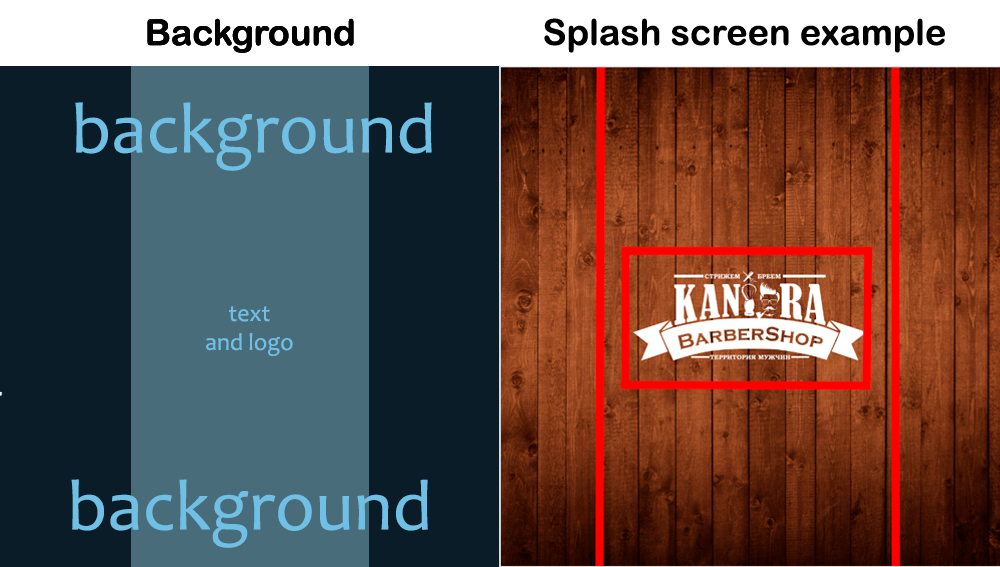
To prepare the splash screen, use the template shown in the image below. Place the background in the background layer — it must fill the whole template area. Place the logo or text strictly on the second layer, Layer, within the borders set beforehand. On different devices the background may be cropped.
Logo
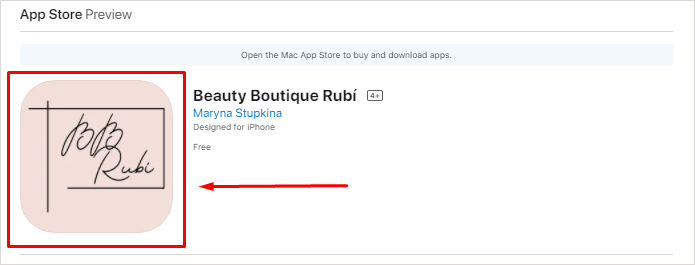
This image is used as the logo in the app stores and as the icon on the smartphone home screen.
Requirements:
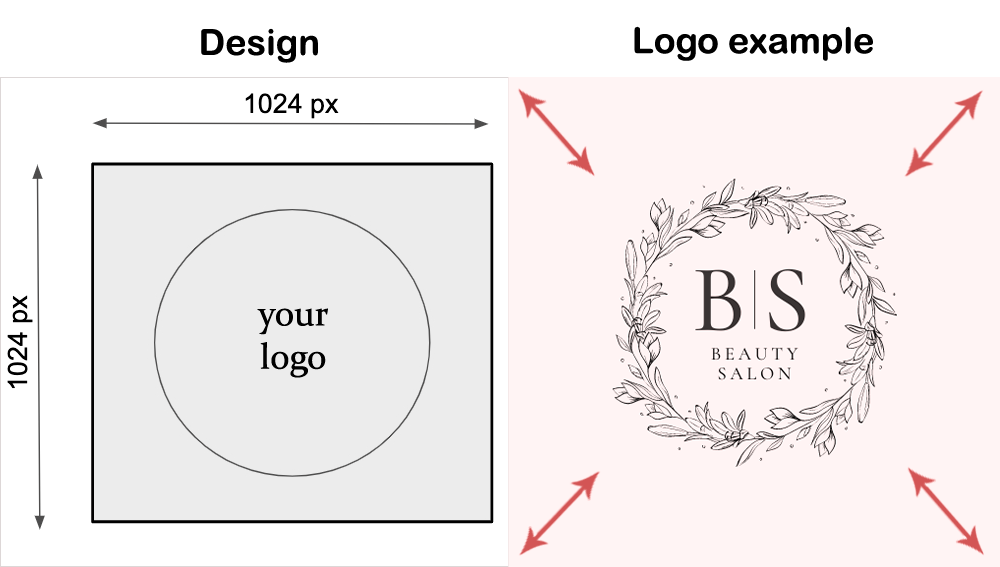
- size: 1024 × 1024 pixels, with the logo fitted into the square;
- format: PNG;
- no transparency.
Recommendations:
- avoid small graphics and small text — they will be hard to read on the icon;
- avoid borders and graphics along the edge of the logo: in the stores the icon edges are rounded.
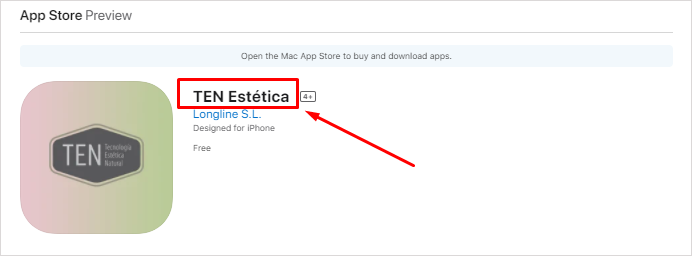
Full name
This is the name users will see in the App Store and Google Play.
Requirements:
- no more than 30 characters;
- the full name can be changed within 14 days after publishing.
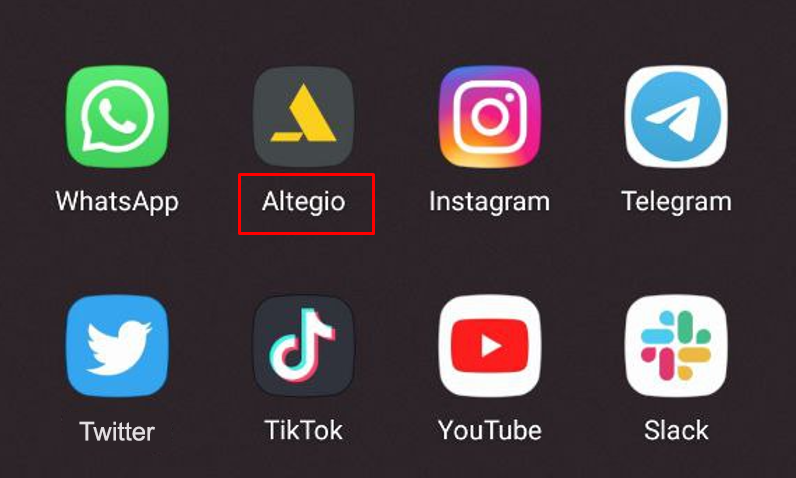
Short name
This is the caption under the icon of the installed app on the smartphone.
Requirements:
- no more than 11 characters, including spaces.
App description
The description is shown to the client in the App Store and Google Play before they download the app. Prepare two versions: a short one and a long one.
Rules for both versions:
- no links and no phone numbers;
- no offensive or erotic content;
- avoid mentioning Apple, Google, Samsung products and any other large brands or registered trademarks;
- the text must be written in the app’s main language.
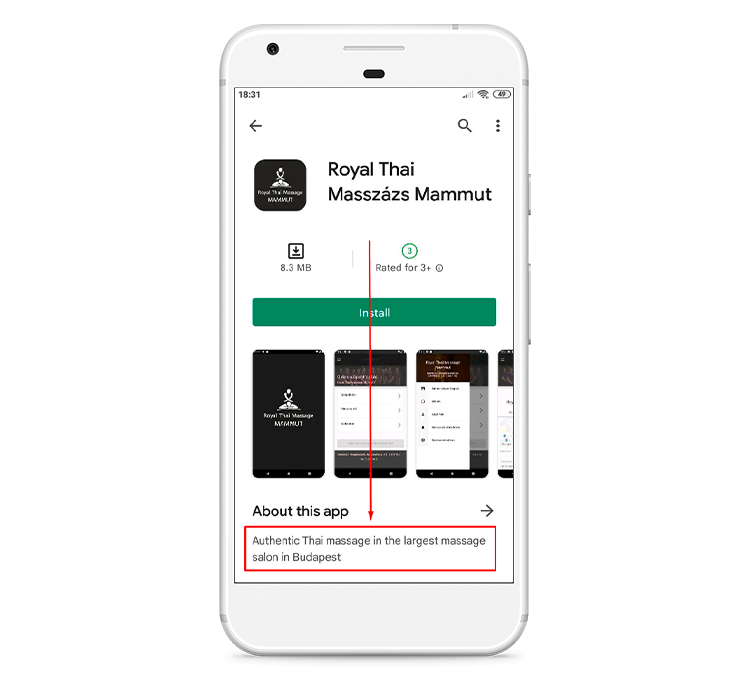
Short description
Shown in the App Store and Google Play before the More button.
Requirements:
- no more than 80 characters, including spaces.
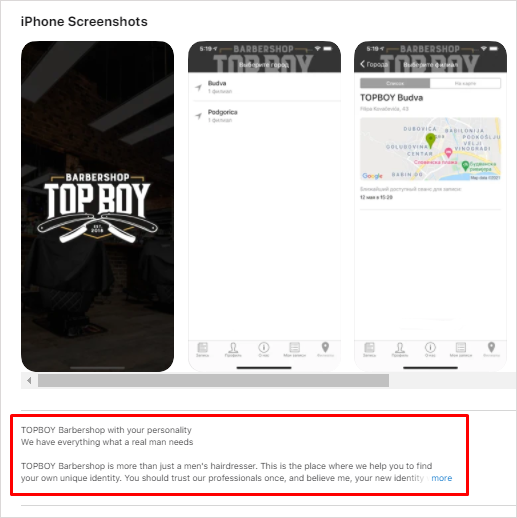
Long description
Shown after the More button.
Requirements:
- no more than 4000 characters, including spaces.
Search keywords
A set of words that lets users find the app in App Store and Google Play search.
Requirements:
- no more than 100 characters, including spaces.
Image for the “Featured” section
Required for Google Play, for the Featured section.
Requirements:
- size: 1024 × 500 pixels;
- a modified icon or splash screen is acceptable.