
Use this instruction if you need to add different online booking widgets to one page, for example, booking for different types of services.
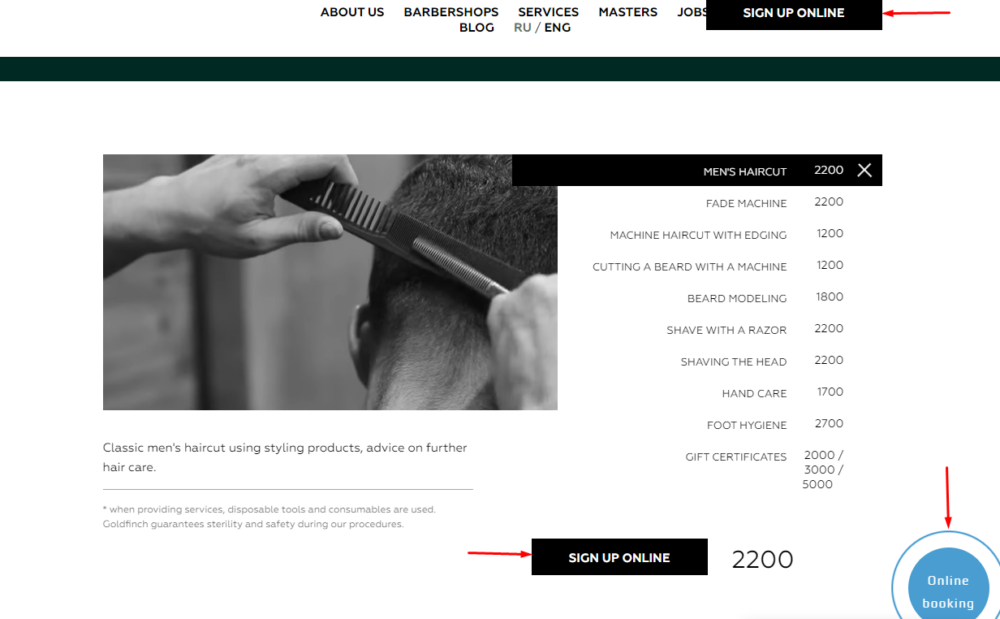
Setup
- Add any script to the site, for example:
<script type="text/javascript" src="//w11352.alteg.io/widgetJS" charset="UTF-8"></script>- Add a code with different data-URL values to each button.
For example:
Button 1.
<a href="#" class="ms_booking" data-url="https://w13423.alteg.io"></a>Button 2.
<a href="#" class="ms_booking" data-url="https://w16156.alteg.io"></a>- The value of data-URL is a link to the online booking form. Replace the bold parts of the code with the links of the different forms of your company’s online booking. To get them go to the Online booking > Online booking links.

- A link of the format https: //nXXXXXX.alteg.io/is located to the right of the name of the online booking form.
