
To access the section, you need to connect the notification module. Detailed instructions for connecting the module can be found in the article.
The Analytical Reports > Messages section contains information about all messages that were sent to clients, receptionists, and team members.
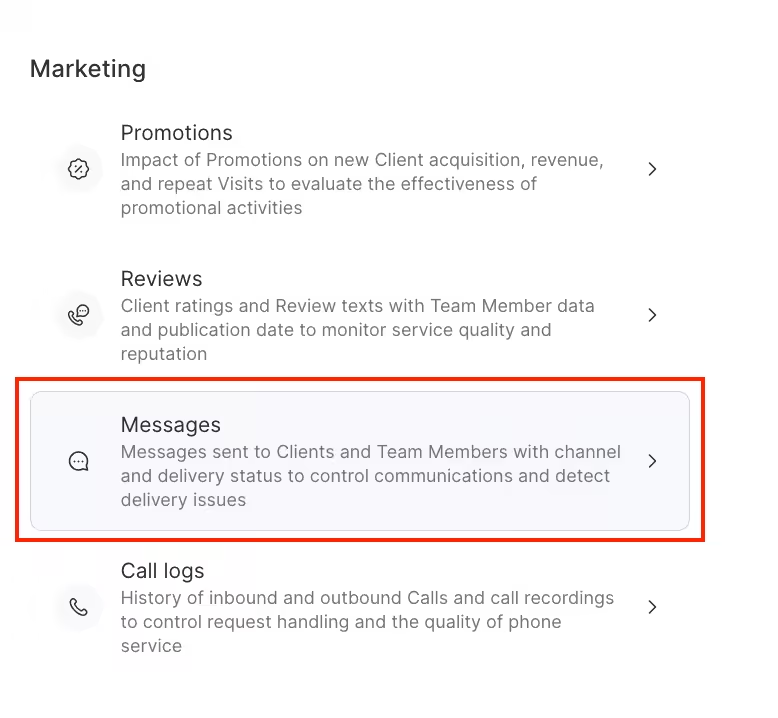
The section contains following information:
- number of messages sent;
- content of SMS, messages, PUSH messages, the type of EMAIL message (for example, a reminder about a visit);
- status (sent, failed to deliver, etc.)
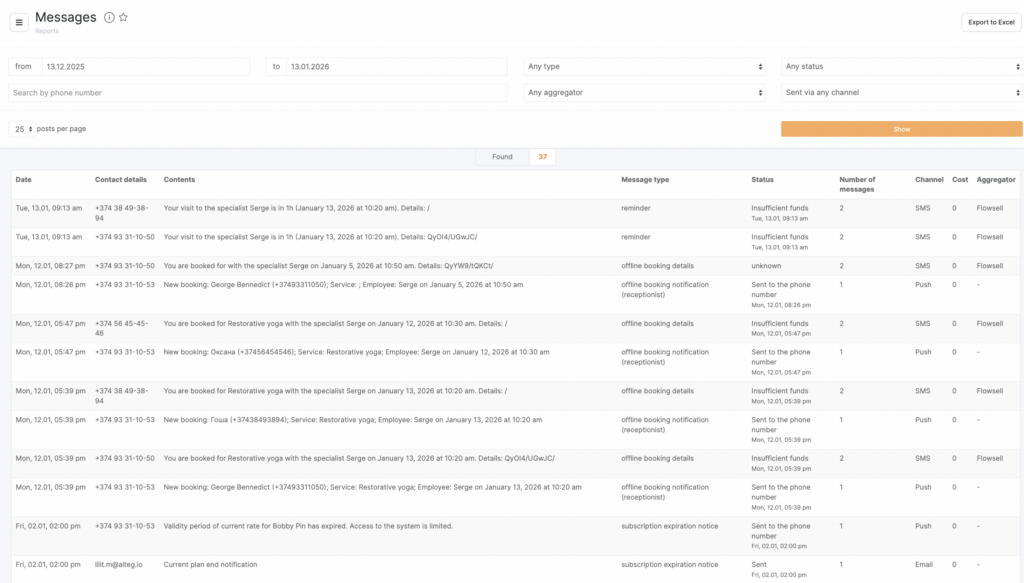
All messages data can be revised separately due to the convenient filter options:
- Period
- Message type
- Status message
- Channel
Filter the list by the required items and click Show. Beyond that, you can see SMS notifications sent to a certain number, to do this, enter the phone number in the search field and click Show.
Note
The phone number must be entered in the correct format with the country code, for example, for USA – 14843458976.
Message data can be downloaded as Excel.