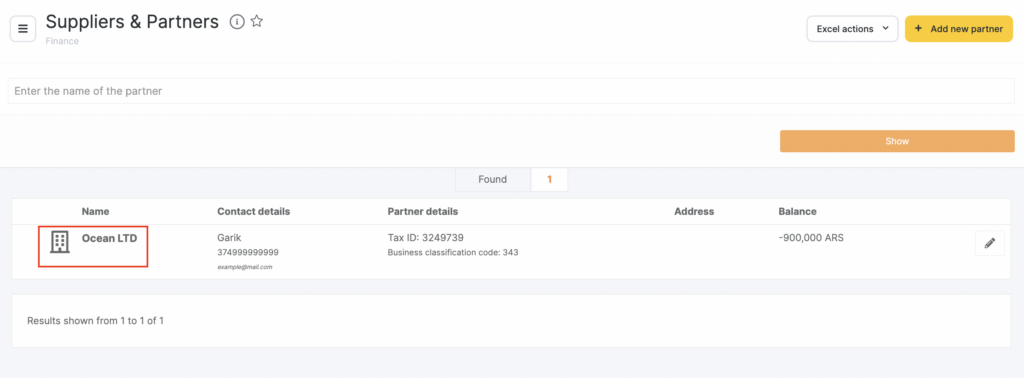
To view the history of transactions with a partner:
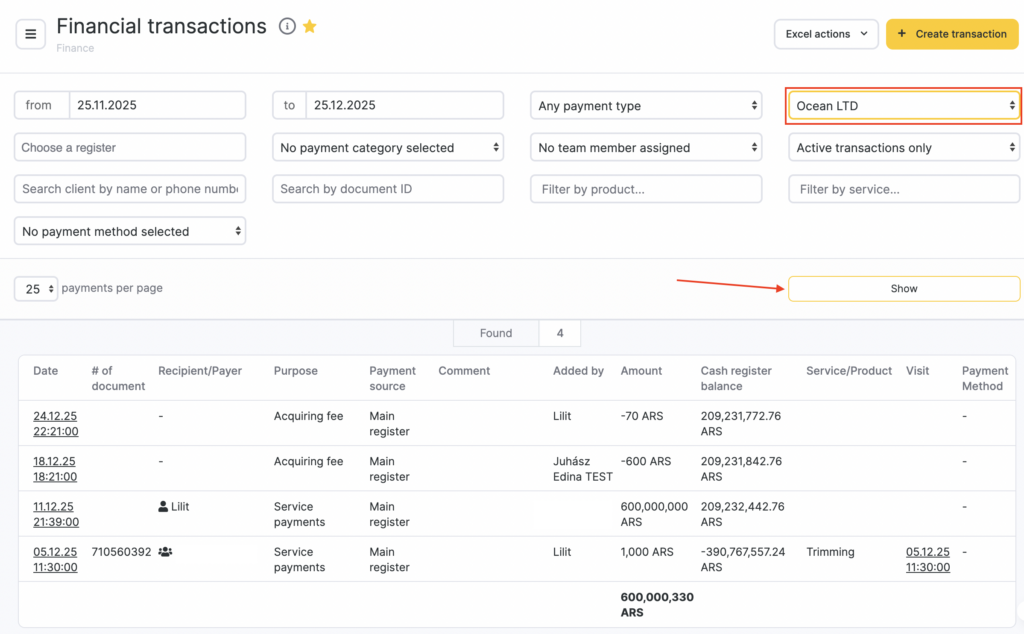
- Go to Administration mode Finance > Financial Transactions.
- Using the filter, select the partner and click Show.
In this report, you can filter the data by time, payment type, and the cash register where the settlement was made.
You can also go to the partner’s financial transactions page via Finance > Partners and Suppliers (Administration mode). To do this, click the partner name, and Altegio will redirect you to Finance > Financial Transactions, where the filter for the selected partner will already be applied.