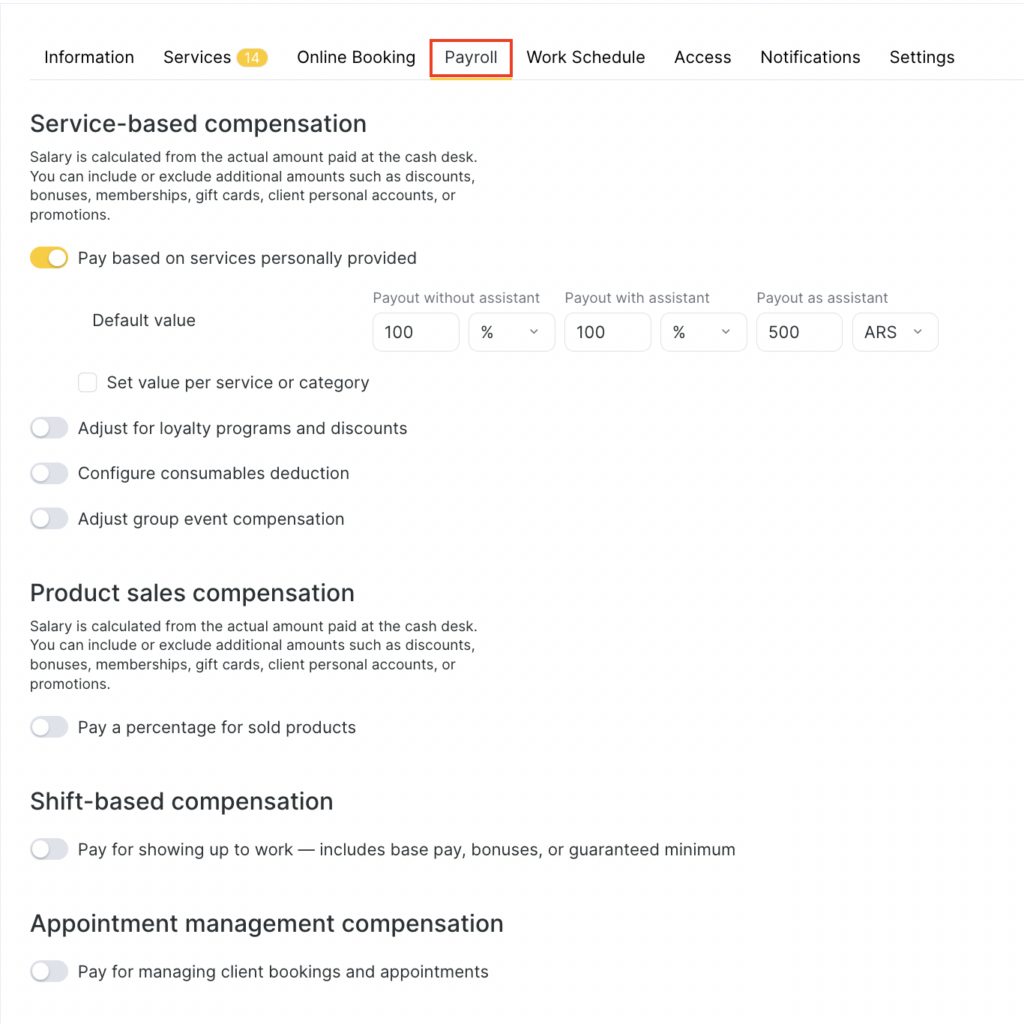
Altegio allows you to calculate team member payroll automatically, create various calculation schemes, and configure and edit them.
To create a calculation scheme, first define and configure the calculation rules.
Setup and editing
Go to Payroll > Calculation rules (Administration mode). All created rules will be displayed there; you can edit or delete them.
To create a new rule, click Add rule. In the window that opens, enter all required information and click Save. A more detailed description of these settings is available in the article Creating a new calculation rule.
Example of a created rule