
Introduction
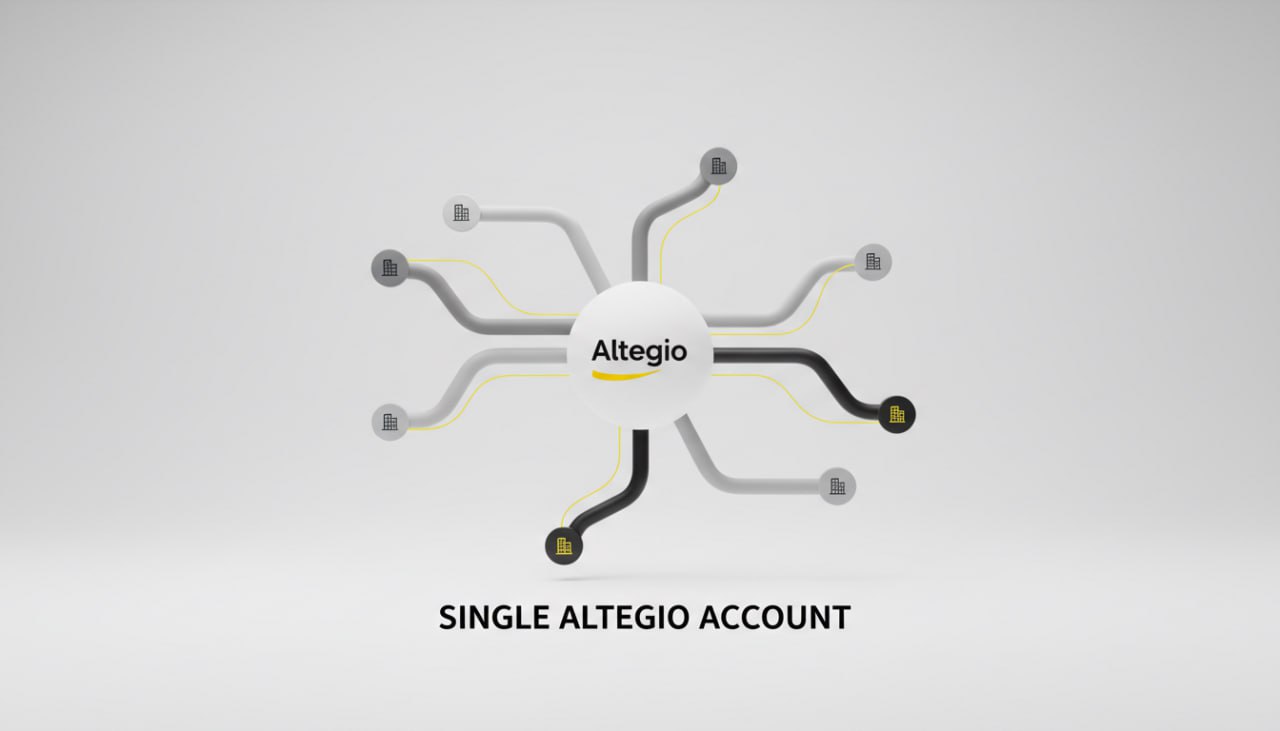
Multi-location operators need consistent data, enforceable access rules, and comparable metrics across branches. This guide explains how Altegio implements chain-wide client and staff unification, analytics, integrations, and reporting with links to the exact product guides.
Chain-wide client records and deposits
- Unified client database: View and act on a single list of customers from all locations with filtering, mass actions, and export. See the chain-level client list and segmentation tools in the Chain client database.
- Client 360 (chain card): Open a consolidated profile for any client to see visit history across locations, payments, products, discounts, messages, and loyalty artifacts (memberships, gift cards, bonuses). Use the Customer chain card.
- Deposit/prepayment accounts: Take advance payments, pay partially from balances, and audit all movements; transactions post automatically to Finance. See Deposit accounts.
Staff unification, positions, and access rights
- Unify staff across branches: Create system-wide employee profiles and merge duplicates originating from different locations. See Merge into chain and chain staff unification.
- Standardize roles/positions: Define chain-wide positions (e.g., Stylist, Tutor) to filter schedules, payroll, and analytics; enforce required HR fields before assignment. See Setting chain positions.
- Centralize user onboarding: Add chain users and assign granular permissions by role and location. See Setting chain users.
- Fine-grained access policies: Configure data visibility and edit rights (e.g., hide client phone, limit history depth, restrict schedule edits). See Appointment Calendar access rights and legacy UI Configuring user access rights.
- Data security and audit: Control downloads, review data-access logs, and protect client databases from exfiltration. See Securing your data in Altegio.
Chain services and settings
- Chain settings hub: Configure chain-level services/products, unify catalogs, inventory, and permissions once, then distribute to branches. See the chain administration index: Altegio settings for chains.
- Assign staff to services consistently: Maintain service-to-staff mappings for quality and capacity planning across locations. See Assigning staff to services and Configuring staff member’s services.
Multi-branch integrations at once
- Install one integration to many branches in a single flow; developers receive arrays of branch IDs to enable app features everywhere. See Set up an integration connection across multiple branches.
Chain analytics and executive reporting
- What chain analytics solves: Avoid duplicate client messaging, compute KPIs on unique customers, and aggregate staff who work in multiple branches. See Chain analytics overview.
- Services profitability and mix: Use the chain services report to analyze quantities, discounts, consumable costs, payroll, profit, and revenue share; only bookings with status “Arrived” are counted. See Services chain report.
- Staff contribution and cost: Monitor earnings, services sold, products sold, hours worked, cost/hour, and revenue share per employee across locations; counts “Arrived” only. See Staff chain report.
- Loyalty and stored value oversight: Track balances and flows for gift cards and loyalty transactions chain-wide. See Report on gift cards and Loyalty cards transactions.
- Retention analytics: Distinguish Returning Customers vs. Retention Rate and define a consistent “customer loss period” for the network. See Customer retention and returning customers and Setting the customer loss period.
Chain reports at a glance
| Report | Primary questions answered | Link |
| Services chain report | Which services drive revenue and profit across the chain? What consumables and payroll do they incur? | Services chain report |
| Staff chain report | Who contributes most to revenue, products sold, and utilization? What’s cost/hour and revenue share? | Staff chain report |
| Gift cards report | What cards are active, their balances, sales points, and write‑offs across locations? | Report on gift cards |
| Loyalty transactions | Which promotions or loyalty events (debits/credits/referrals) occurred and where? | Loyalty cards transactions |
Operational guardrails for chains
- Exports and logs: Chain data exports (e.g., analytics, reviews) are delivered via email links and logged in Overview → Data log for accountability. See examples in Staff chain report.
- Widget analytics: Feed booking events into GA4/Pixel with an extensive event map to attribute marketing per branch. See Google Analytics 4 integration, Events list, and Online booking analytics.
Implementation blueprint (chain rollout)
- Create chain users and roles; set access rights and PII visibility. See Setting chain users and Appointment Calendar access rights.
- Unify staff: merge duplicates into chain profiles; define Positions for filtering, scheduling, and payroll. See Merge into chain.
- Standardize services and assignments; attach staff/services consistently across branches. See Assigning staff to services.
- Consolidate clients: operate from the chain client list and detailed Customer chain card; configure deposits via Deposit accounts.
- Connect integrations to all branches in one pass. See Multi-branch integration setup.
- Turn on chain analytics and define the loss period; validate services/staff reports reflect only “Arrived” visits. See Chain analytics, Loss period, Services chain report, Staff chain report.
KPIs to standardize across the network
- Unique customers, Returning customers, Customer retention rate (per loss period)
- Revenue and profit by service (incl. consumables and payroll)
- Staff earnings, cost/hour, products sold, utilization
- Gift card issuance and redemption; loyalty debits/credits
Quick links (chain essentials)
- Staff merge/unification: Merge into chain
- Positions: Setting chain positions
- Chain client cards: Customer chain card
- Chain reports: Services chain report · Staff chain report · Gift cards report