
Introduction
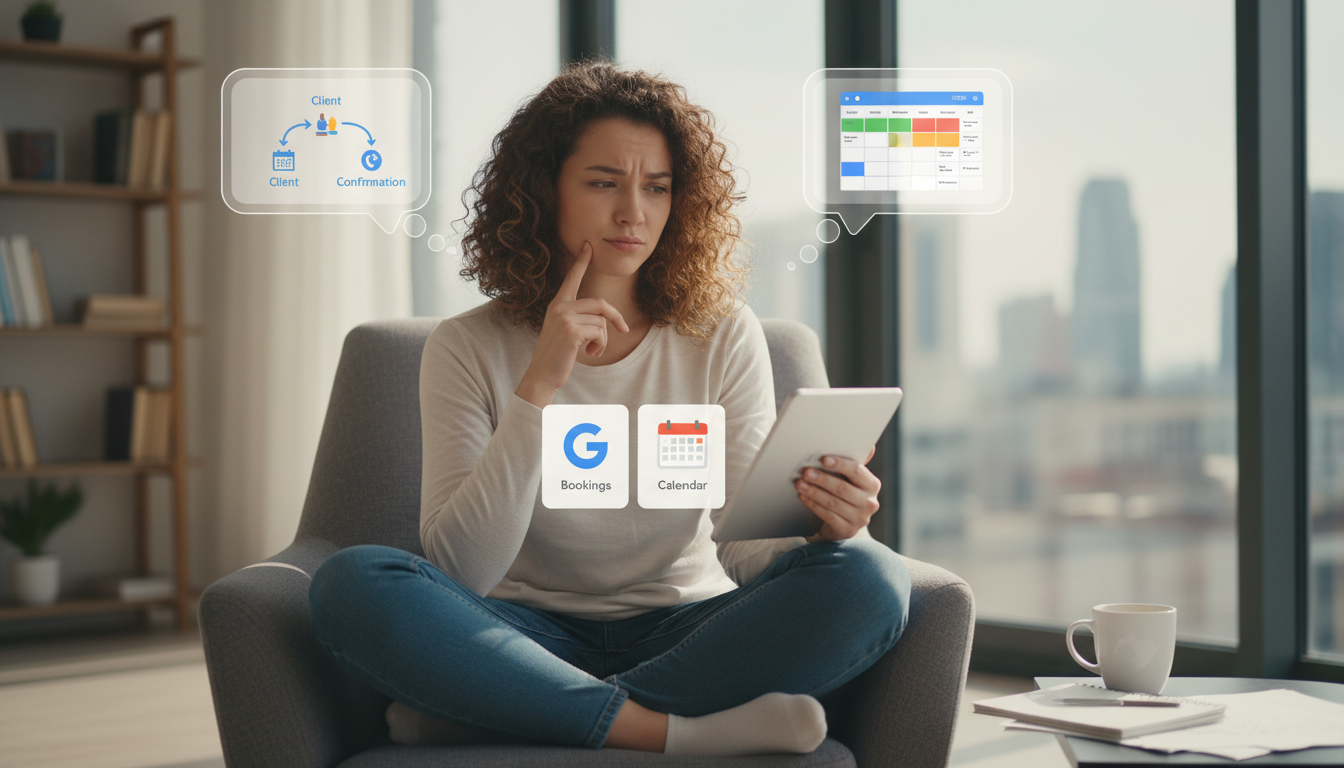
Teams often mix up “Google bookings” with “Google Calendar.” In the Altegio context they are different integrations serving different goals: one is a client-facing booking channel on Google Search/Maps, the other is a staff-facing calendar sync. This page defines both, shows how data flows, and provides setup, limits, and decision guidance with authoritative links to Altegio documentation.
Definitions you can rely on
- Google bookings (Book via Google/Reserve on Search & Maps): Clients book from your Google Business Profile without leaving Google. Altegio is an official partner for “Book via Google” and automatically receives those appointments into your schedule. Supported verticals: Beauty, Sports, Auto. Key constraints and setup requirements are documented in Altegio’s integration guide. Altegio: Online booking on Google Maps
- Google Calendar sync: Staff can view their work schedule in Google Calendar (personal or corporate) by syncing from Altegio. It’s for internal time awareness and planning, not a client booking channel. See staff management and Google Calendar sync under platform settings. Altegio Settings (index: includes Google Calendar sync)
How the data flows (text diagrams)
Booking via Google (client channel)
- Client taps Book on Google → selects service/time in Google.
- Google confirms booking inside Google UI.
- Altegio receives the appointment via the Google integration and writes it to the Appointment Calendar at the correct location/employee.
- Notifications, payroll/inventory write‑offs, and analytics run as usual in Altegio. Integration details: daily data refresh; appointment auto-transfer; view stats/reviews inside Altegio.
Calendar sync (staff calendar visibility)
- Altegio schedule (source of truth) → syncs events to Google Calendar for the specific user.
- Staff see upcoming shifts/appointments in their Google Calendar alongside personal events.
- Clients cannot book through Google Calendar; it’s not exposed as a public booking channel. Settings hub: Google Calendar sync lives under Staff/Calendar settings.
Side‑by‑side comparison
| Aspect | Google bookings (Maps/Search) | Google Calendar sync |
| Primary audience | Clients on Google Search/Maps | Internal staff |
| Where booking happens | Inside Google UI (no redirect) | Not a booking surface |
| Writes to Altegio calendar | Yes, automatically | N/A (mirrors Altegio to Google Calendar) |
| Vertical scope | Beauty, Sports, Auto (per Google/Altegio) | All Altegio industries |
| Setup in Altegio | Integrations → Online booking → Google Maps | Staff/Calendar settings (Google Calendar sync) |
| Special requirements | Unique service descriptions, min price $1, avoid numbered service names; daily update cadence | User authorization and calendar permissions |
| Analytics in Altegio | Booking source visible; stats and reviews available in integration page | Operational only (no client channel conversions) |
| Client notifications, payroll, inventory | Fully supported via Altegio workflows | Not applicable (no bookings created here) |
Sources: Google Maps integration guide, Settings index incl. Google Calendar sync, Statistics & Analytics overview.
What “Google bookings” requires in Altegio (non‑negotiables)
- Connect the official integration in Integrations → Online booking → Google Maps. Booking is performed in Google; appointments are auto‑transferred into Altegio. Availability of the Google button can take up to a day to appear. Step‑by‑step
- Configure services for Google: add a price (≥ $1), write a description different from the service name, and do not start names with numbers (e.g., “1 Haircut”). Requirements
- Ensure schedules are accurate; updates sync daily. Review booking statistics, average check, and Google reviews inside the integration page. Monitoring
- Availability varies by country. See the supported countries list linked in the guide. Availability
What Google Calendar sync in Altegio is (and isn’t)
- Is: a way for employees/owners to view their Altegio schedule in Google Calendar alongside personal events, helping with time awareness and conflicts.
- Isn’t: a booking channel. Clients can’t book through Google Calendar; no marketplace exposure; no commissions; no effect on client data ownership.
- Where to manage: Staff/Calendar settings in Altegio (see Settings index that includes Google Calendar sync). Settings hub
Decision guide (quick checks)
- “Do you want new clients to book from your Google Business Profile?” → Use Google bookings (Maps/Search integration).
- “Do you want your team to see their schedule in their personal Google Calendar?” → Use Google Calendar sync.
- “Do you need both?” → Common: enable Google bookings for acquisition + keep Calendar sync for internal visibility.
Common pitfalls and how to avoid them
- Confusing “a Google button” on Maps with “syncing a calendar.” If the request mentions Google Search/Maps, you likely need the Maps integration, not Calendar sync. Integration guide
- Missing price/description or using numbered service names → Google won’t list the service. Fix in Services before activating. Requirements
- Expecting instant button appearance on Google → Updates run daily; allow time after activation. Update cadence
- Treating Google Calendar as a public booking page → It is staff‑only visibility; clients never see your Google Calendar.
Analytics and measurement
- Source tracking: Bookings created on Google are recorded in Altegio and can be analyzed with standard analytics (revenue, arrivals, cancellations). Analytics overview
- Reviews & average check from Google are accessible in the integration panel, helping you correlate reputation with conversion. Integration panel
Security, privacy, and customer‑base protection
- Google bookings integration creates appointments directly in your private Altegio environment; clients are not exposed to competitor marketplaces inside Altegio.
- Google Calendar sync does not expose client databases; it mirrors schedule visibility to the authorized user’s calendar. Access rights remain governed by Altegio. Settings hub
Setup links
- Connect Google bookings (Maps/Search): Altegio → Online booking on Google Maps
- Review analytics/KPIs after activation: Statistics & Analytics
- Locate Google Calendar sync under platform settings: Settings (index)
FAQ
Does booking on Google redirect to my website?
No. Booking is completed inside Google; the appointment is pushed into Altegio automatically. Guide
Which industries are eligible on Google?
Beauty, Sports, Auto (per integration scope). Scope
How fast do listing changes appear?
Data is updated once per day by Google; the “Book” button may not appear immediately after activation. Cadence
Can clients book from my Google Calendar?
No. Google Calendar sync is for internal viewing only. Settings