
The provider operates on the territory of countries around the world.
Can connect:
- legal entities
- individual entrepreneurs
- individuals
Free test balance.

Connection
- Leave a request on the site intel-tele.com. Within 5 minutes, a personal manager will contact you and send you access to your personal account.
- Go to the site, enter your login and password and click on the Login button.
- In your personal account, go to the section Developers – Api keys.
- Enter the name of the Api key and click the Create new key button.
Integration with Altegio
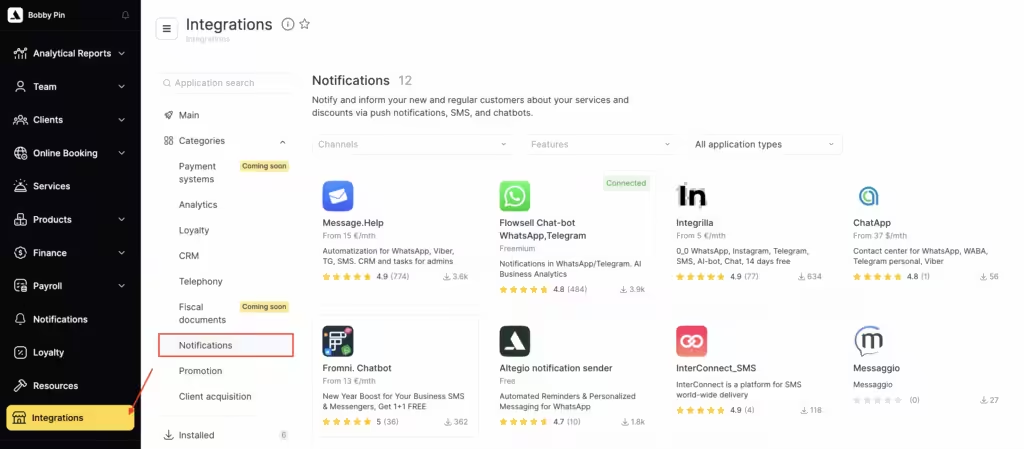
- In your Altegio personal account, go to the Administration mode, Integrations > Notifications section and select the Intel -tele provider.com.
- Specify theAuthorization Key (API KEY).
- Enter the SMS Sender Name approved by theIntel-tele.com provider.
- Click the Savebutton .
The sender’s name is provided by the manager of Intel-tele.com.
Tariffs and senders
Current rates are listed on the website intel-tele.com.
If you have any questions, you can contact the provider’s technical support service via: