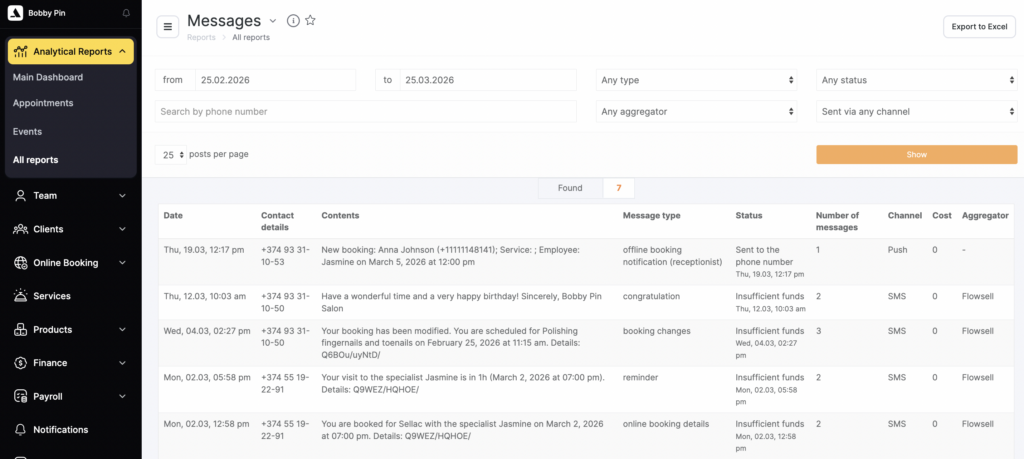
In Altegio, you can view the message history sent to a specific client, as well as the message history that matches certain filters.
Message history for a specific client
You can view the message history sent to a specific client in the following ways:
Via the visit window
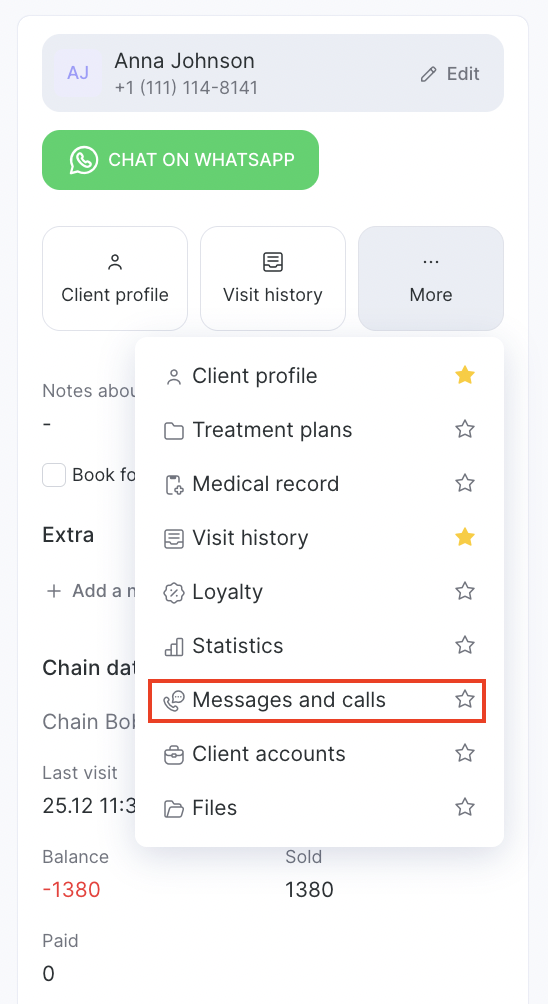
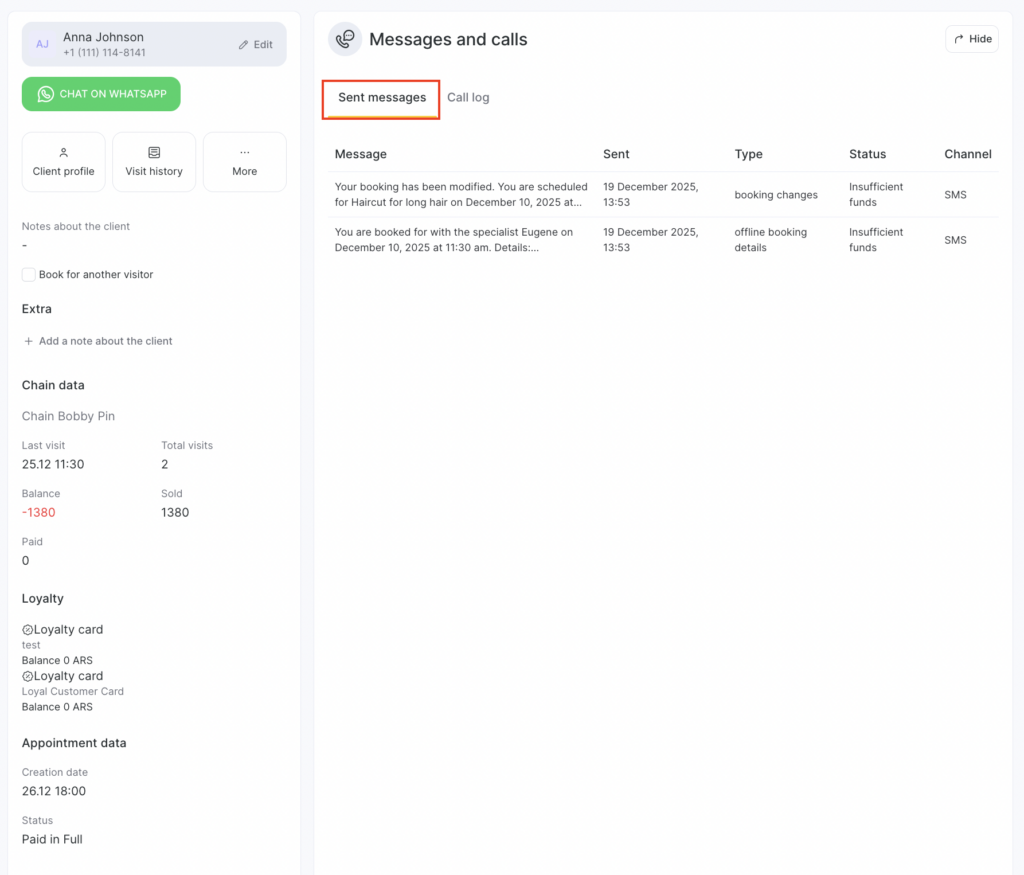
Select the client’s appointment and open the visit window. Then, in the Client section, go to Messages and calls.
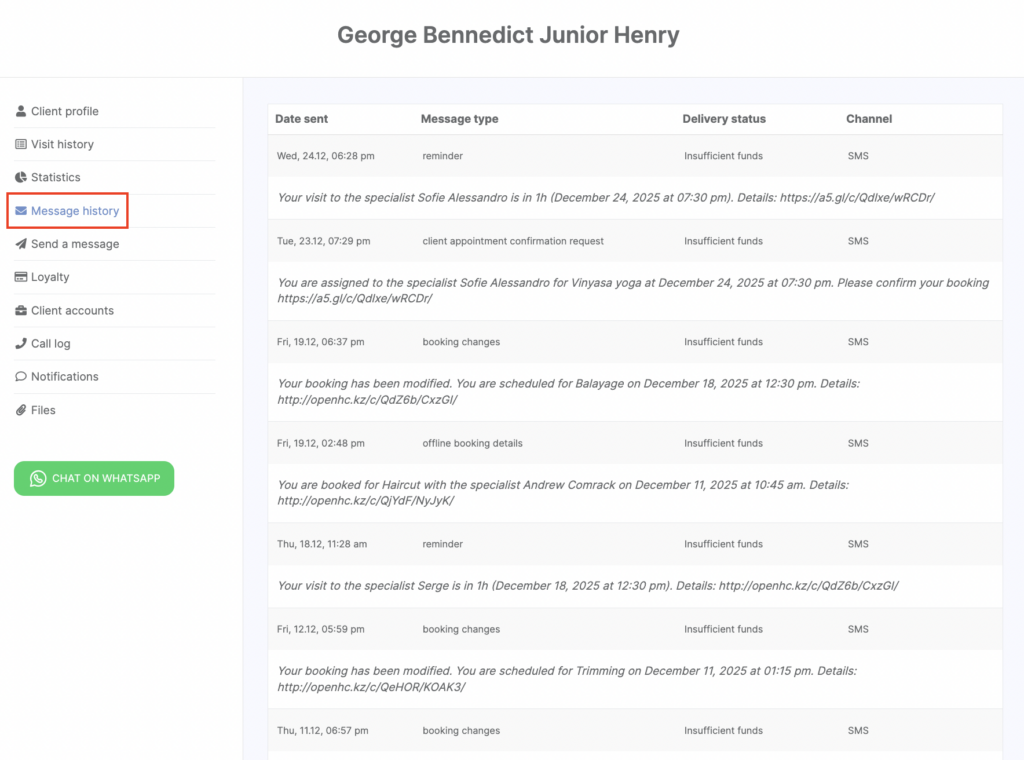
Via the client card
Go to Clients > All Clients, open the card of the client whose message history you want to view, and go to Sent messages.
Message history for all clients in Analytical Reports > Messages
You can also view the overall message history for all clients and filter it as needed. To do this, go to Analytical Reports > Messages (detailed instructions are provided in the article).