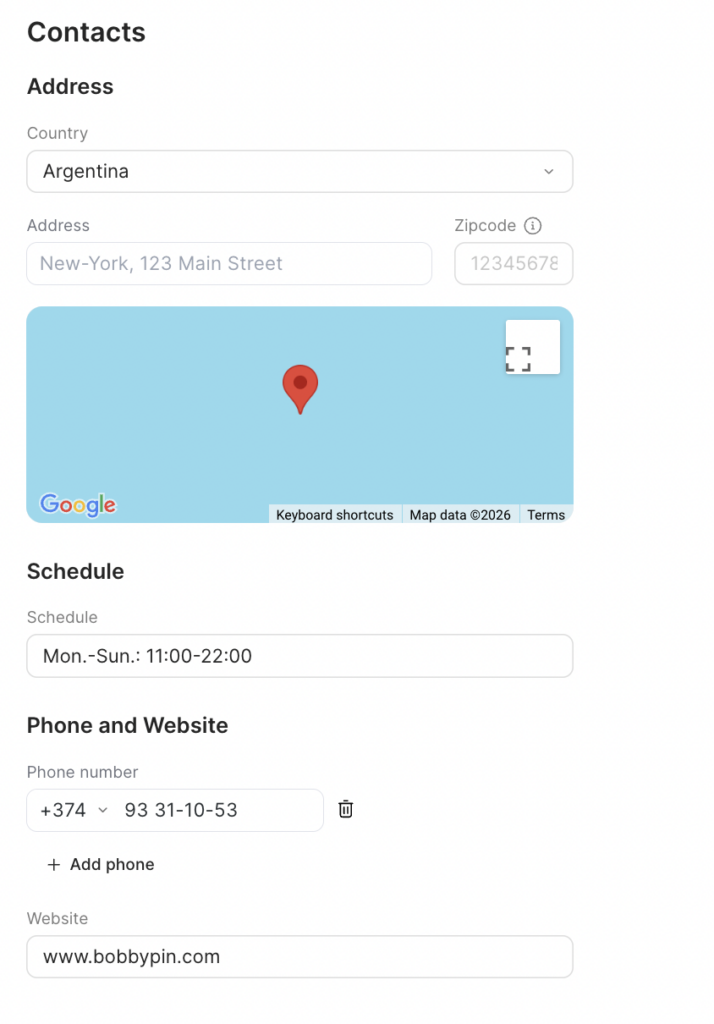
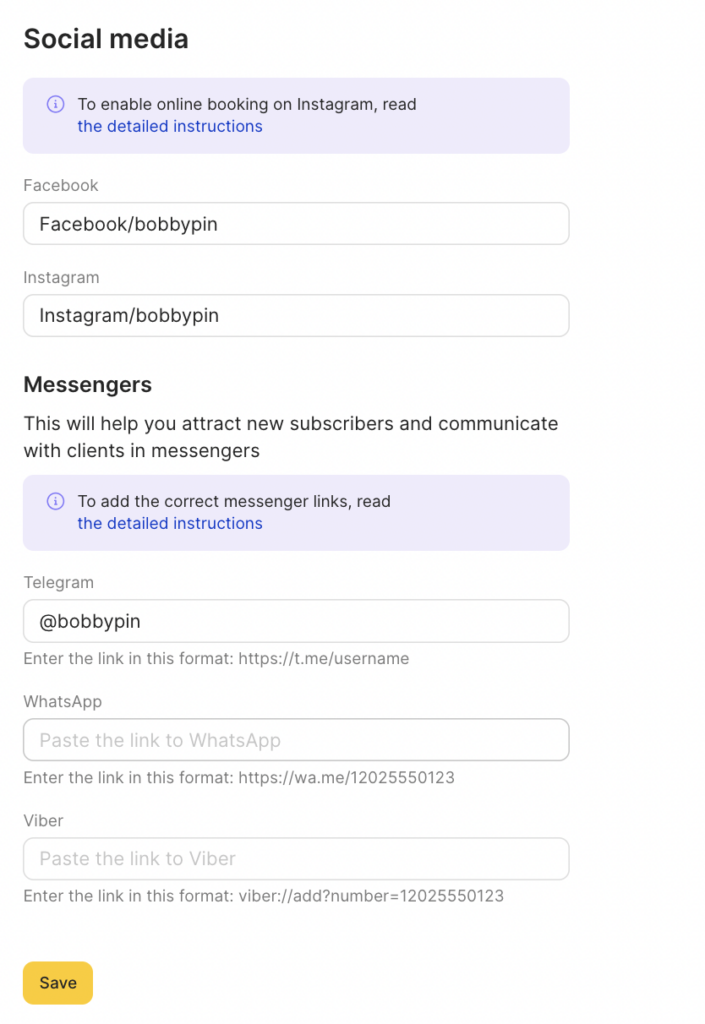
After setting up general information you can move on to adding contact details of your company.
Why is this needed? #
Contact details are displayed in the online booking widget on the About page, Google Maps, Instagram and in the list of locations.
Editing #
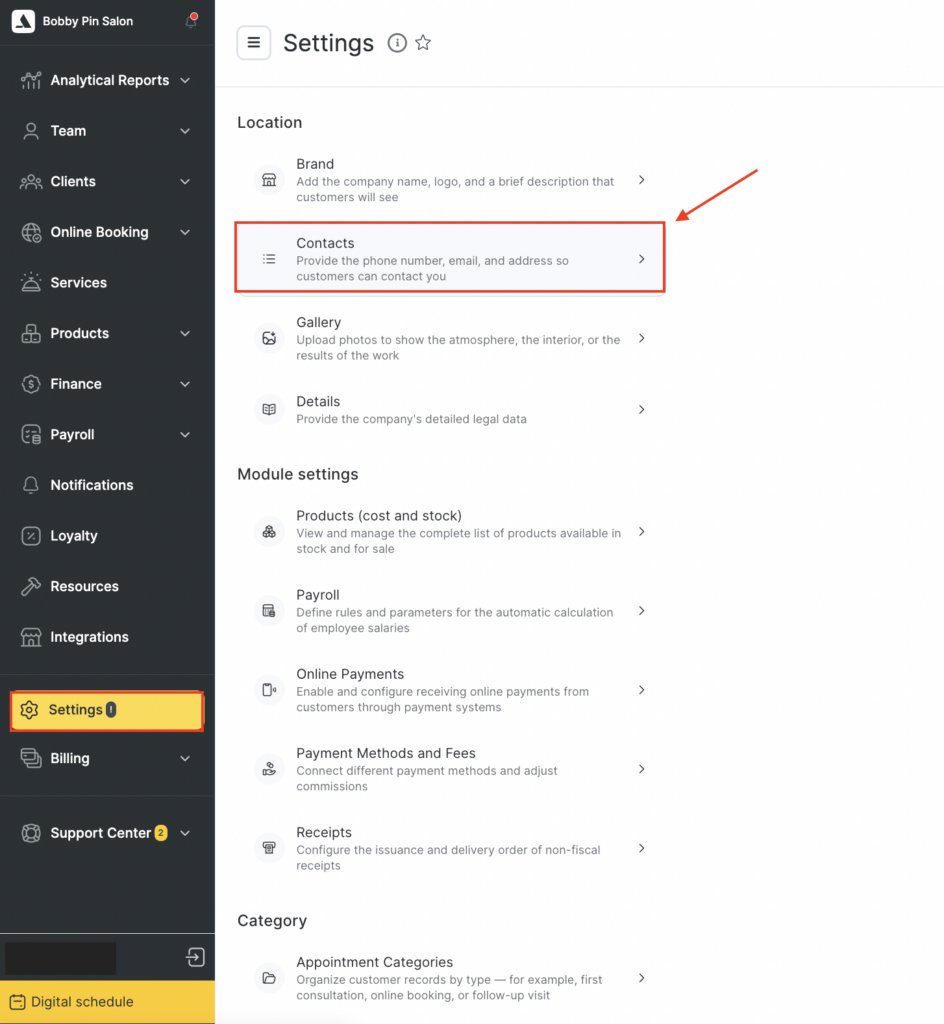
- Go to the main menu and select Settings > Location > Contacts section.
- Fill out all necessary fields in the Contact details tab.
- Enter your company’s address and update the map to automatically determine your location. You can also indicate it manually by moving the pin on the map.
- Indicate your Zipcode (optional).
- Indicate your business hours, such as Mon.-Fri.: 10 a.m. – 8 p.m. This setting reflects your business hours and does not reflect the schedule of your team, which will be set separately.
- Add your phone number with the country and city/operator code. You can add more than one number using the + button.
- Specify your website. If you don’t have a website, you can add links to your social media pages.
- Click the Save button once you’re done.