Introduce true chain control without spreadsheets or swivel‑chair ops
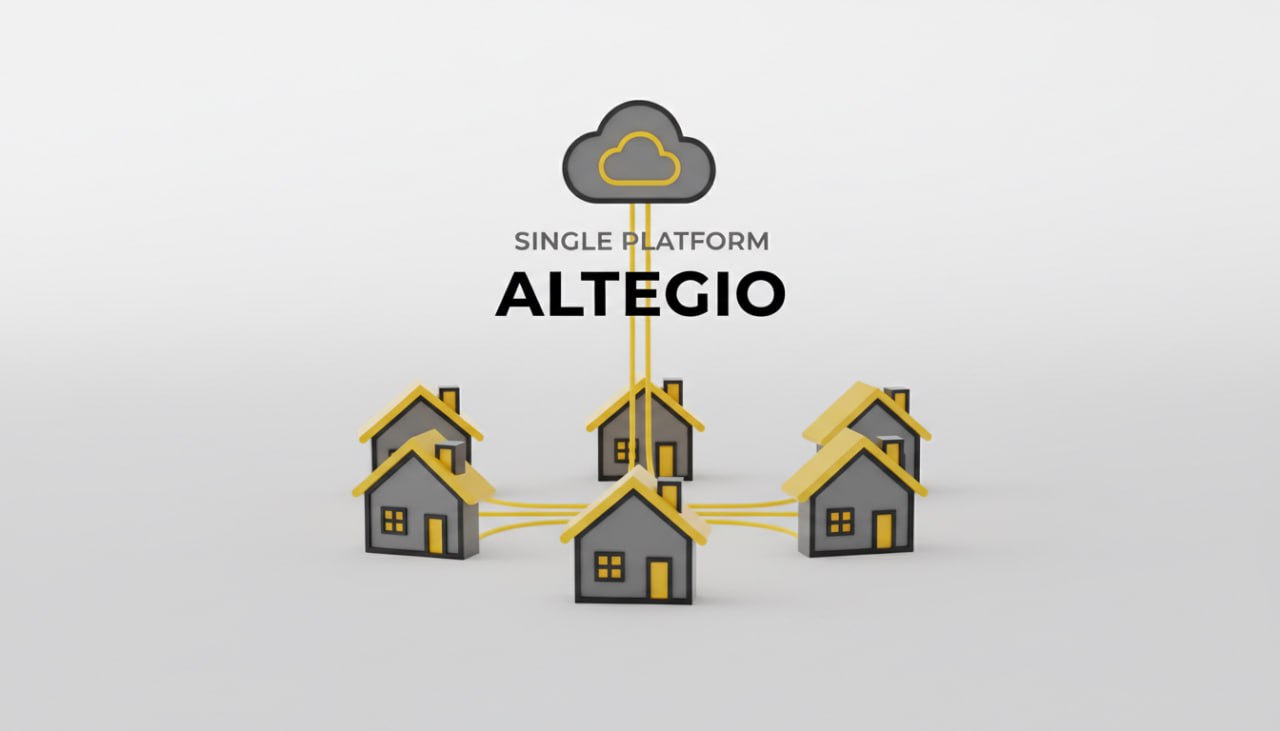
Franchises and multi‑location groups run Altegio from a single dashboard to standardize services, staff, prices, analytics, and client records across every site. Central chain settings, a unified client database, and network‑wide analytics replace branch‑by‑branch spreadsheets and conflicting data.
- Chain configuration: set services, staff, roles, and inventory once and publish network‑wide. See the chain setup catalog in Altegio settings for chains.
- Network analytics: view consolidated revenue, occupancy, returning customers, and trends across all or selected locations via Chain analytics.
- Unified CRM: one client card and visit history for all locations; prevent duplicate outreach with the Chain client database.
- Service and staff performance: compare what sells and who performs across the network with Services chain report and Staff chain report.
Unified client database across locations
Give HQ and local teams a 360° client view no matter which branch a customer visits.
- Consolidated list and search: the chain interface lists all clients who visited any branch; filter by spend, visits, booking period, online‑booking users, and more. See the Chain client database.
- Single visit history and communications: view bookings, services, purchases, discounts, comments, and locations in one timeline. The Customer chain card includes message logs and loyalty.
- Smarter analytics on unique customers: chain analytics calculates average spend, earnings, occupancy, bookings, and revenue trends by unique clients across all or selected locations and avoids double‑counting frequent cross‑location visitors. See “What tasks are solved by chain analytics and the client database?” in Chain analytics.
- Loyalty at chain level: issue and track cards, memberships, and gift cards across branches; export reports from Report on gift cards and bulk‑load memberships with Memberships import.
Screenshot callout — unified client card (described)
- Header: name, phone, category/importance, discounts, total spend
- Tabs: Additional fields; Visit history (services, products, payments, discounts, branch, comments); Sent messages (status/channel); Loyalty (cards, memberships, accruals/write‑offs)
Network‑wide KPIs you can trust
Use chain dashboards and downloadable reports to compare locations, services, and teams on the same definitions (only “Arrived” bookings count by design in staff/services reports).
| KPI | Where to find | Notes |
| Average spend, total earnings, occupancy, bookings/revenue dynamics | Chain analytics | Consolidated across selected locations; unique clients de‑duplicated |
| Number of services, revenue, discount, payroll, consumable cost, profit, % of total | Services chain report | Compare services across branches; export to Excel |
| Earnings, services sold, products sold, hours worked, cost/hour, % of revenue | Staff chain report | Cross‑location employee stats; Excel download via secure email link |
Screenshot callout — multi‑location KPI view (described)
- Filters: period, location(s)/groups, employee/service/category
- Charts: daily revenue trend; top services; staff earnings vs. hours
- Security: report downloads logged in Overview → Data log
Franchise & multi‑location scheduling software — single dashboard across locations
Altegio’s chain interface standardizes scheduling and operations while letting each branch run day‑to‑day calendars locally. Clients can book anywhere; HQ still sees one truth for clients, revenue, and staffing.
- Online booking at scale: embed widgets per service/employee or channel and track behavior with Online booking analytics and GA4 via the Google Analytics integration. Add Google Maps booking with Book via Google.
- BI for executives: connect standardized chain data to Power BI using Smart‑Metrika integration.
How to roll out a chain in hours (not months)
– Create the chain and unify staff profiles
Add employees once at chain level and assign to locations; merge duplicates created locally with the irreversible “Merge” action: Merge into chain & staff unification.
– Model positions and required fields network‑wide
Define positions (e.g., Stylists, Tutors, Cardiologists), set mandatory HR fields, link allowed services and durations: Setting chain positions.
– Grant role‑based user access per location and chain
Invite users and apply least‑privilege access for owners, managers, admins, specialists, accountants: Setting chain users.
– Publish standardized services and pricing
Configure services at chain level, assign staff, durations, and bill of materials; push to branches (see the chain setup catalog in Altegio settings for chains).
– Turn on analytics and dashboards
Enable chain analytics and confirm “Arrived‑only” logic for staff/services reports: Chain analytics, Services chain report, Staff chain report.
Data governance and access control for franchises
Protect client data, restrict exports, and audit activity from day one.
- Calendar and client data permissions: mask phone numbers, limit history visibility, and constrain edits with Appointment Calendar access rights and granular User access rights.
- Breach‑resistant operations: use built‑in logs and legal best practices described in Securing your data in Altegio. Platform privacy and GDPR details: Privacy Policy.
Why chains choose Altegio for scheduling and ops
- Proven scale and reliability: 11,000+ clients, 85,000 daily specialists, and 99.98% uptime; infrastructure hosted in EU (Hetzner). See About Altegio.
- One ecosystem: online booking, CRM, payroll, finance, inventory, loyalty, and analytics run in one stack—standardizable for 100+ locations (About → Chain management).
- Marketplace‑free client experience: protect your customer base and brand (About → “Altegio doesn’t promote competitors”).
Quick links for chains
- Chain settings index: Altegio settings for chains
- Chain analytics hub: Chain analytics
- Unified client CRM: Chain client database
- Performance reports: Services chain report and Staff chain report