
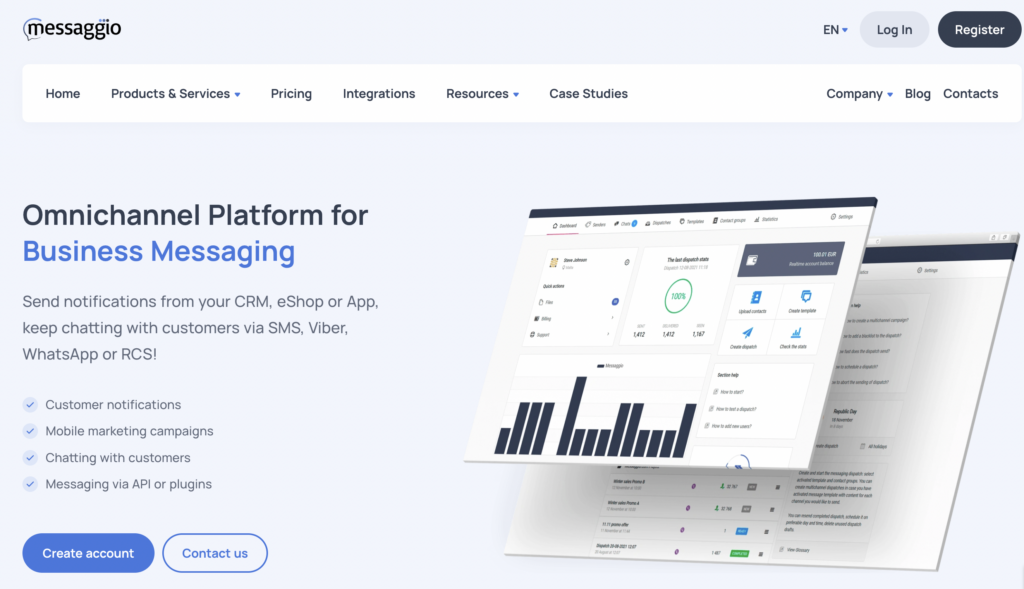
The MESSAGGIO.COM omnichannel messaging platform provides a service for sending SMS, Viber, and WhatsApp messages.
Simple integration with Altegio also lets you send cascade campaigns: first to Viber, and then via SMS if delivery to Viber fails.
- The provider works worldwide.
- In Kazakhstan, Armenia, and Ukraine, payment is available both in local currency and in euros.
- In other countries, connection and payment in euros are available, with postpaid billing.
- Only legal entities can connect.
Connection #
- Go to the provider’s website and click Register or Create account.
- Fill out the form and click Create account.
- Confirm your email address: a confirmation link will be sent to the email you provided during registration.
Account and sender name settings #
After registration and email confirmation, go to your personal account and complete the initial setup:
- Enter the company name, country, website, language, and time zone.
- Before creating the sender name that your clients will see in SMS messages, you need to accept the offer agreement (adhesion agreement) by entering your company tax ID and other details. After accepting the offer, you can download an invoice to top up your balance or top up your balance by bank card.
- Create a unique sender name:
- Go to Senders and click Create.
- Select the SMS channel from the dropdown list and enter your brand name — this is the name your clients will see when receiving SMS.
- Click Create.
- Submit the sender name for moderation and activation:
- Click the sender name and click Submit for moderation.
- Sender activation takes 1–5 business days.
- To get the settings for integration with Altegio, contact Support:
- In your MESSAGGIO account, go to Support and create a ticket with the subject “Integration with Altegio”, asking them to send you the authorization key.
- Wait for the support reply. They will apply the required settings to your account for correct operation with Altegio. Usually the reply comes within 30 minutes. Copy the authorization key and the sender name code from the email.
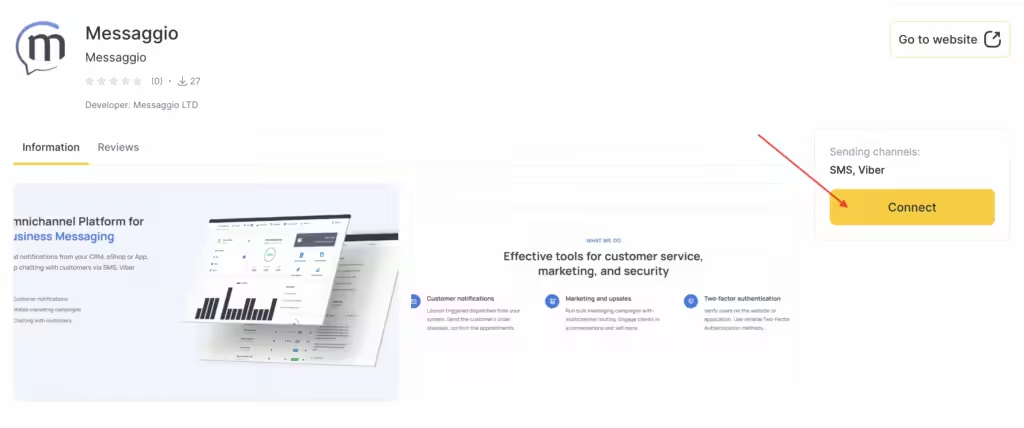
- In your Altegio personal account, go to Administration mode Integrations > Notifications, select the MESSAGGIO SMS provider, enter the key in the Authorization key field, and enter the sender name code in the SMS sender name field.
Pricing and payment #
You can see a detailed description of pricing via the link.
To top up your balance, go to Balance, enter the payment amount, and click Proceed to payment.
Then follow the prompts in the payment interface.
Contacts #
Website: https://messaggio.com
Email: [email protected]

