
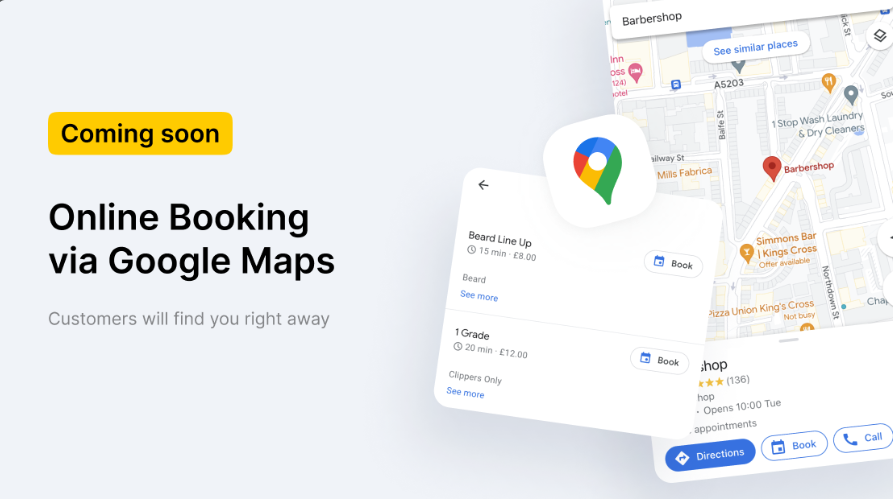
There is an opportunity appeared to book an appointment online on maps and in Google search.
Altegio became the partner of the Book via Google service.
- Booking is performed in Google without redirecting to other sites.
- Appoinments automatically transferred to Altegio.
- Only for business spheres as Beauty, Sports and Auto.
Connection #
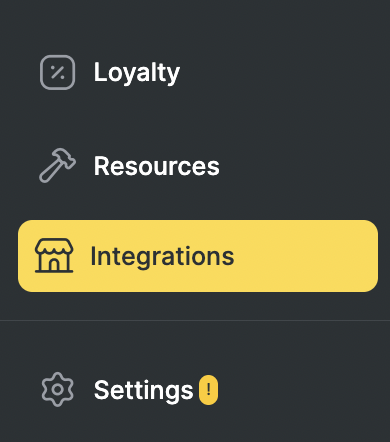
1. In the Administration mode go to the Integrations section.
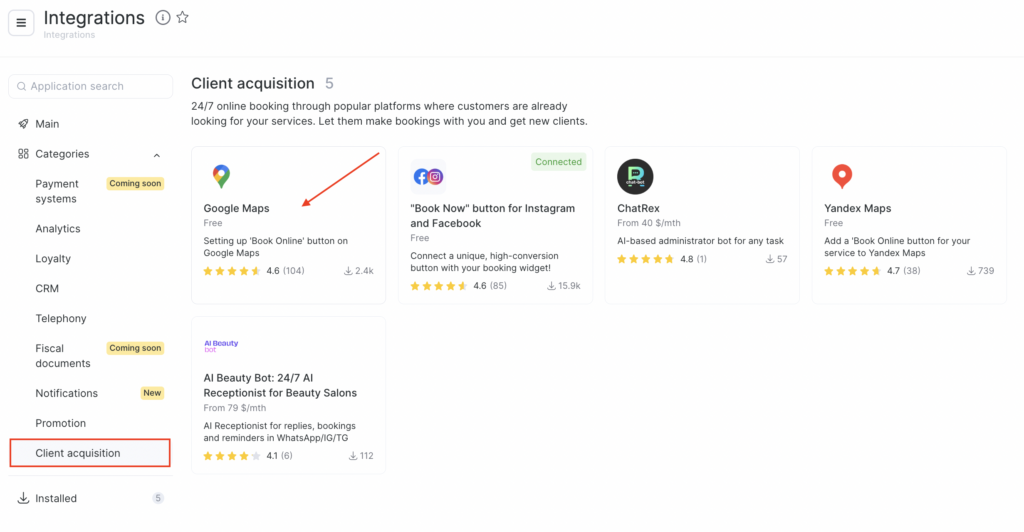
- Within Client acquisition section select Google Maps integration.
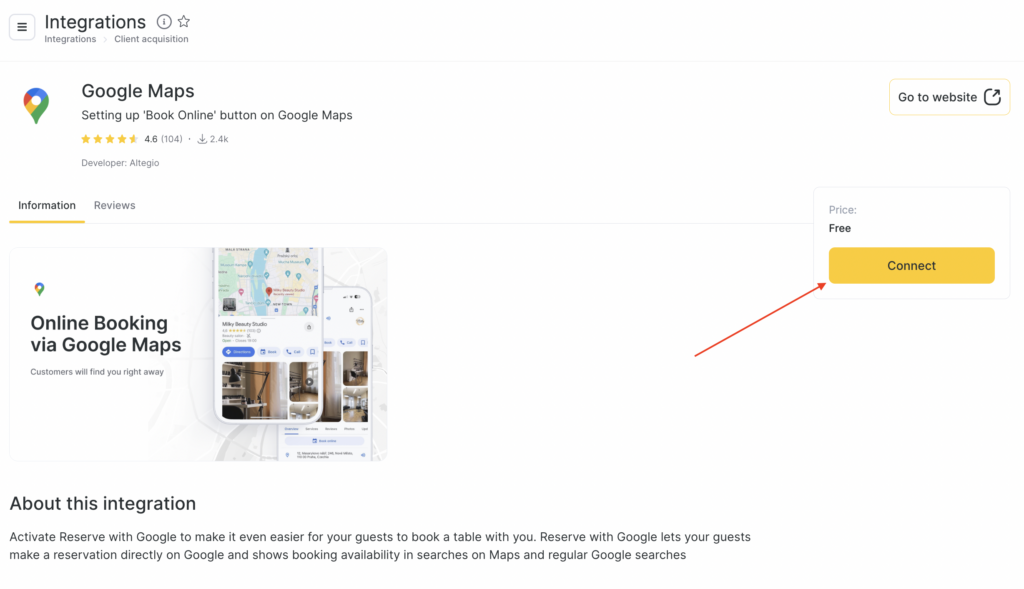
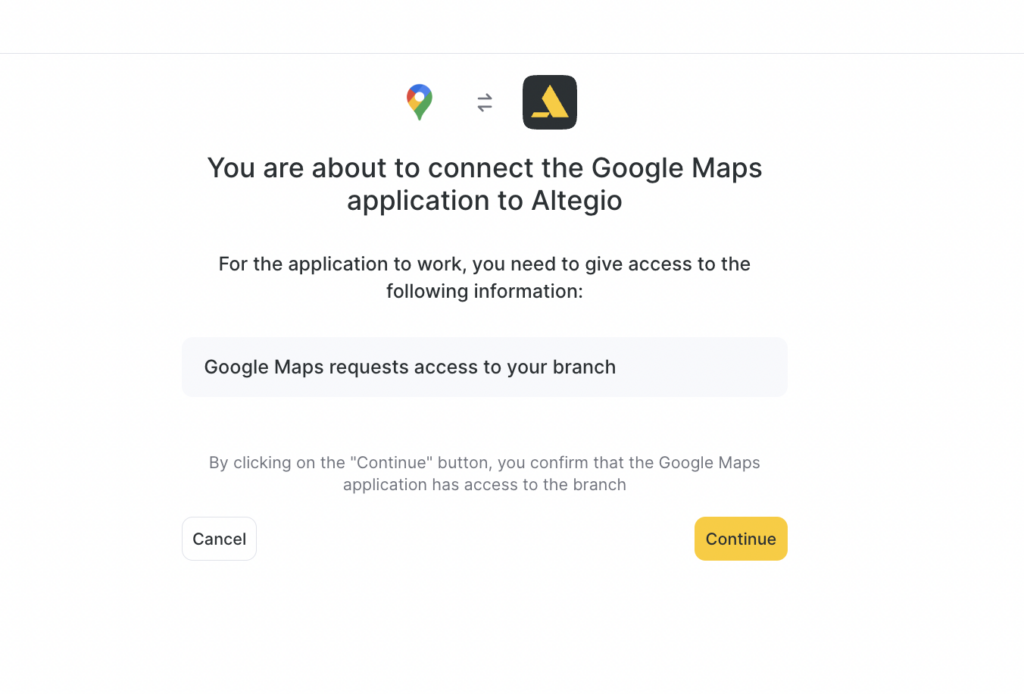
- Click Connect.
- On the page that opens, confirm access to your location by clicking Continue.
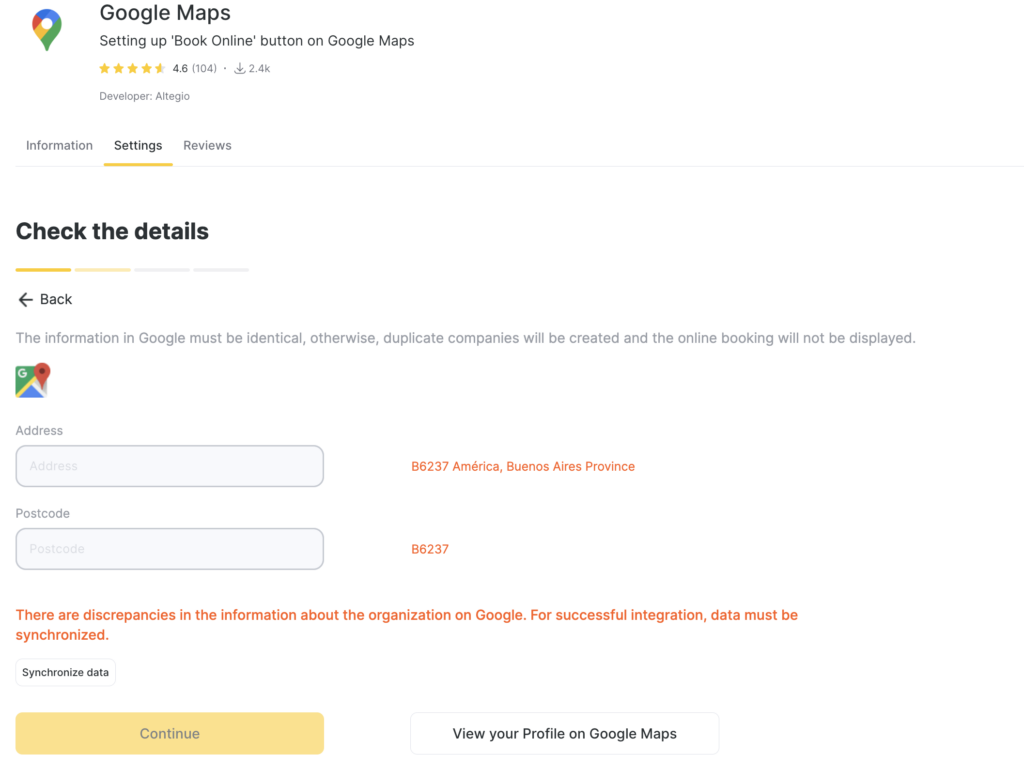
- If a different organization is shown, make sure the company name and address match in Altegio and Google Maps.
- If you haven’t created your organization on Google Maps yet, create it by clicking the relevant link.
- Check the details: if everything matches, click Continue; if there are discrepancies, click Sync data.
- Check team members without a schedule. Click an employee to add a schedule in the employee card. Then click Refresh data and Continue.
- Check services and, just like with employees, add the employees who provide these services to the schedule.
Also check service settings in Administration mode, Services section. Click the service name:
- On the Main settings tab, the Price must be at least $1.
- On the Online booking tab, the Description field must be filled in, and the service description must not be the same as the service name.
Google Maps does not accept numbered lists in service names, so avoid names that start with numbers (for example: “1 nail”, “2 nails”, etc.).
- Click Refresh data and Activate integration.
- The integration is connected. Now in Integrations > Online booking > Google Maps, you can view booking statistics, the average receipt for the selected period, and reviews from your company’s Google Maps listing.
To disable the integration, click the toggle button in the top-right corner.
Important
Information updates once a day, so after connecting the integration the online booking button will not appear immediately.
A service will not be uploaded if its description matches its name.
Google Reserve is currently available in more than 50 countries, including the USA, the UK, Canada, Australia, France, Germany, Italy, Japan, India, Brazil, and many others.
This service allows users to book various services — such as restaurants, classes, and events — directly through Google Search, Google Maps, and Google Assistant.
In addition to these countries, Google plans to expand this service to countries such as Russia, Vietnam, the Philippines, Pakistan, Poland, Malaysia, South Korea, Myanmar, Taiwan, Sweden, Switzerland, Austria, and Denmark.
For more detailed information about supported countries and how to use the service, you can refer to the source here.

