
If you need to send a link to the application, just copying it from the address bar will not work, because it will contain a location ID different from the target user’s location. To resolve this issue, links to the application itself and to the feedback request are generated in the application settings.
How it works? #
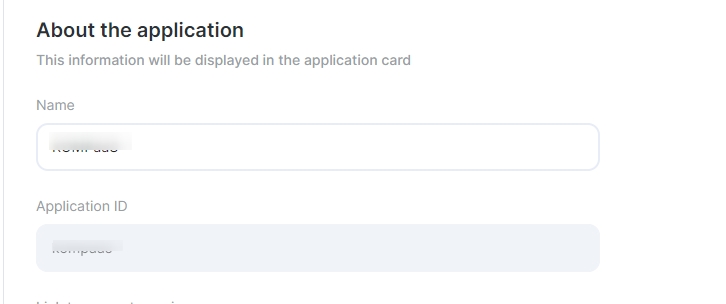
- At the first step of creating an app, when entering a name, an “Application ID” is generated by transliteration, it will serve as the basis for short links.
- Edit the application ID, in the future it will not be possible to do it yourself.
- After creating the application, when you go to the “General information” section of its settings, two links will be displayed: a link to the application itself and a link to request a review.
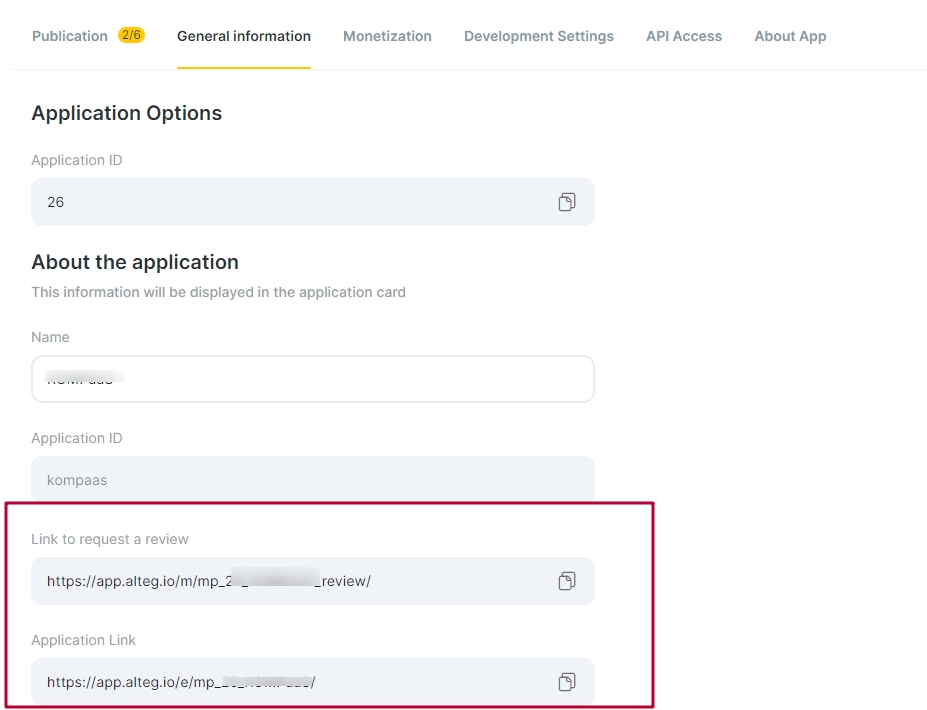
When clicking on the link to request a review, the client will automatically open a window for writing it in the location where the integration with your service is connected.

