
If you created a company website on TILDA and want to install an online booking widget on it, then follow this instruction.
- Start editing your site on TILDA. In the Block Library go to the Other category and select the T123 Embed HTML Code.
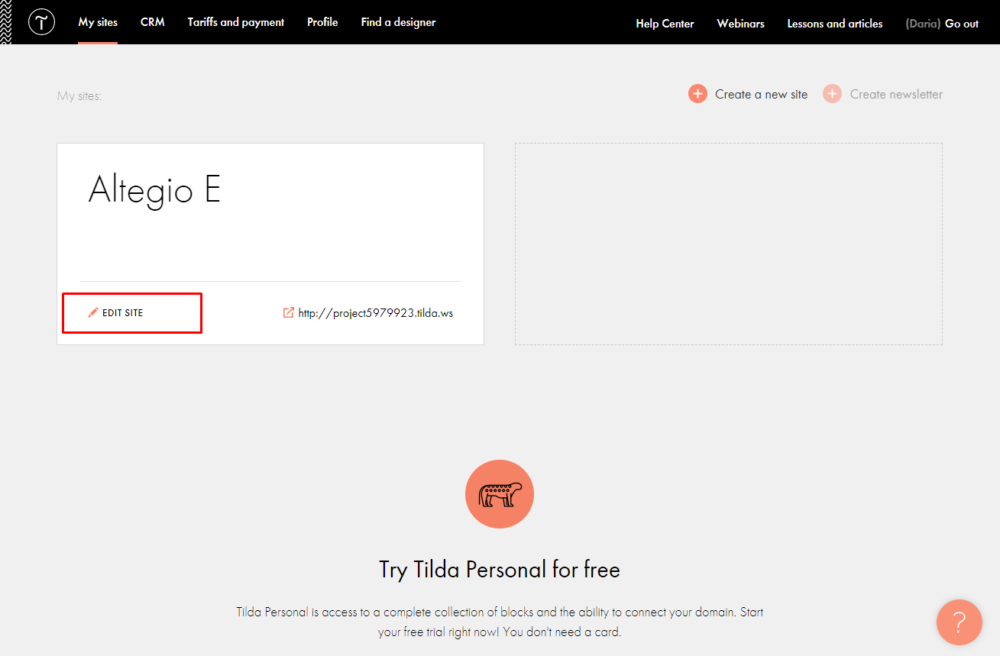
- In the Content block, indicate the online booking button code (read more here).
- Click the Save and Close button, and then Publish the page.