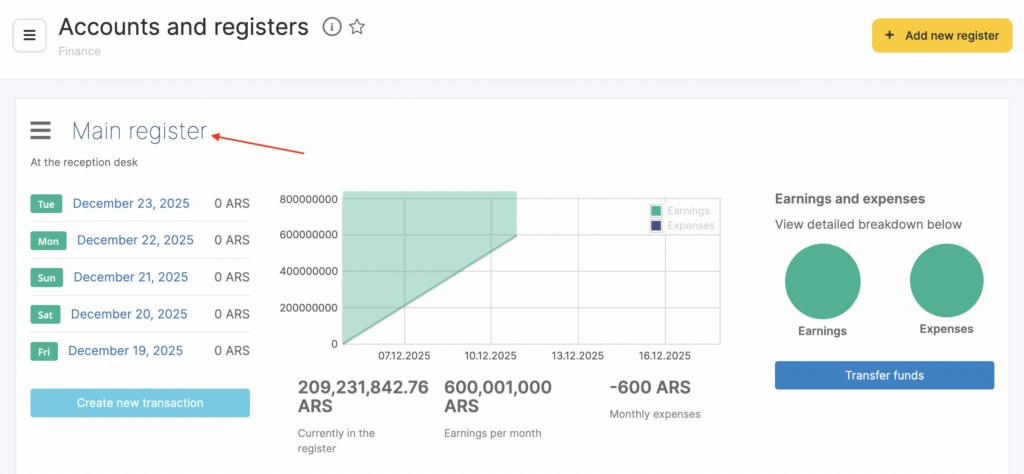
By default, Altegio has two cash registers: Main and Card payment account. You can add, configure, and delete cash registers.
New cash register #
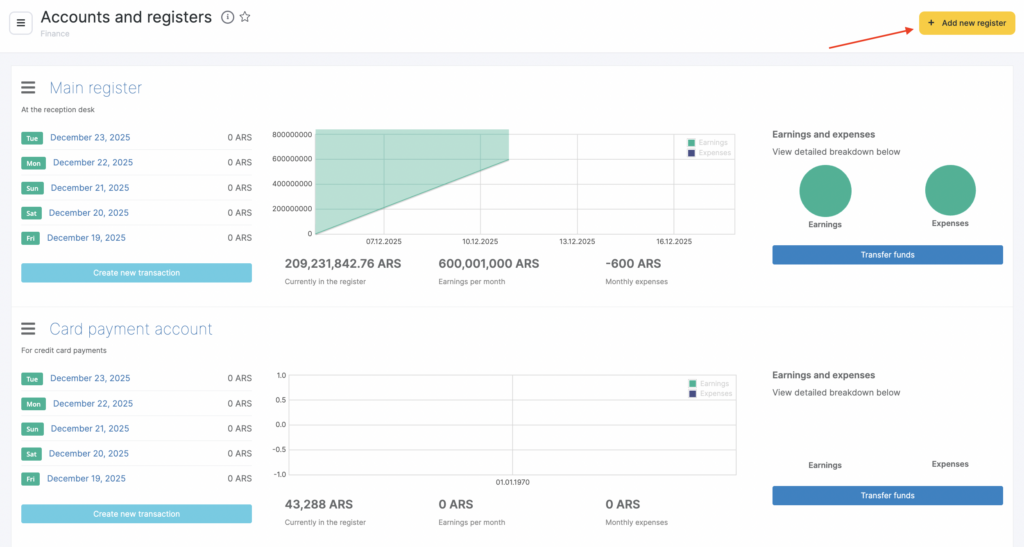
- In the Administration mode go to Finance > Accounts and cash registers.
- Click Add cash register.
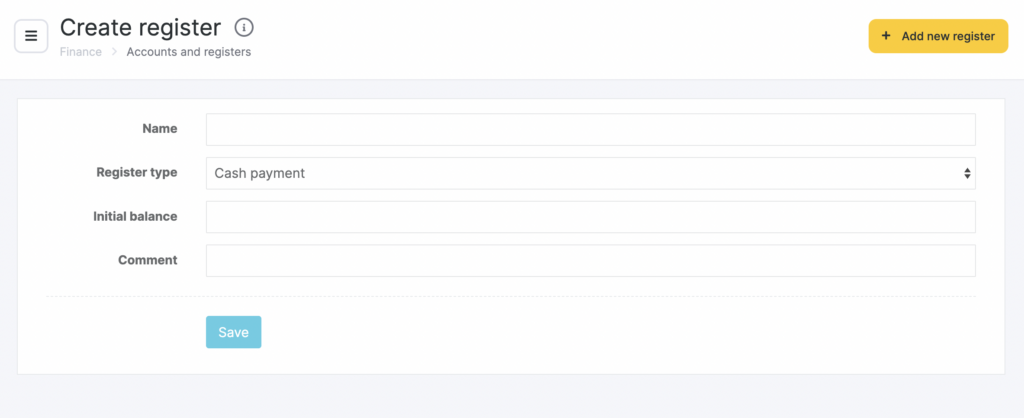
- In the window that opens, enter the Name, Cash register type (cash or cashless), Starting balance, and a Comment (for example, where the cash register is located — at reception, in the cosmetologist’s office, etc.).
- Click Save.
Editing #
You can edit information for any cash register. To do this, select a cash register, click its name, and in the window that opens change the name, type, and comment, then click Save. You can also delete the cash register here.