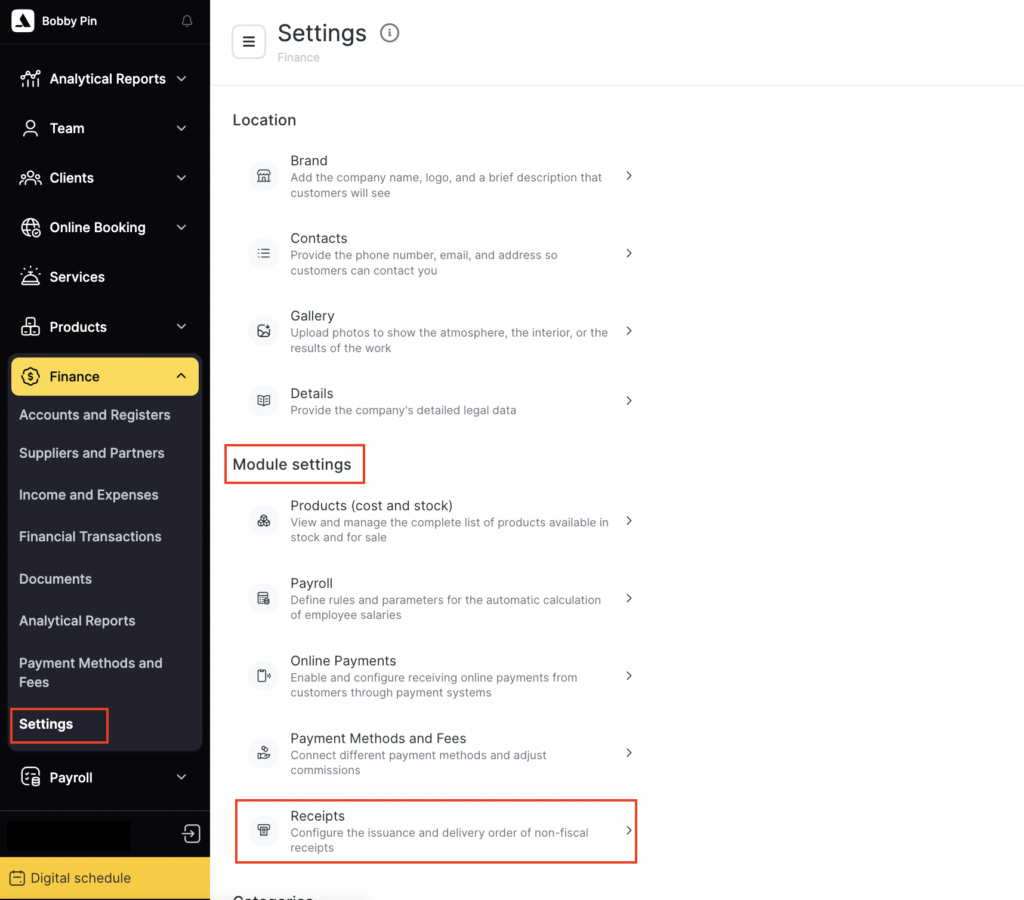
In Administration mode go to Finance > Settings > Receipts to configure the receipt template that is generated for paid visits in PDF format.
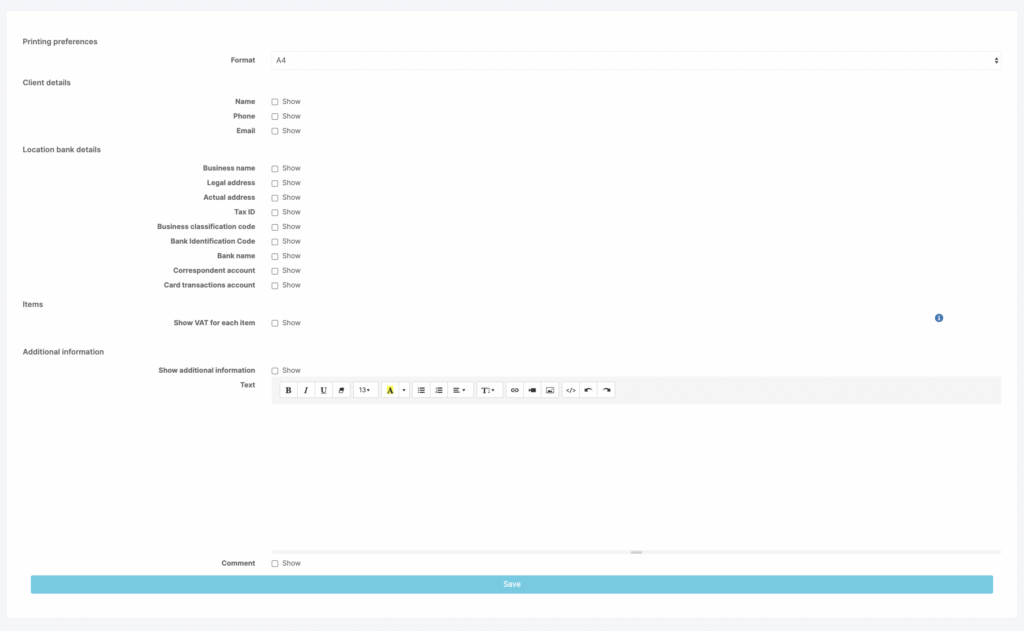
You can set the non-fiscal receipt size (A4, 80 mm terminal printer, or 58 mm), as well as display the following information:
- display of VAT, additional information, and a comment (information in the visit window).
- the client’s name, phone number, and email (specified in the client profile under Clients > All Clients or in the Client section in the visit window);
- the organization’s details (configured under Settings > Location > Company );