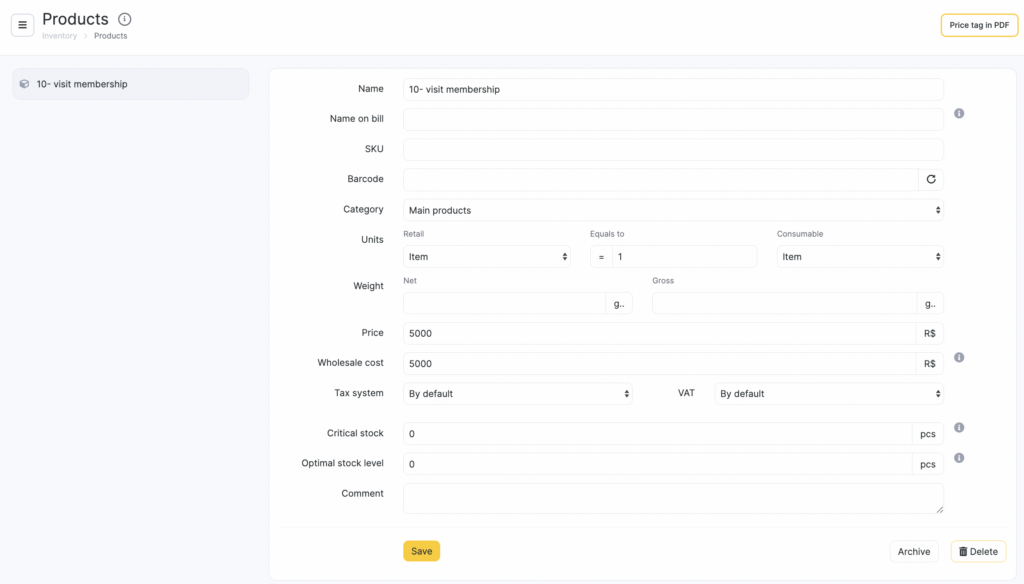
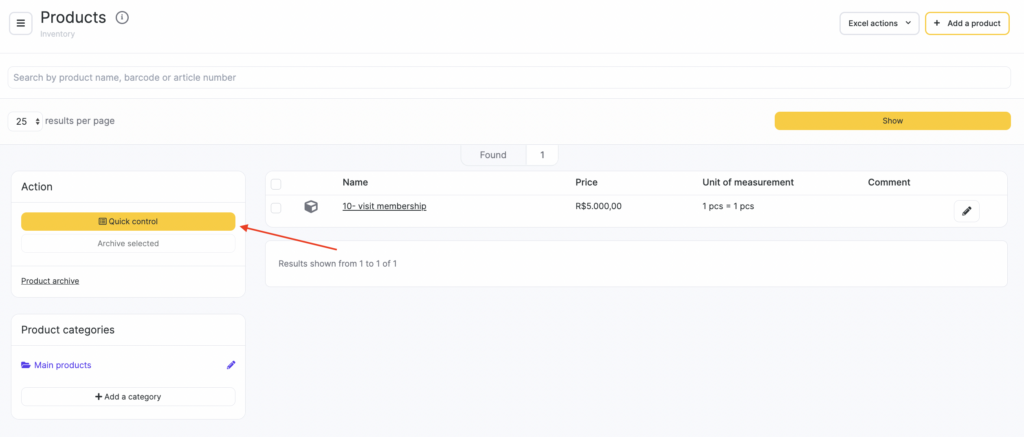
To edit product information in bulk, go to Products > All products (Administration mode) and click Quick control.
In the window that opens, update the values in these fields:
- SKU
- Barcode
- Price
- Netto
- Brutto
- Wholesale cost
To open a product card, click the product name.