With Altegio, you can easily send notifications to your clients, receptionists, and other team members. To utilize this feature, you simply need to top up your account balance.
This functionality is currently available for Brazil only
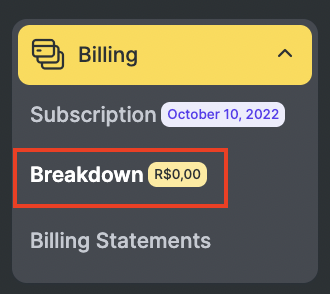
- Go to the Billing > Breakdown section.
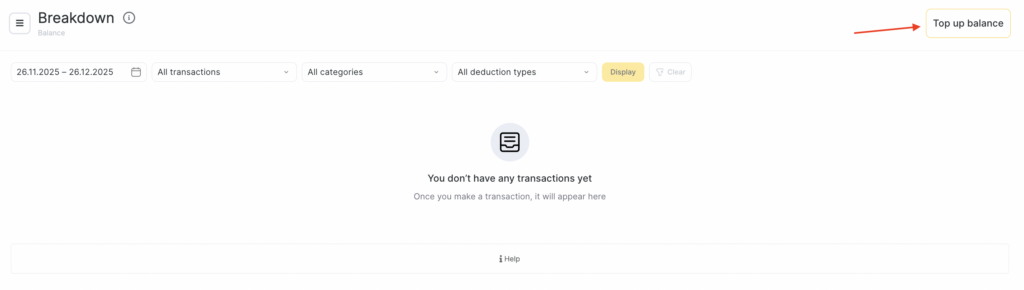
- Press the Top up balance button.
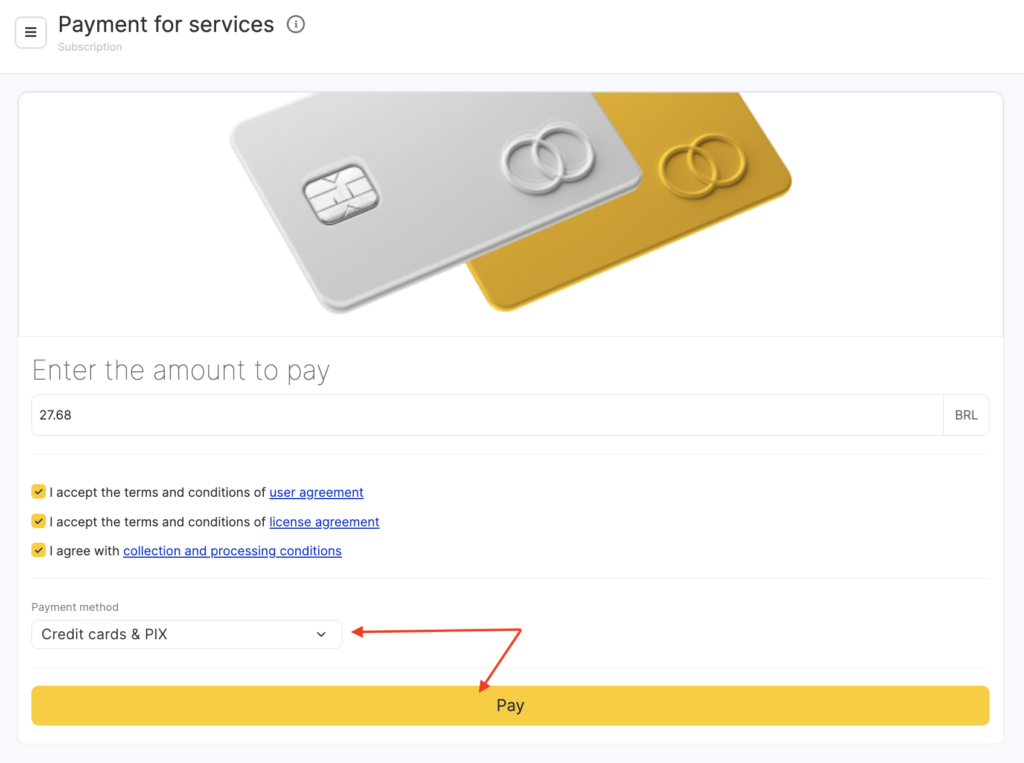
- Enter the desired amount you wish to add to your account balance.
- Select your preferred payment method, which includes Bank Cards & Stripe.
- Read and accept the terms and conditions.
- Click the “Pay” button to proceed with the transaction.
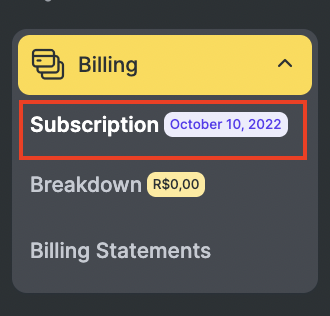
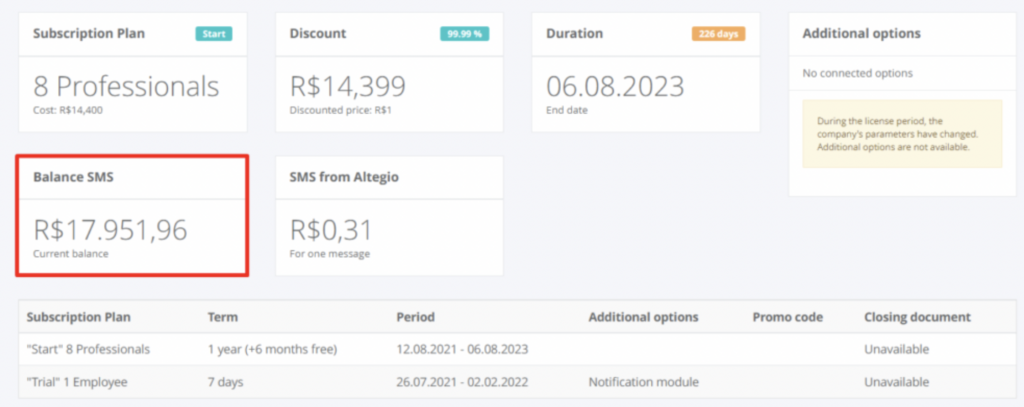
Your current balance is always available at Billing > Subscription (Balance SMS) section.