Service ID is а unique number in Altegio. There are two ways to determine the service ID:
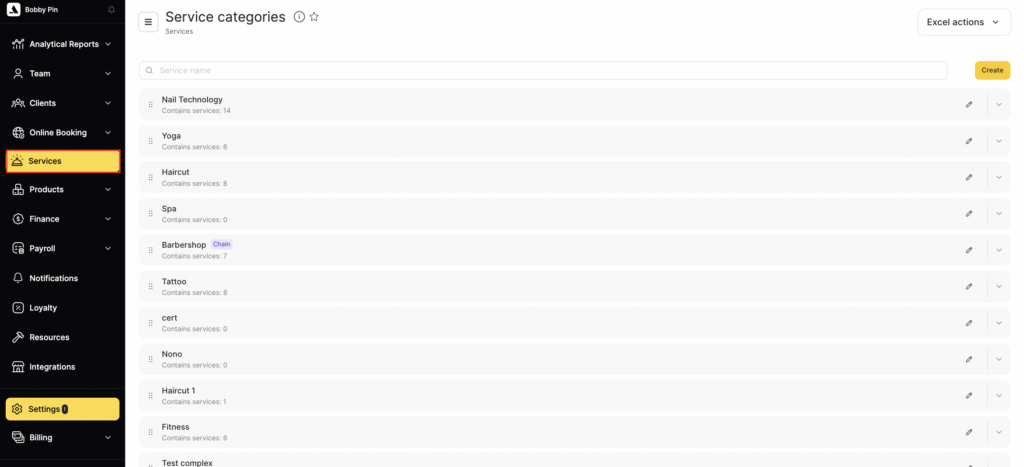
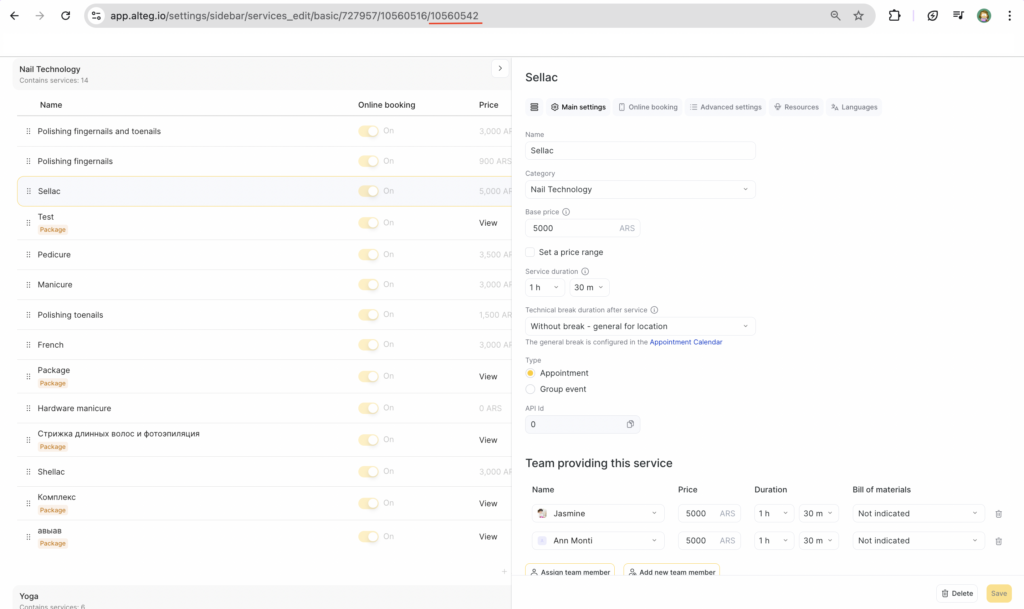
- Go to Administration mode, Services section, select a service.
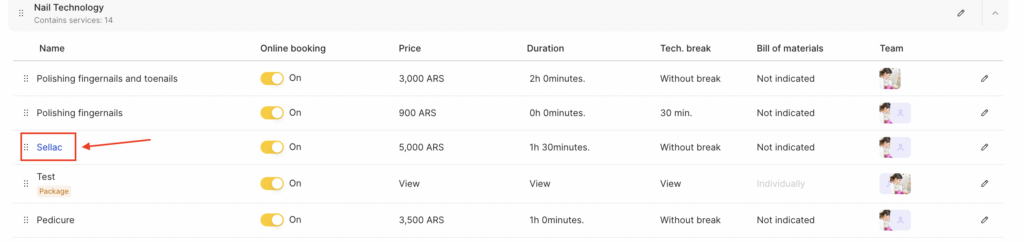
- In the address bar you can see the link that has this structure:
https://alteg.io/settings/services/service_in_…1682604/, where 1682604 is the service ID.
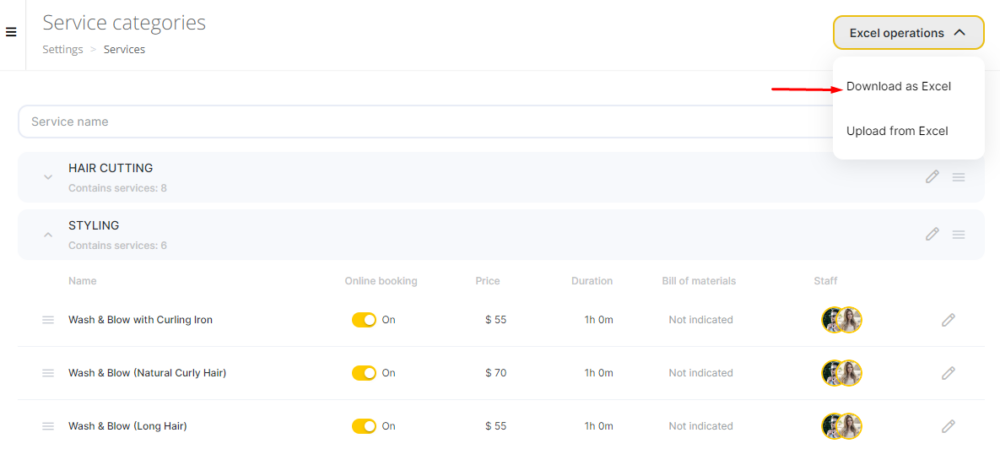
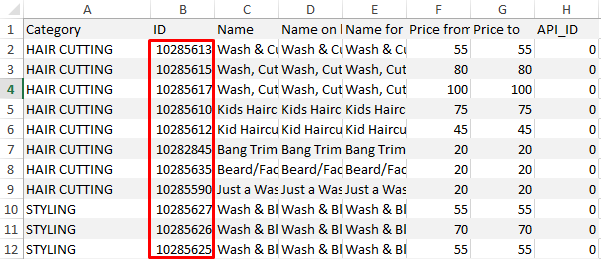
- Go to the Services, select the category of services. Click the Excel operations > Upload to Excel button, open the upload file. The first column contains the service ID.