
The Customer retention rate takes into account customers who made visits during the previous (prior to the current one) period in the past and returned during the current period. In this case, the previous period is configured in the Analytics > Settings > Client Churn section.
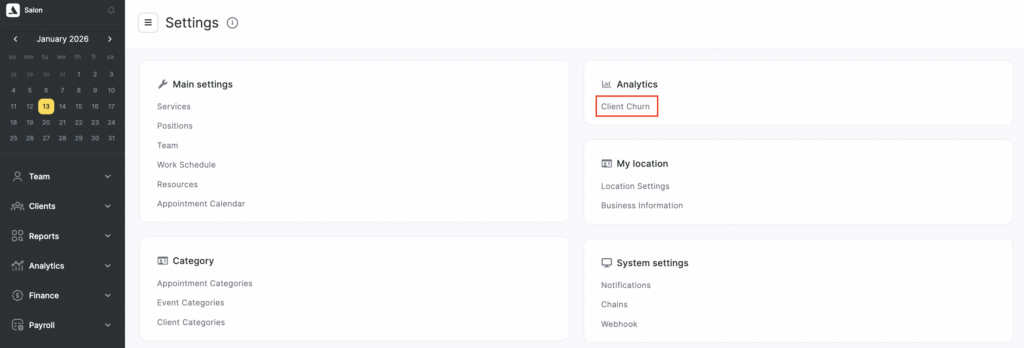
For more information, see the article – Setting the client loss period.
For example, if the specified period is 60 days, and it is necessary to see clients who returned during 01.12 – 31.12, then the list of unique customers during the prior period from 02.10 to 01.12 (31 days in October) will be checked.
The Repeated visits metric does not include the period of client loss. The client visit could have been a month or a year ago, i.e. it takes into account the entire previous period.
The Client retention rate, unlike repeated visits, displays the percentage of truly regular customers for a particular team member. For example, having a haircut done every month by the same team member, compared to having pink manicure done a year ago and having a haircut done by another team member now.

