
What is it and what is it for? #
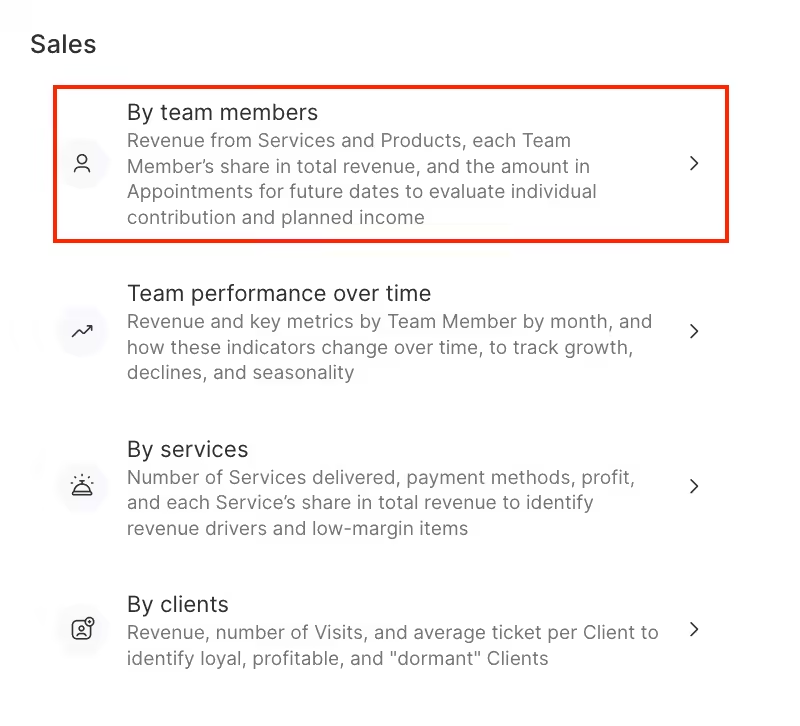
The Analytical Reports > All reports > Sales > By Team Members section displays how much team members earn for a certain period of time and by what metrics.
Important
Statistics is generated only for appointments with the Arrived status.
The report contains the following information:
- Team member
- Earnings
- Provided services / amount
- Provided services / quantity
- Sold products / amount
- Sold products / quantity
- Loyalty payment amounts (discounts, client accounts, memberships, gift cards)
- Upcoming appointments
- Actual worked hours
- Hourly earnings (revenue divided by hours of work)
- Revenue contribution
How to read the report? #
To generate a report, go to the Analytics > Analytical Reports > Sales by Team section. Filter the list by the required items and click the Show button.
Filters that can be used in the report:
- Period
- Services and service categories
- Products and product categories
- Positions
Thus you can check, for example, a revenue report for a specific service.
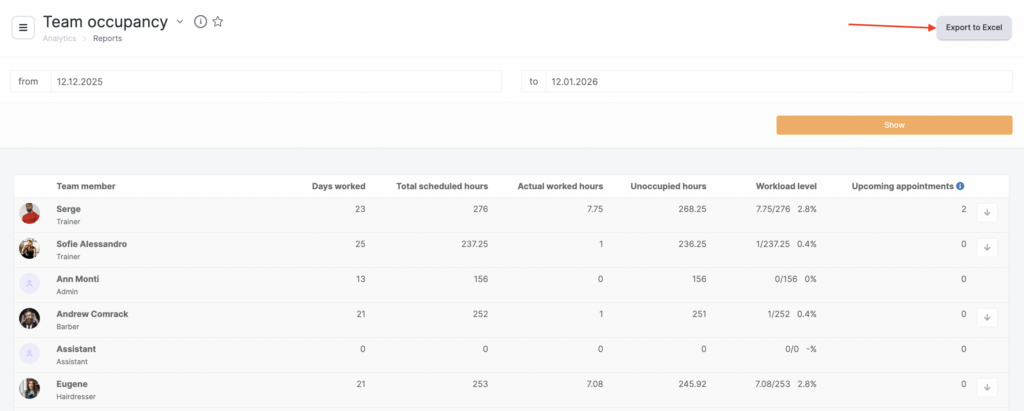
In the % of total revenue column, you can open a chart showing on which days the team member generated more or less revenue. To do this, click the arrow button next to the numeric value.
If needed, you can export the report to Excel using the button in the upper-right corner.

