
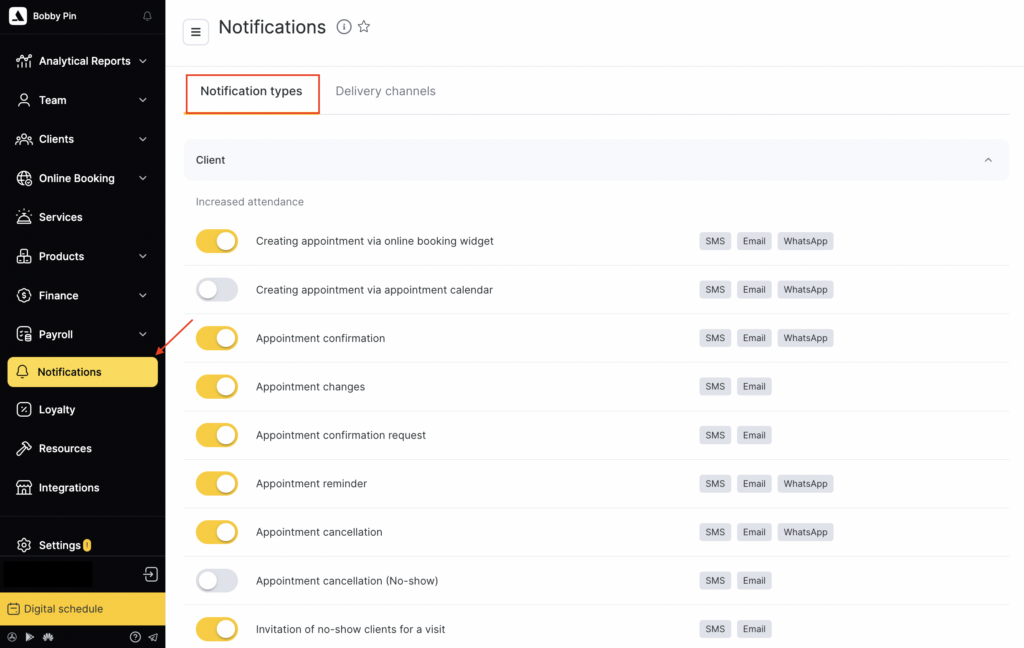
- In the Receptionist and team member section, select Subscription expiration by clicking the notification name or the pencil icon.

- On the General settings tab, configure how notifications will be sent via multiple channels. For more details about multi-channel notification scenarios, see the article.
Available channels:
- Admin app
- SMS / chat-bots
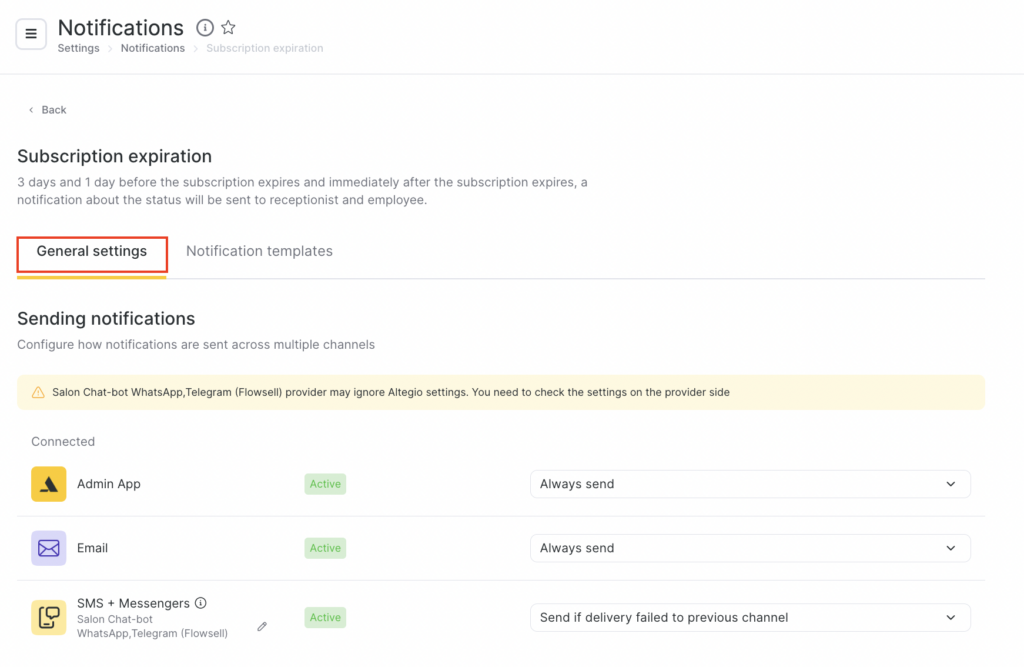
Editing templates for this notification is not available.
To view the system templates, go to the Notification templates tab.
Finishing setup #
- After completing the configuration, click Save in the bottom-right corner of the page.
- To enable the notification, return to the Notification types tab and switch the toggle to the active state. To disable the notification, switch the toggle to the inactive state.To the right of the notification name, the enabled sending channels for this type will be displayed.


