
To upload a list of counterparties from Excel:
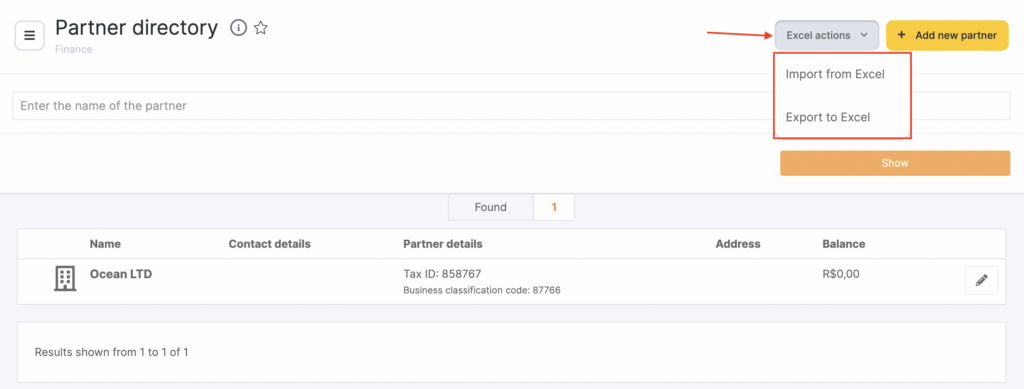
- Go to Finance > Suppliers and Partners.
- Click Excel operations, and in the drop-down list select Export from Excel.
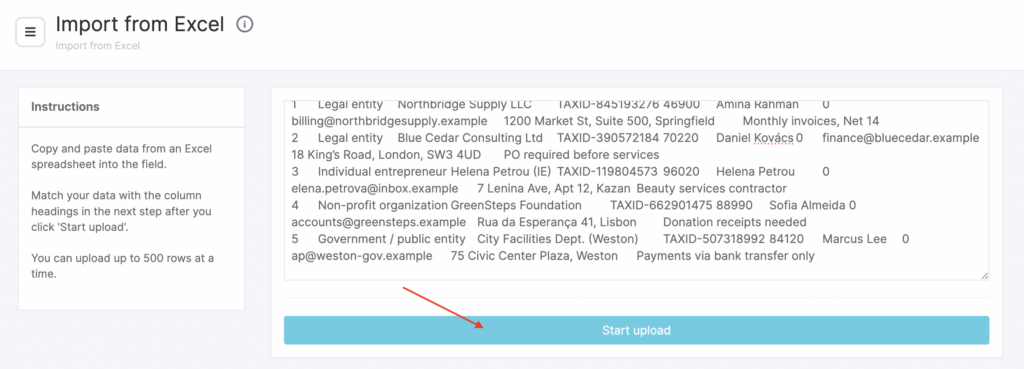
- Copy the data from the Excel table into the input field and click Upload.
No more than 500 rows of the table can be uploaded at a time.
- In the new window that opens, match the data to the table headers: Name, TIN, KPP, Contact person, Phone, Email, Address, and Comment.
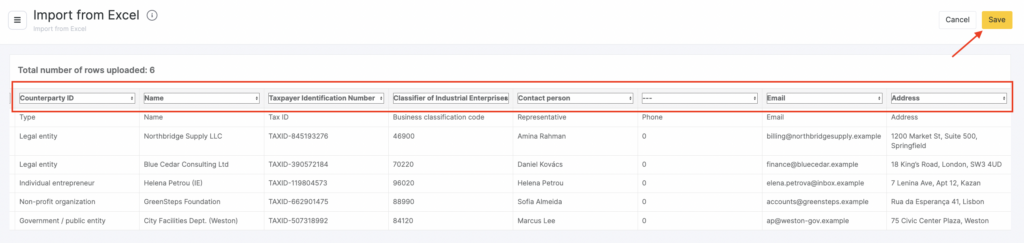
- Click Save.

